

Information
Credits
Denys Didenko
Alexander Malinovsky
Rico Rica
Justin Evans
Gadiel Ulanovsky
Nima Nassehi
Gerrit Goossens
Overview
PlayFitt — creating a new market to change the lifestyle for the better
Client
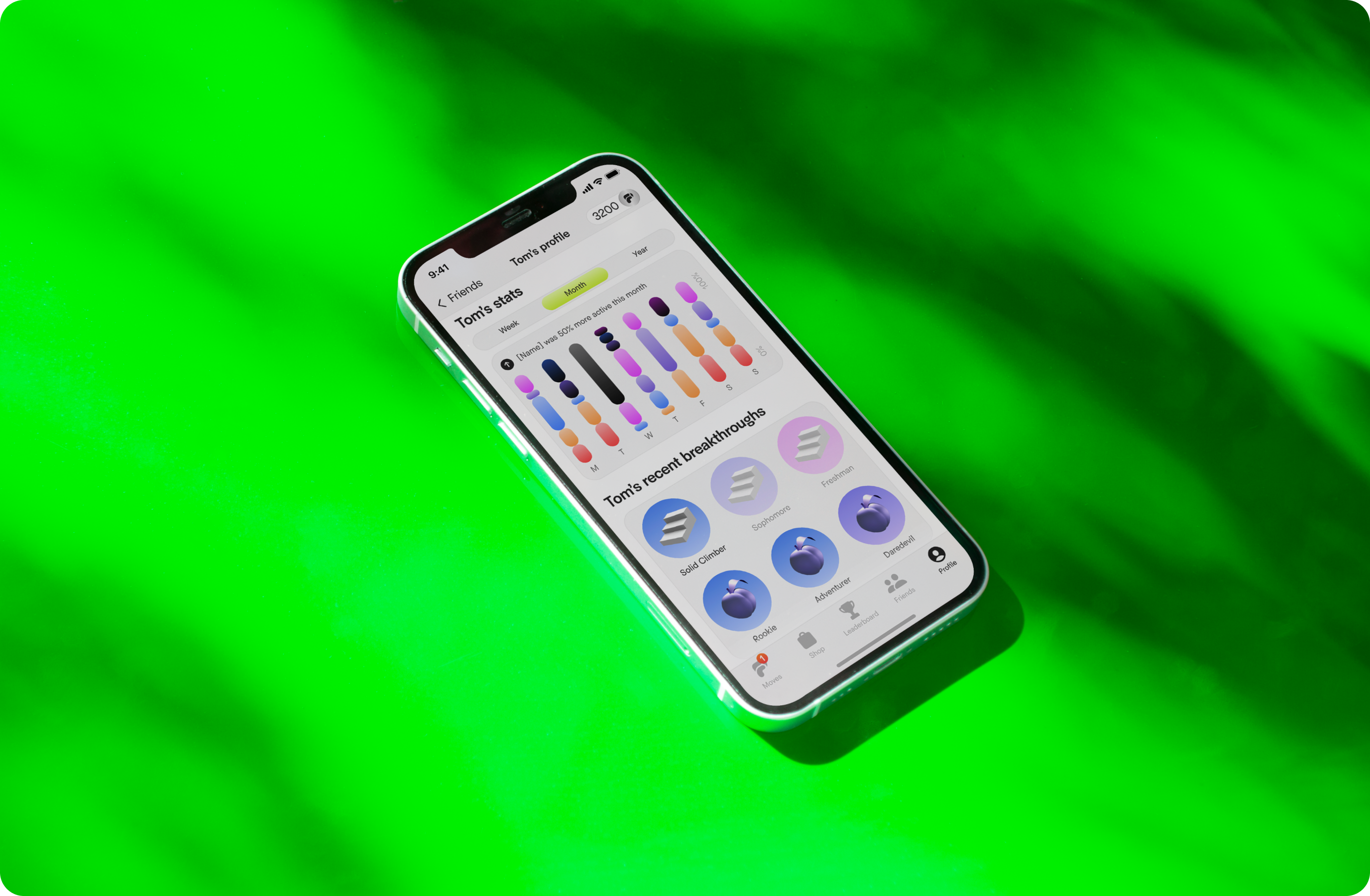
PlayFitt is a fitness tracker game that gets you addicted to healthy exercise habits. Together with Justin Evans, Rico Rica, and Alexander, I contributed to the design of hundreds of screens & components; created and maintained the design system ensuring its orderliness, consistency, precise layer names, modular practices being implemented, and automation.
Solution
To keep up with the fast pace of the startup and deliver world-class designs that would ultimately be featured in the App Store, we spent nearly two years working on PlayFitt, constantly learning something new every day. We immersed ourselves in Apple lectures, read countless articles, and gained valuable insights through daily practice. As a result, we had created a scalable design system that significantly improved the development process.
Challenge
"Hi, we are building an IOS game in the health and wellness space and need someone who is super killer at figma to help us. We are trying to create a new market and to change our users life for the better. The means we need to be rigourous and adventurous in our approach to design. We care like crazy and need you to as well."

Design
Design Approach
Comprehensive design system
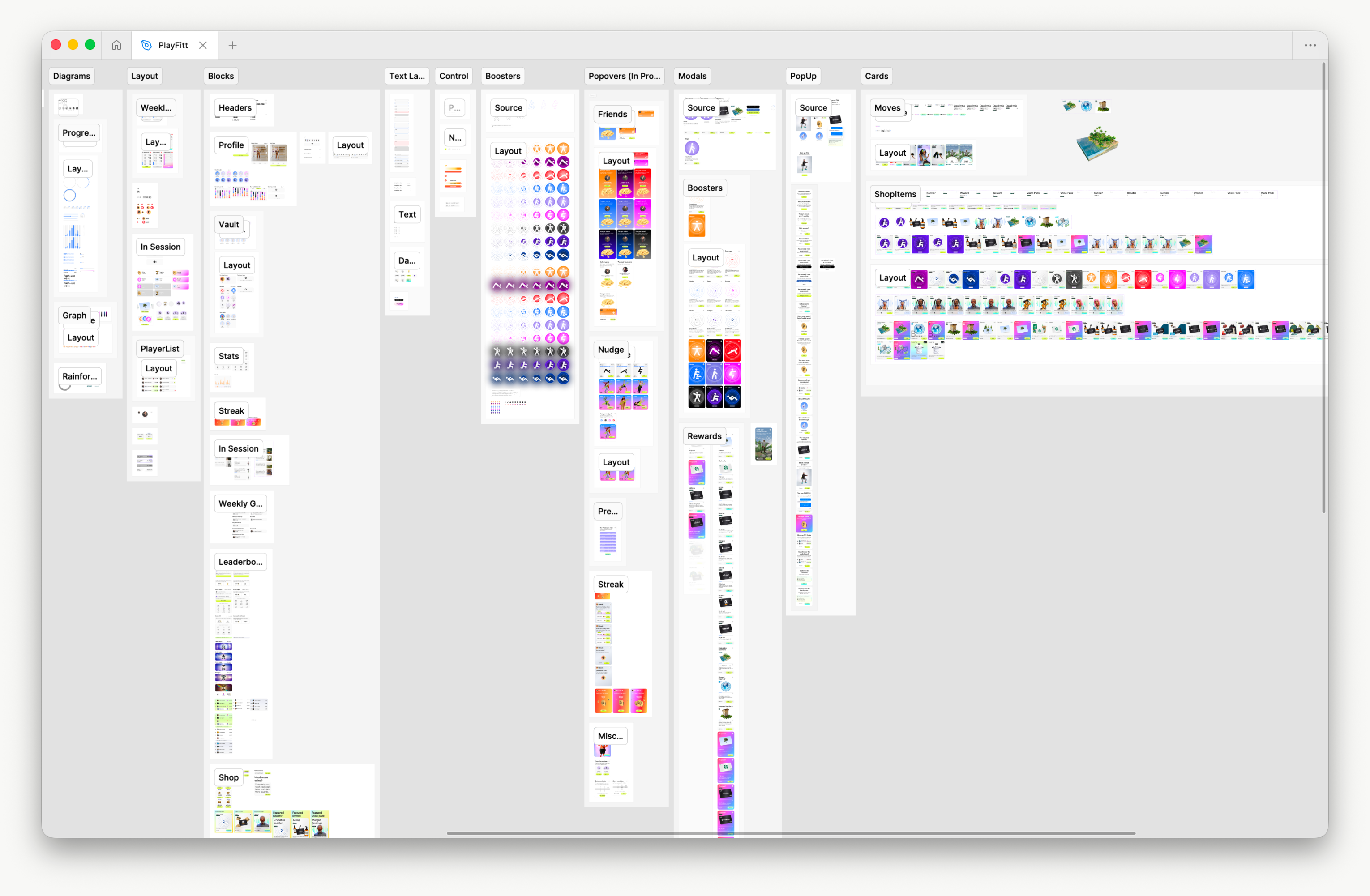
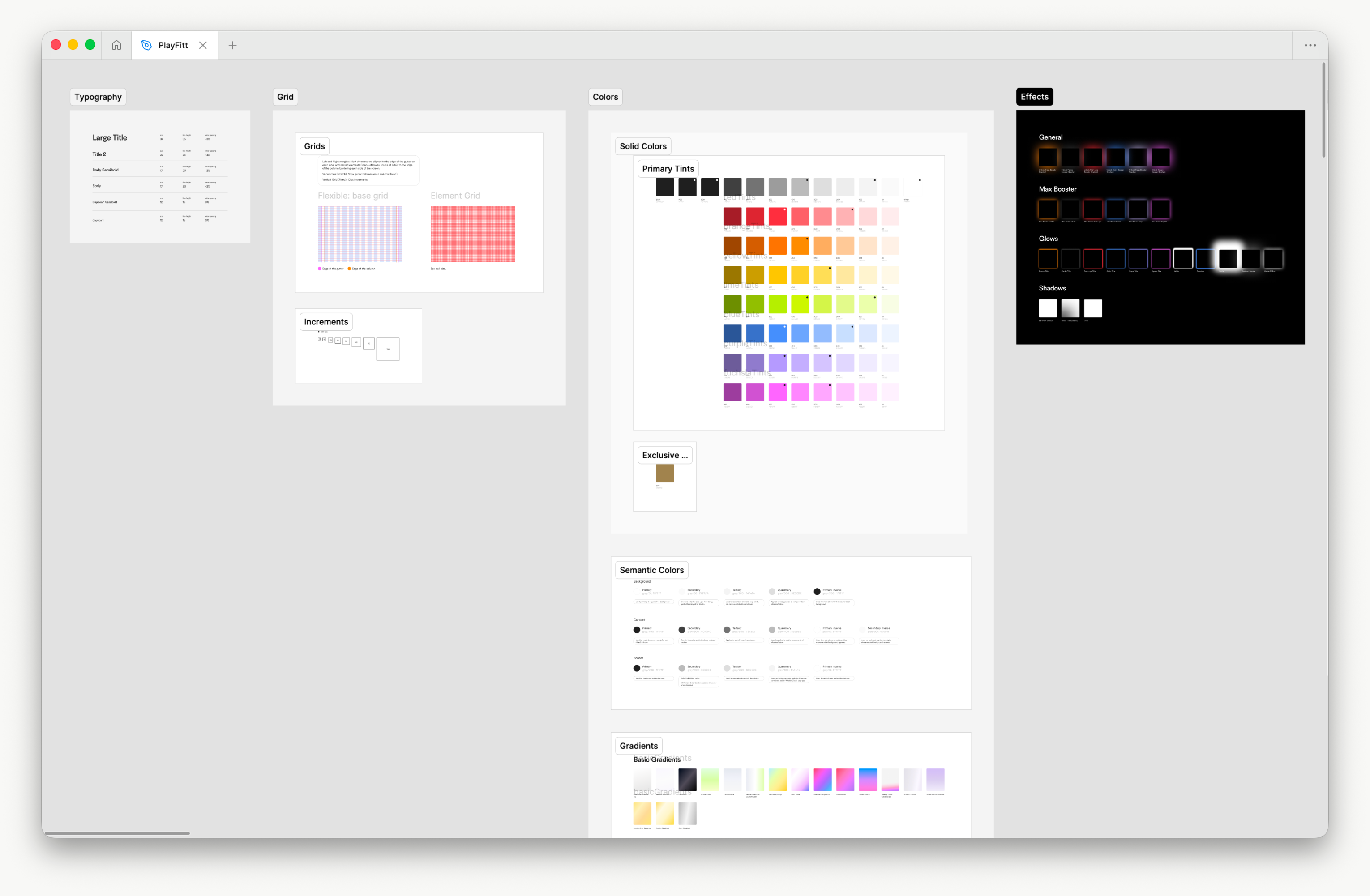
The design system was completely reimagined and developed from the ground up as a modern, modular, and automated collection of components. It helps designers and developers to create interfaces with greater efficiency, consistency, and speed, significantly reducing development time. The system comprises thousands of individual components and detailed guidelines, providing a robust framework that ensures effective collaboration.
Modular components
We implemented a modular design approach by breaking down the interface into smaller, reusable components, which can be easily combined and customized to build more complex layouts. Using the atomic design system, we organized these components hierarchically—starting with basic elements like buttons and input fields (atoms) that combine into larger components (molecules, organisms, etc).
Vivid & accessible game UI
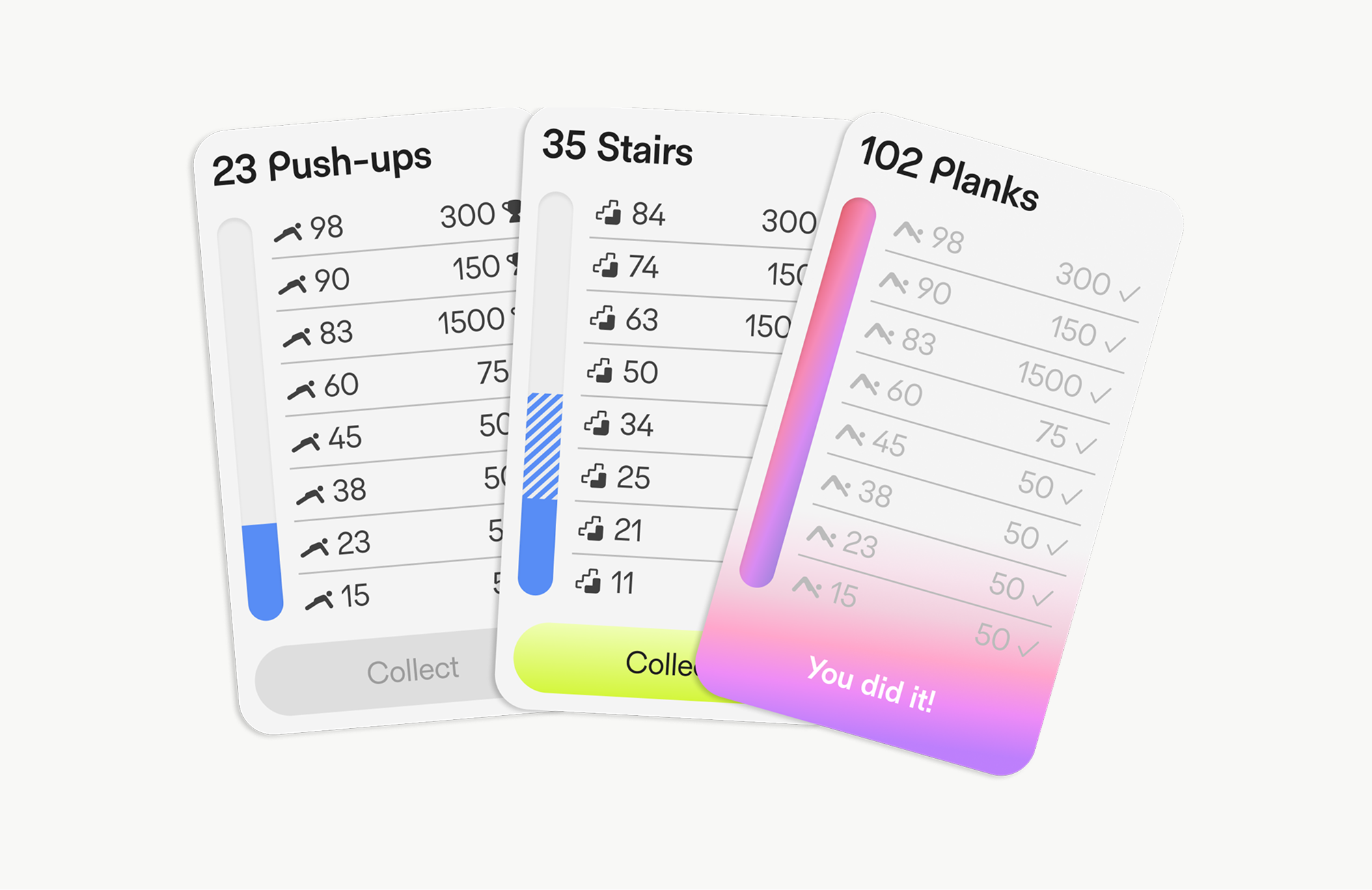
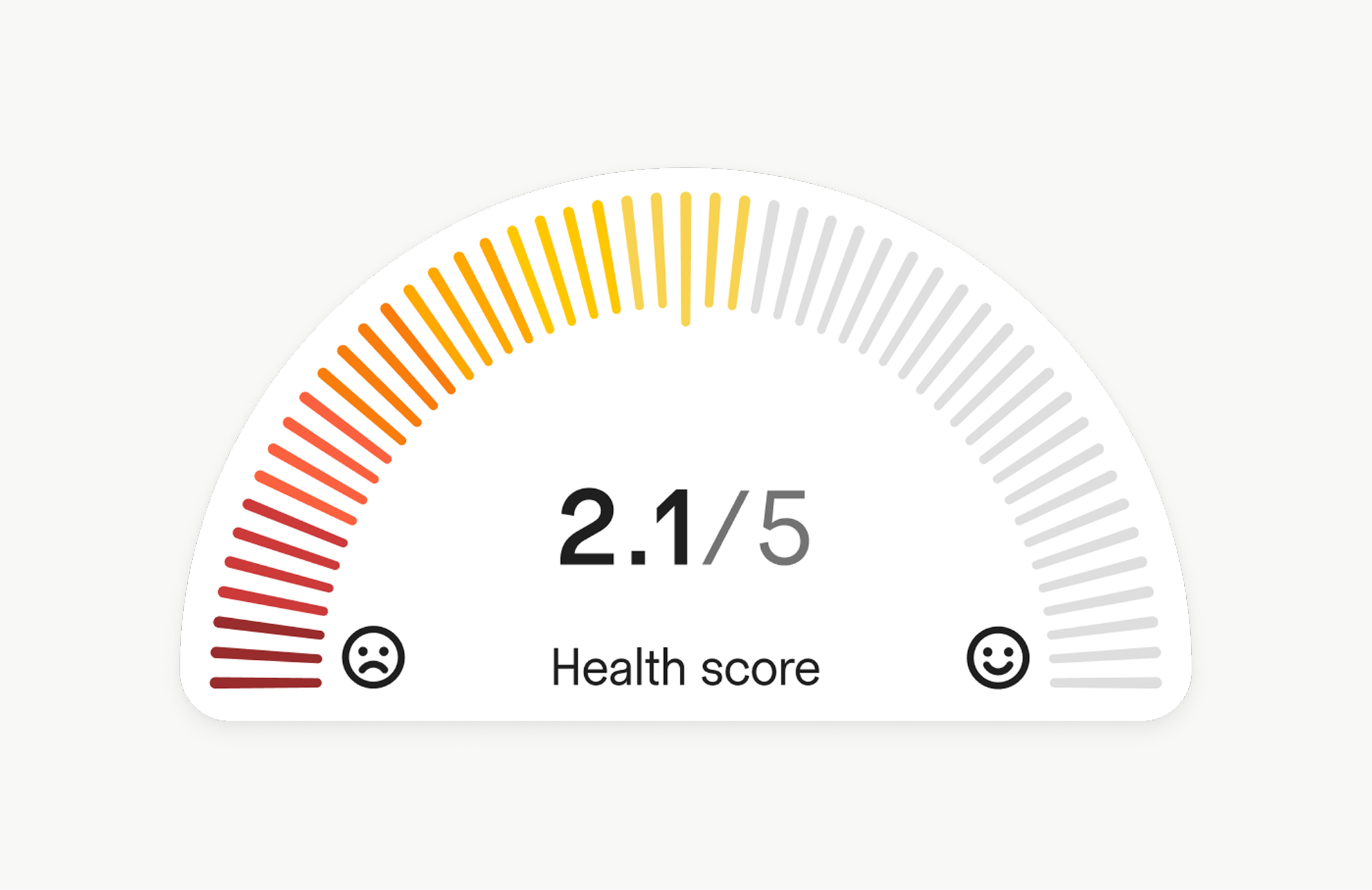
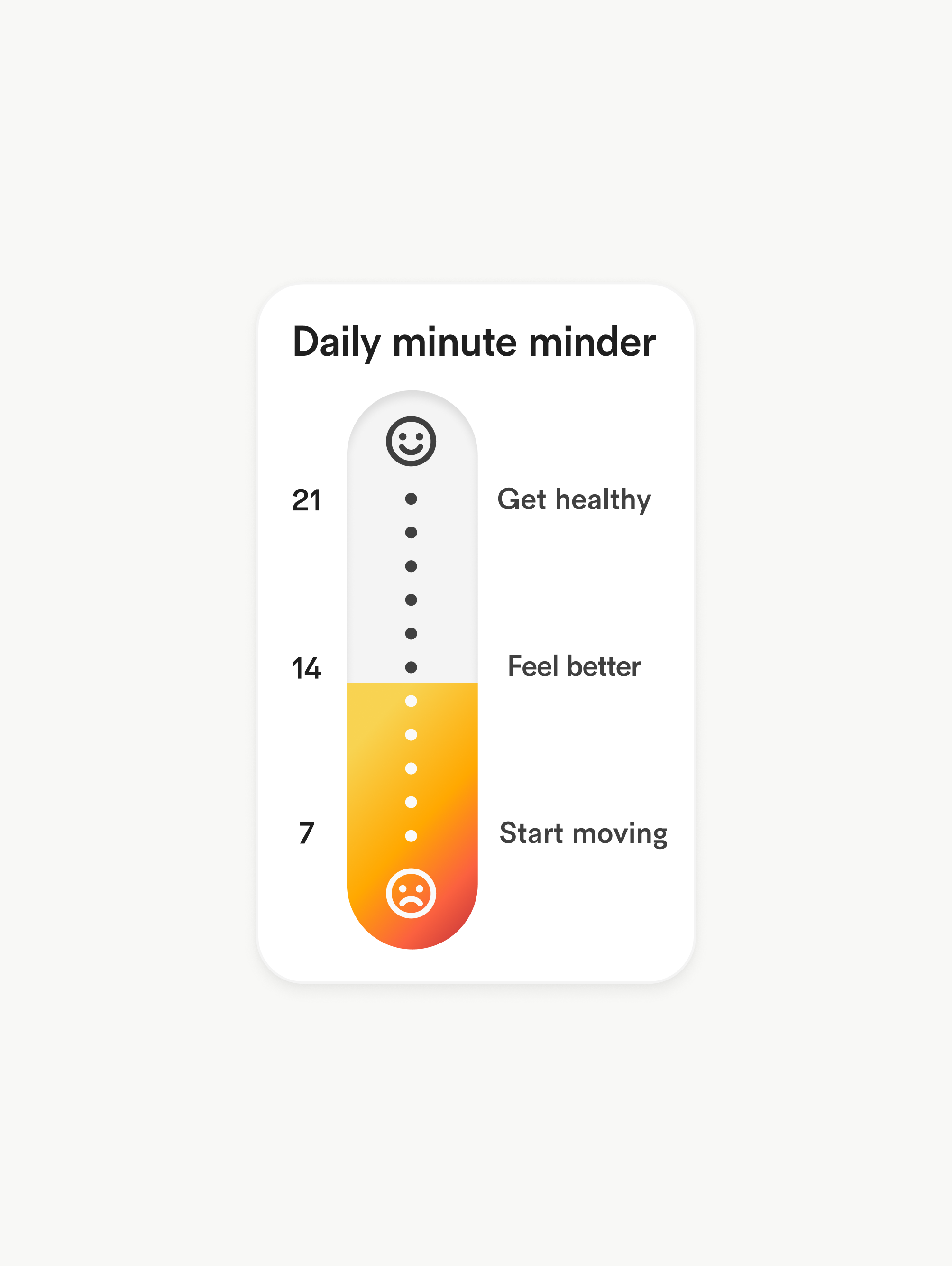
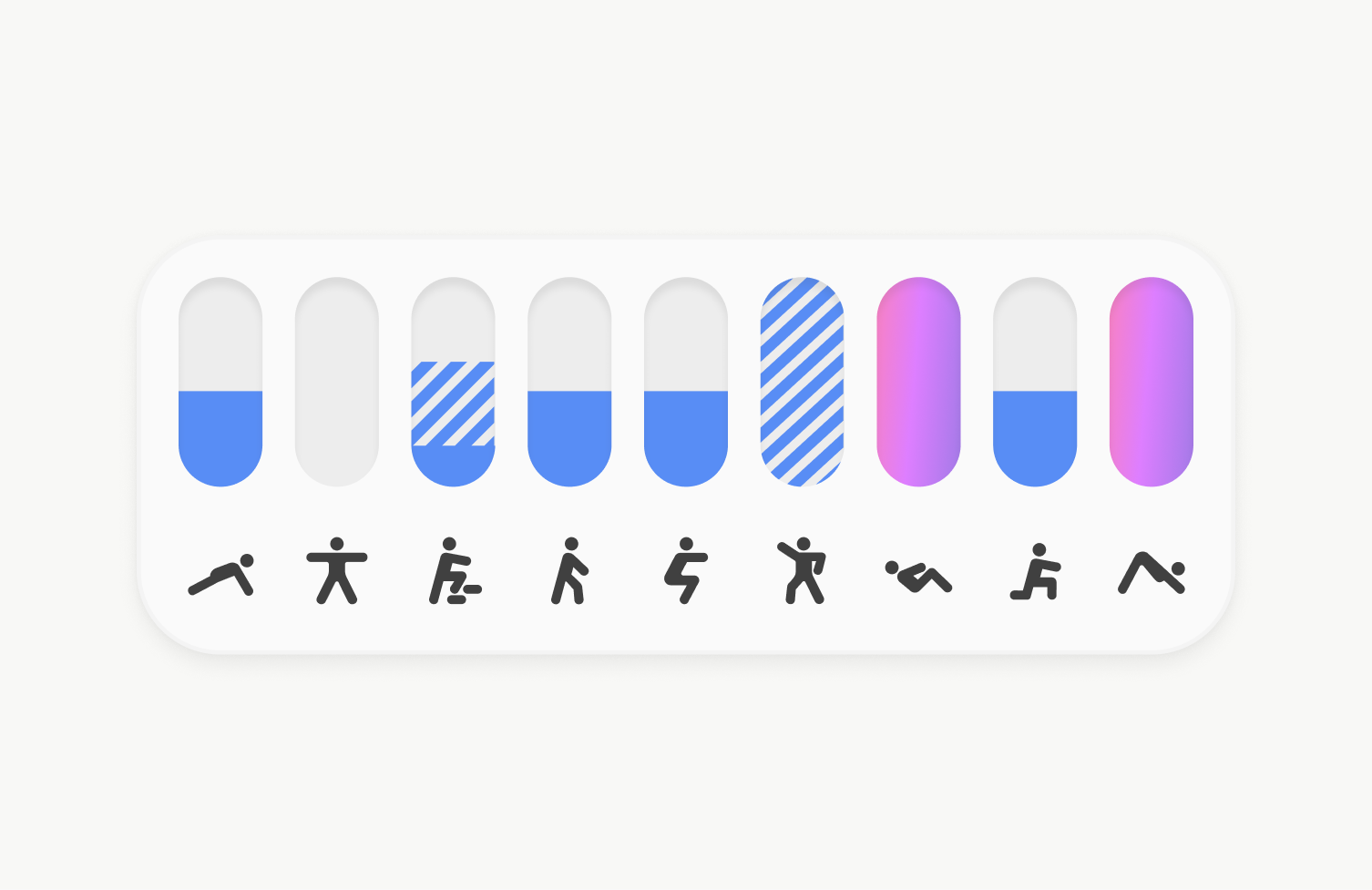
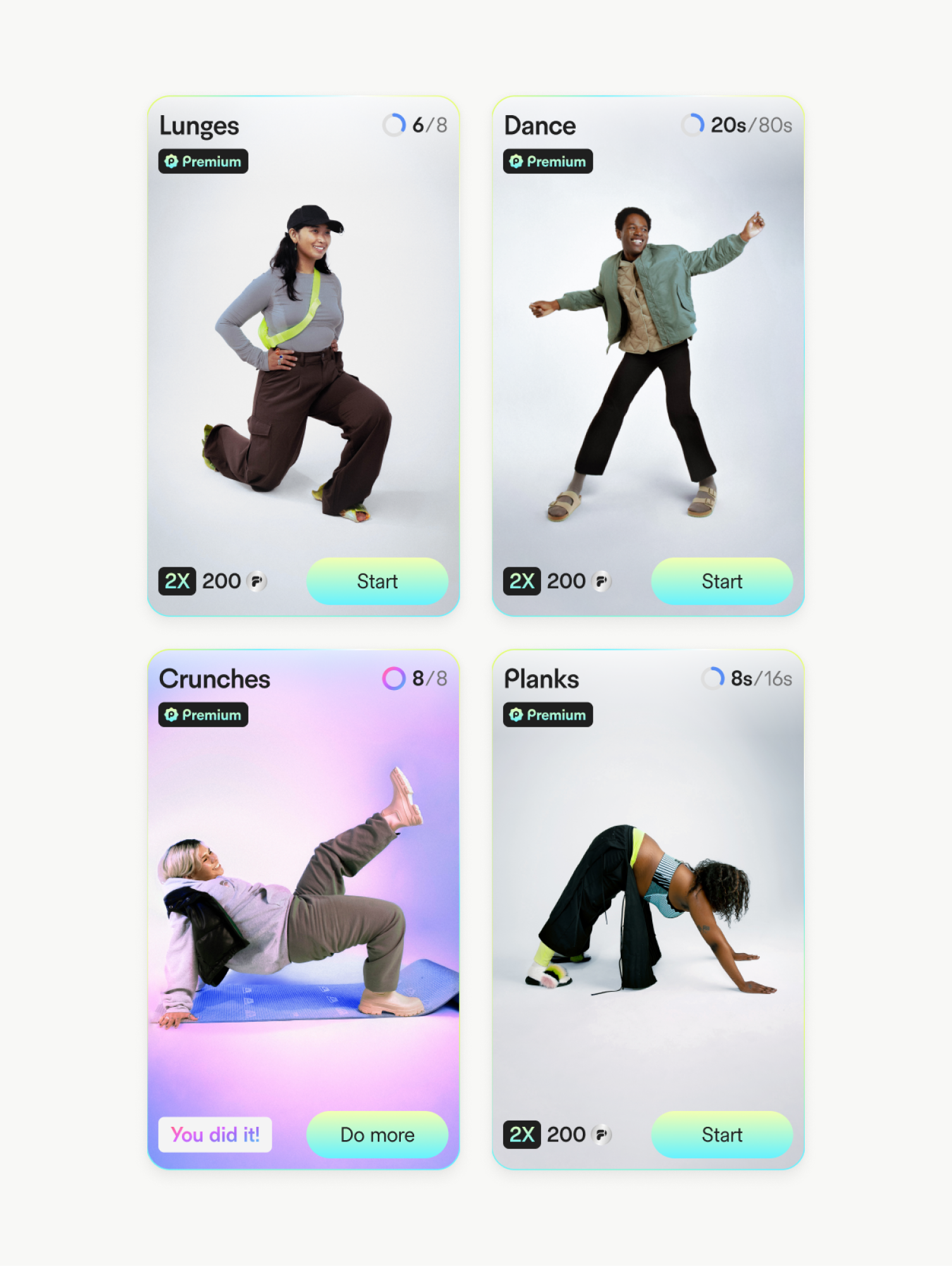
The fitness app's vivid UI brings a dynamic and engaging experience to users by incorporating gamified elements that make tracking workouts and progress fun and motivating. With bold colors, playful animations, and interactive features, the interface feels cool and energetic, inspiring users to stay active. Progress bars, achievements, and rewards enhance the sense of accomplishment, while the intuitive layout supports additional accessibility for all users.
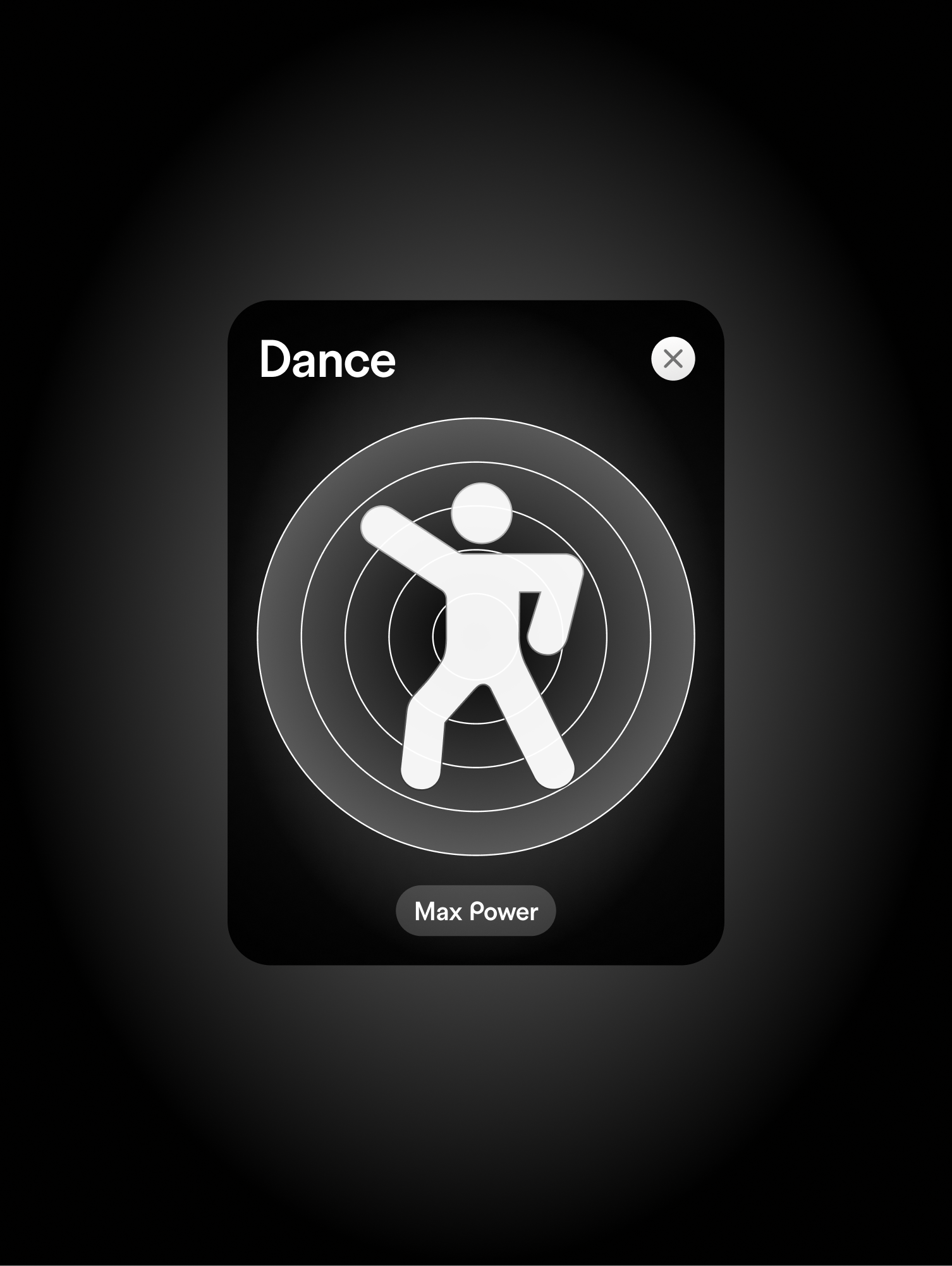
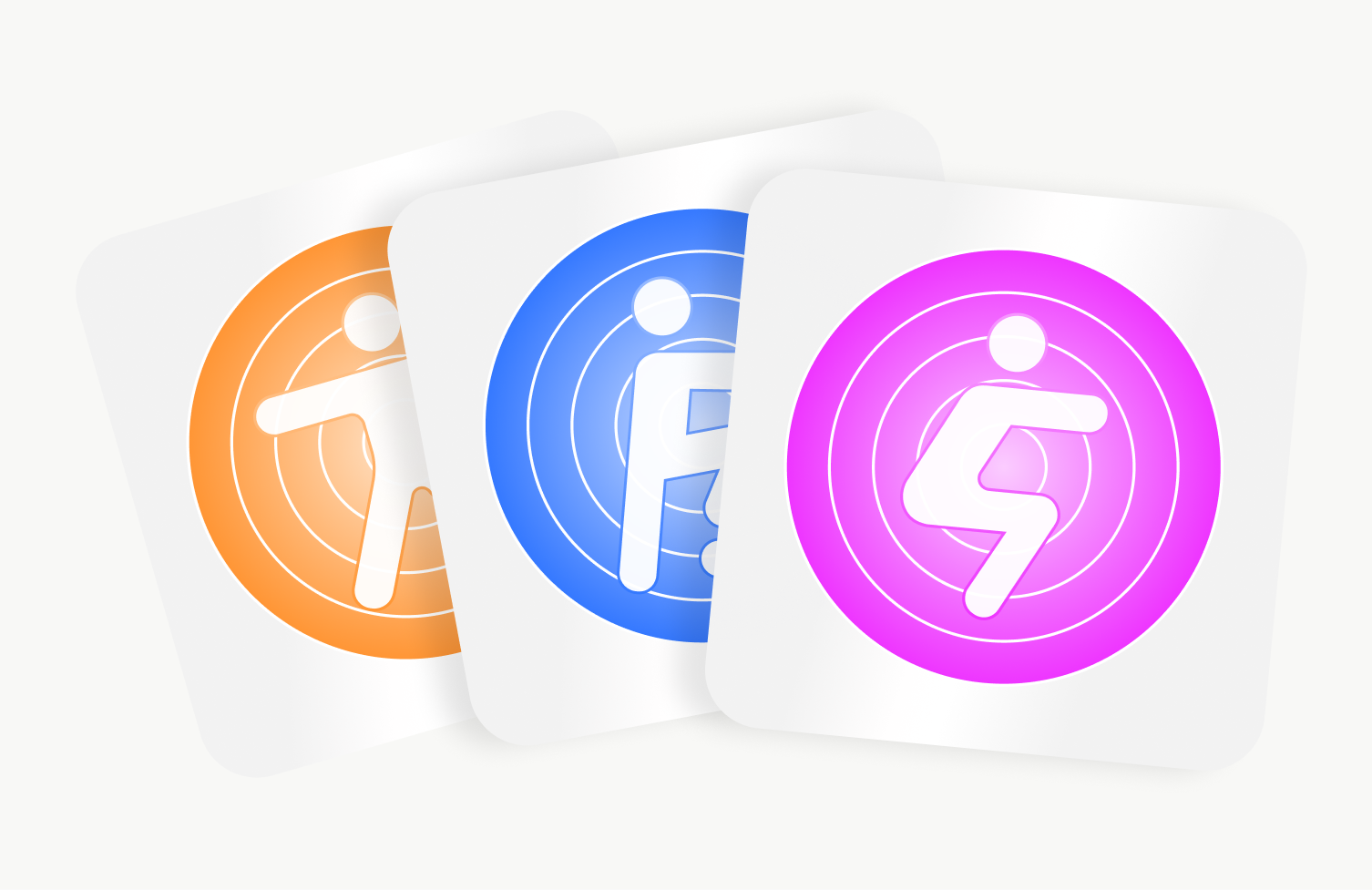
Booster indicators
Design
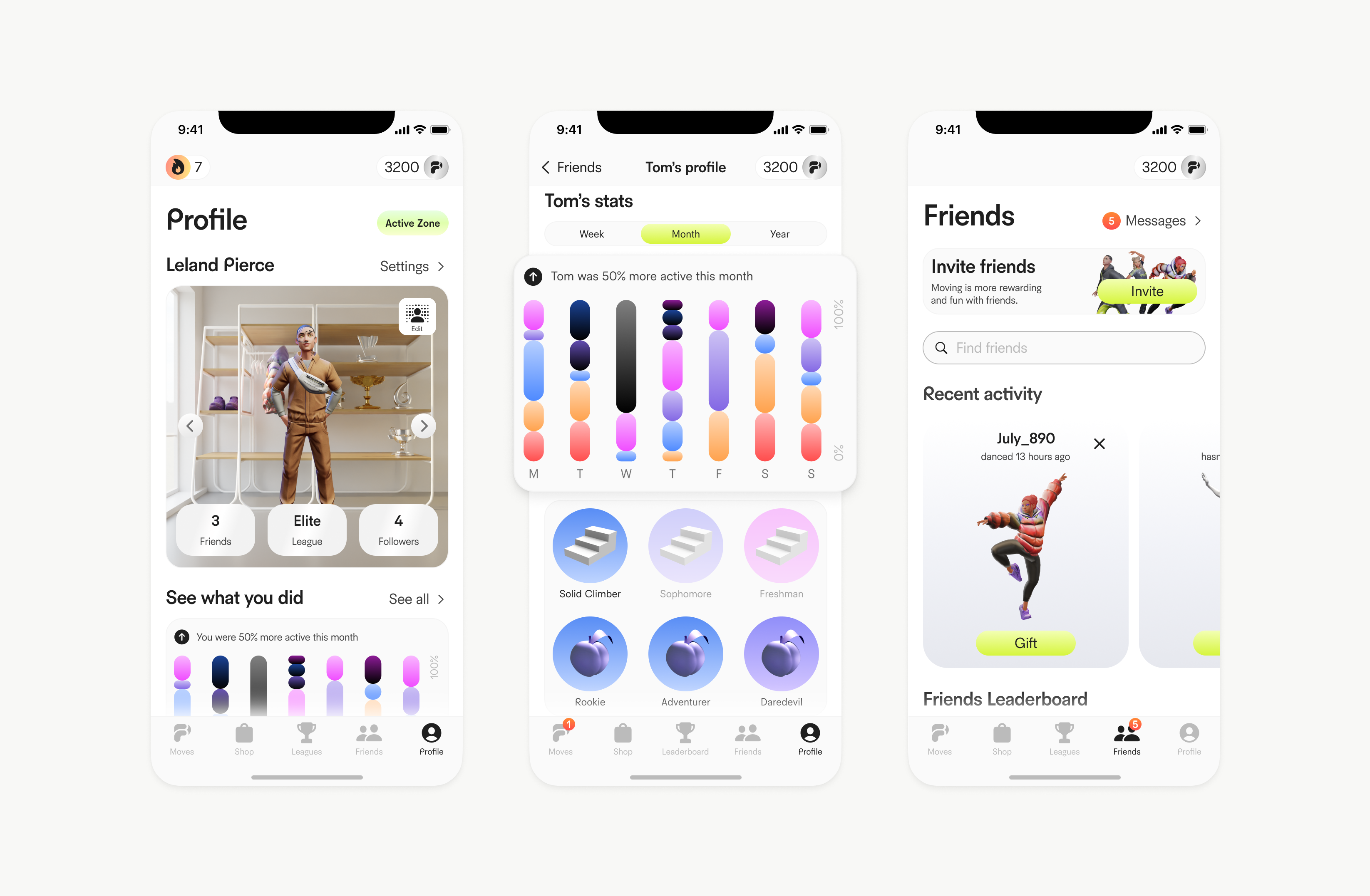
Gamified Fitness Experience (Profile, Leaderboard, Friends)
Gamified Experience and Visual System
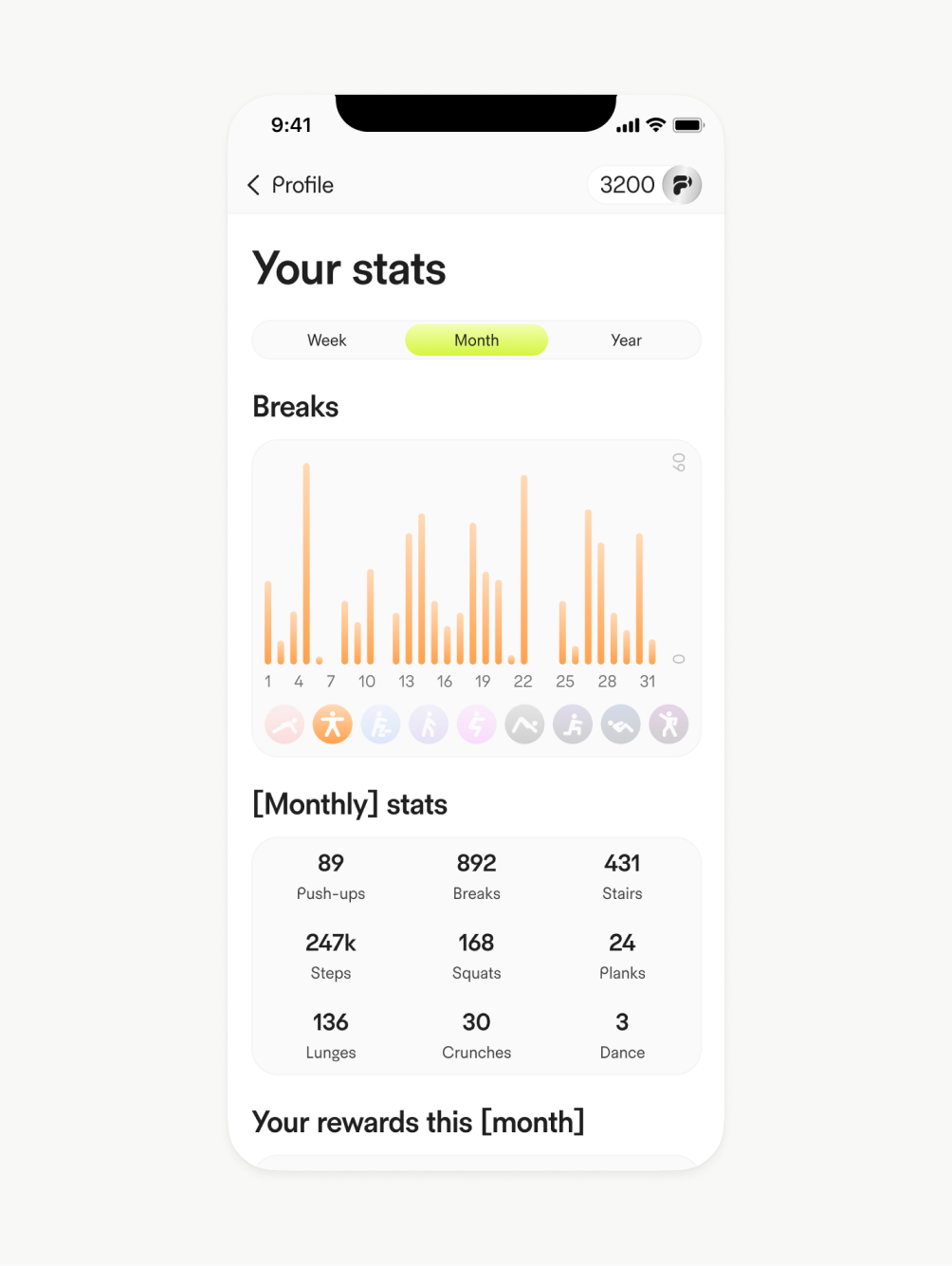
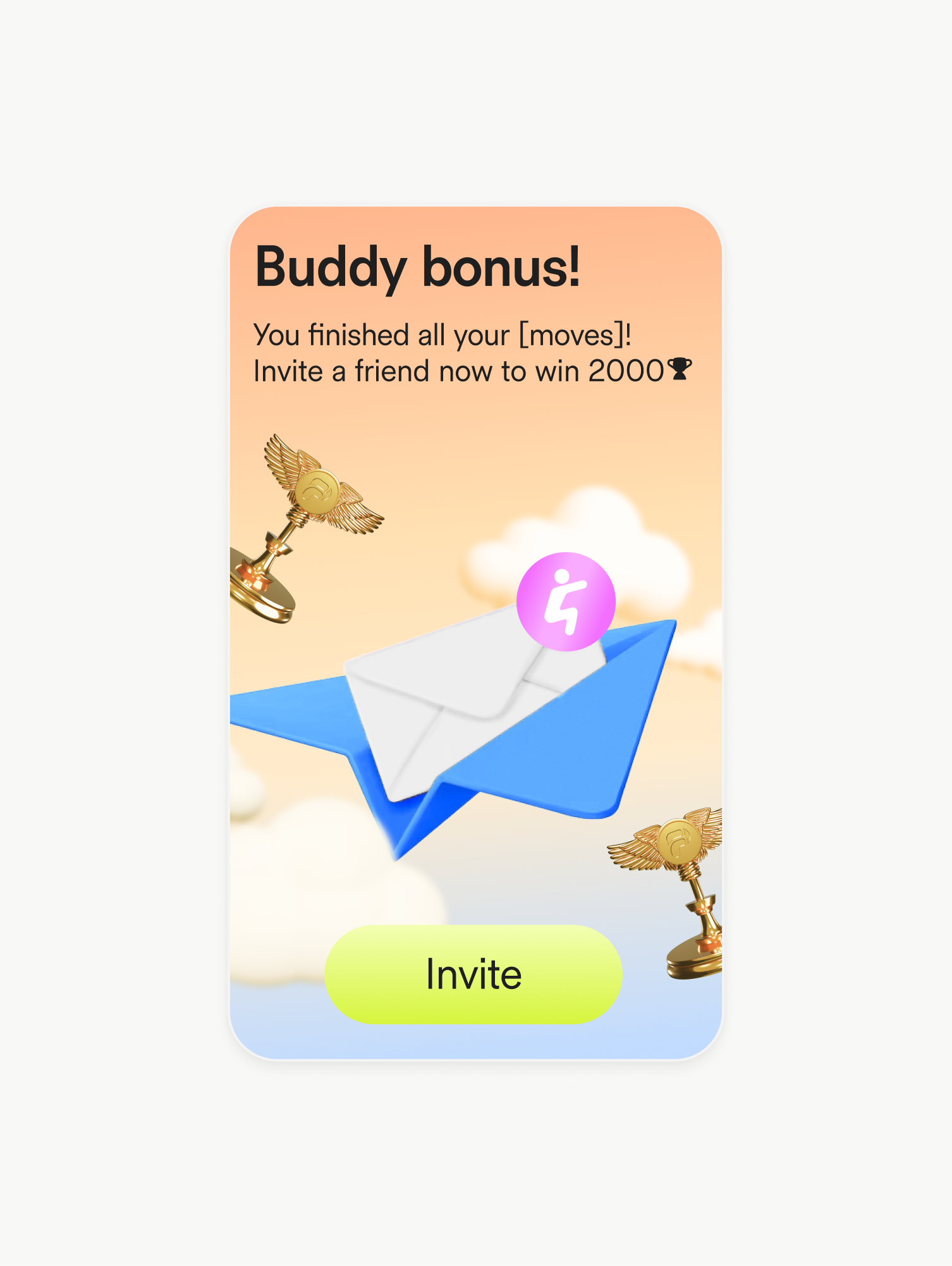
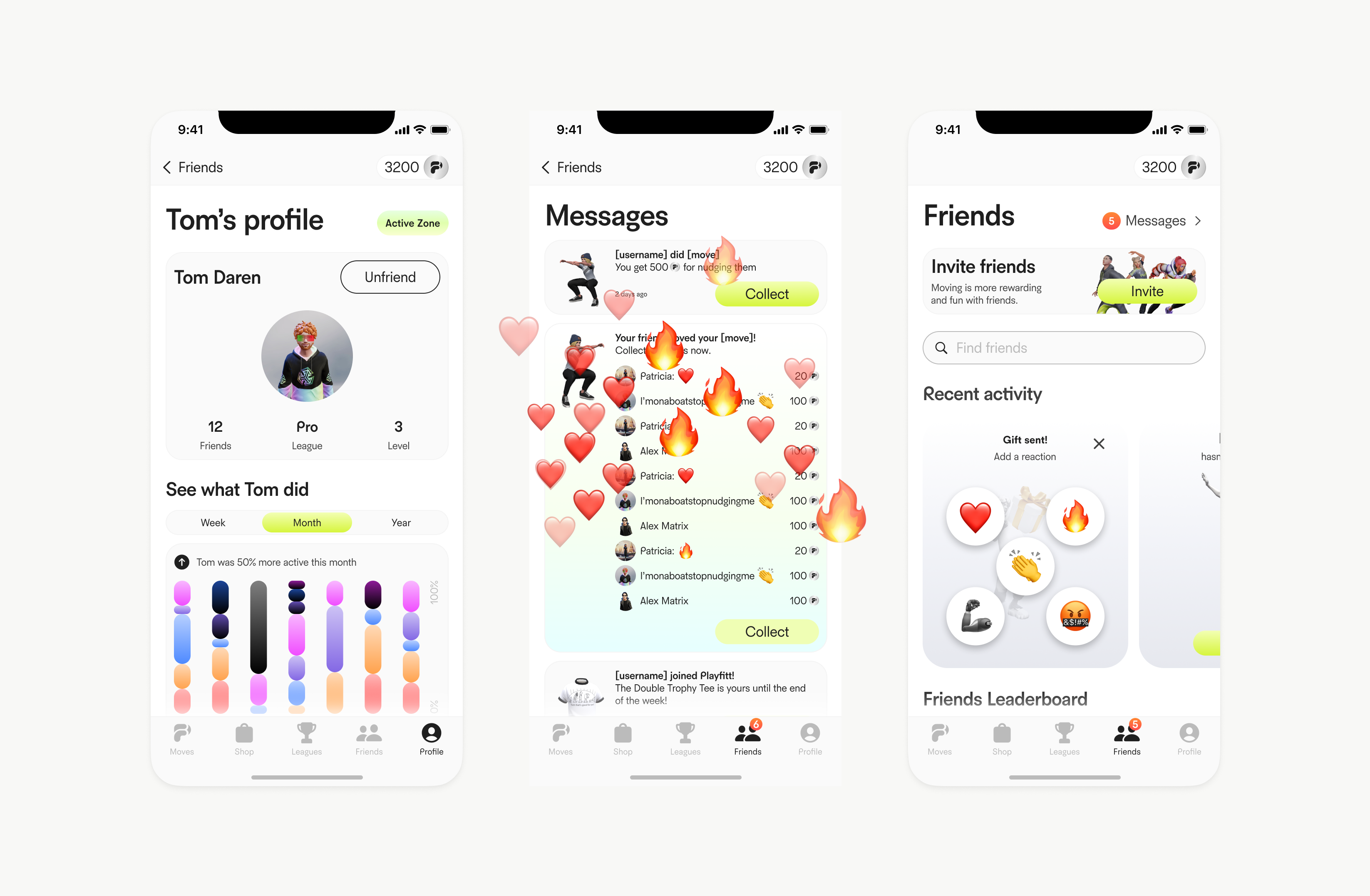
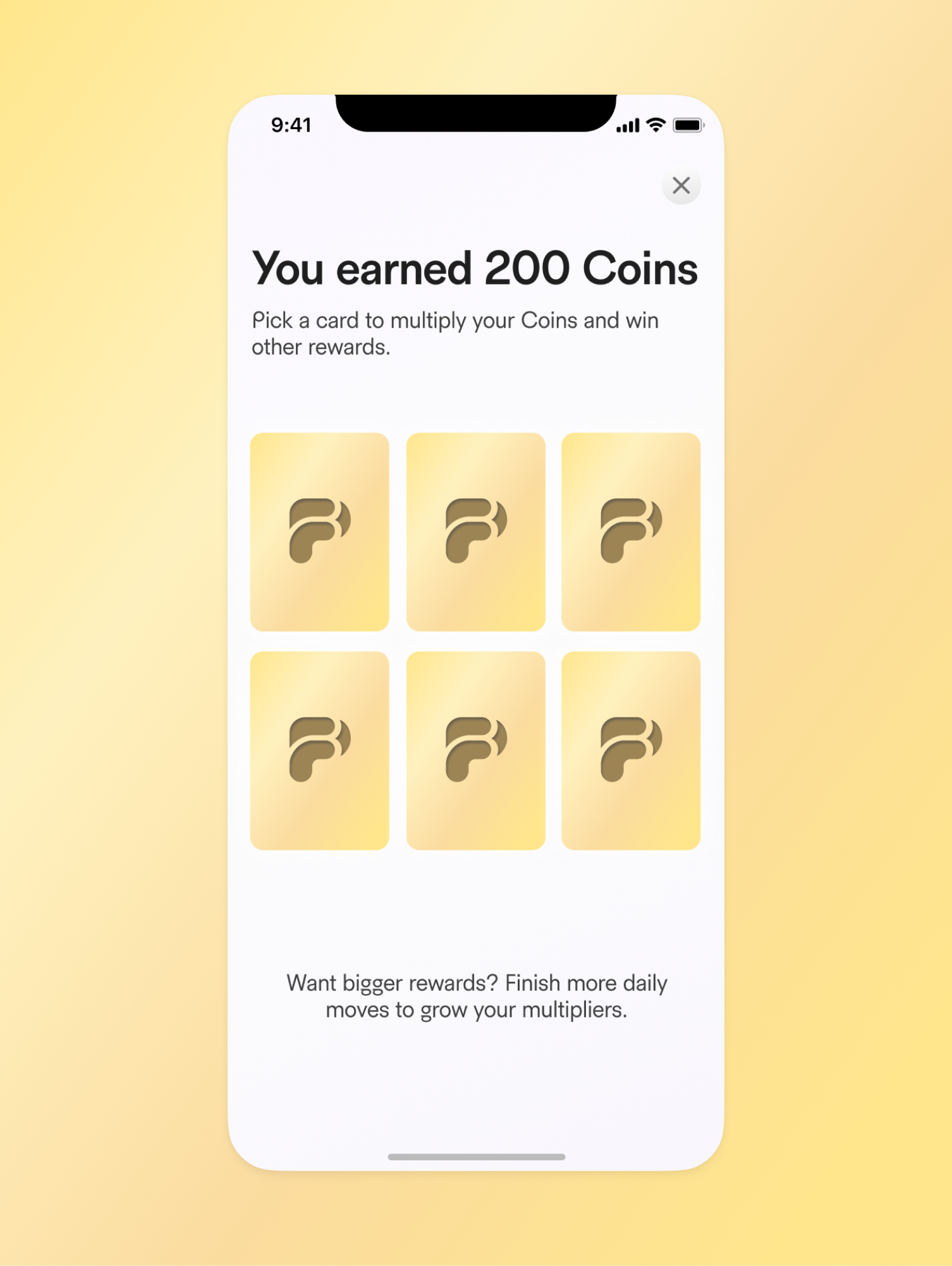
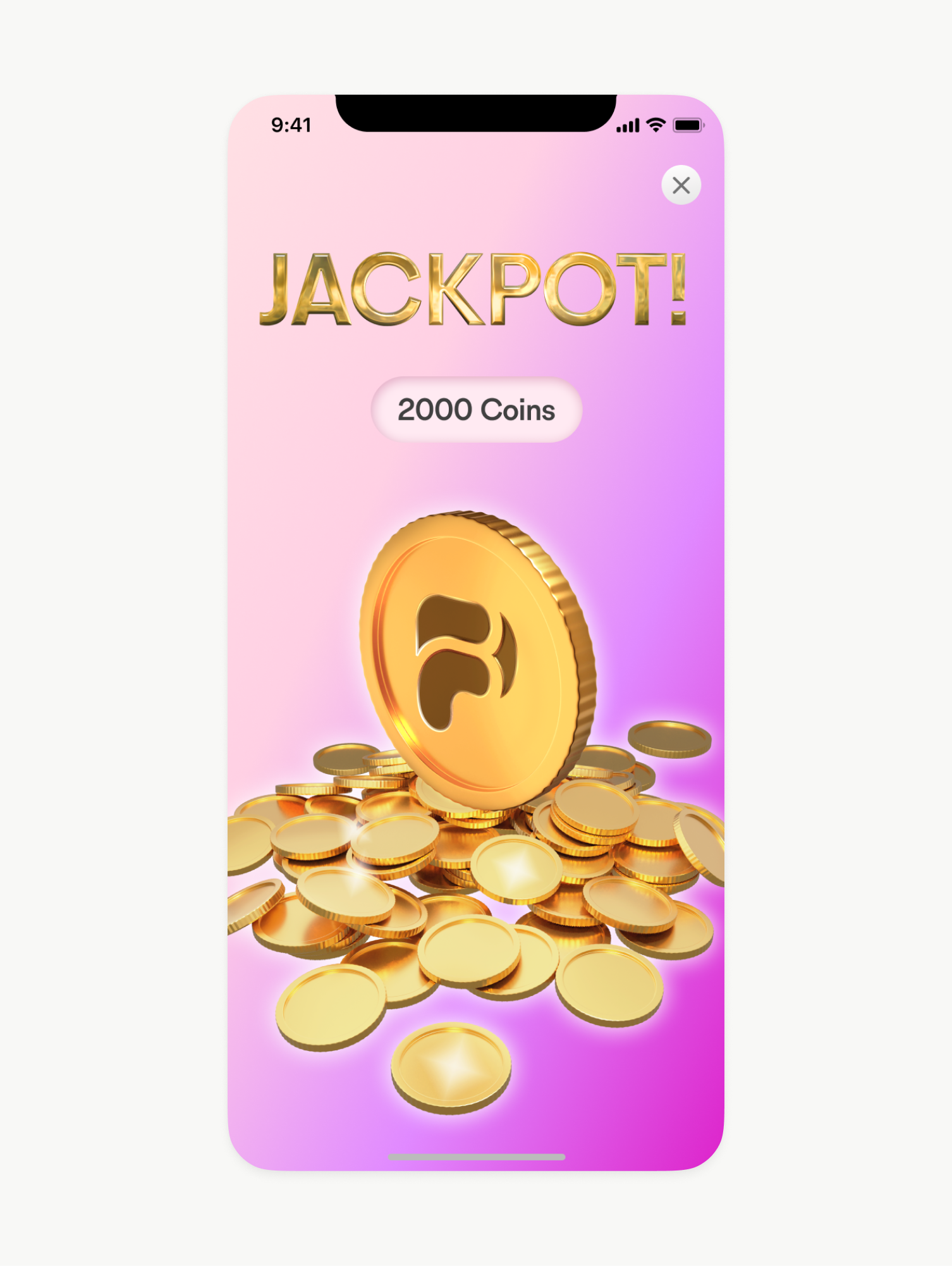
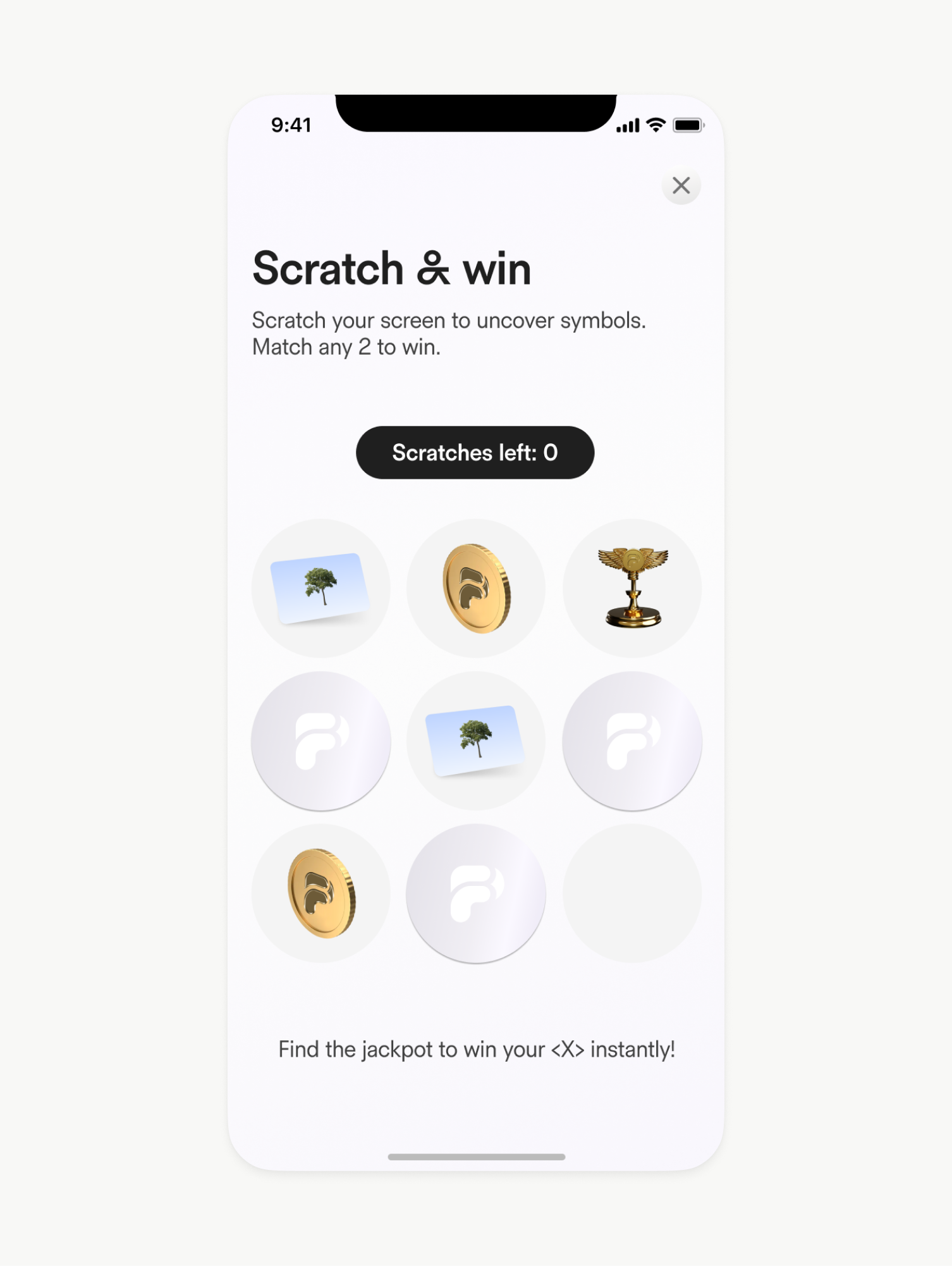
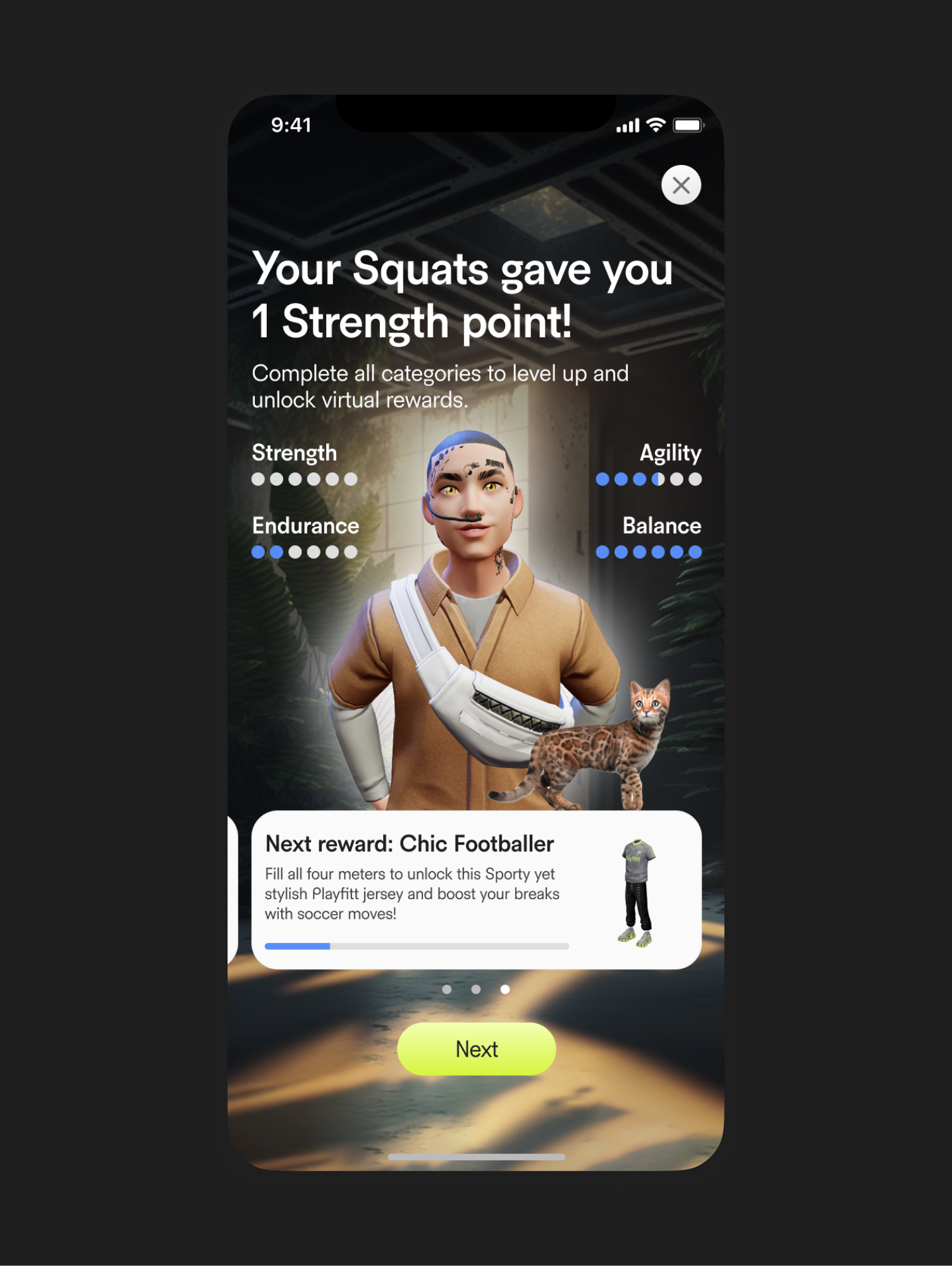
The product was designed as a fitness-first experience wrapped in a game-like environment, where progress, rewards, and social feedback play a central role in user motivation. Every screen contributes to a clear sense of progression, ownership, and achievement. The interface combines functional fitness tracking with playful visual elements: avatars, collectible items, leagues, bonuses, and animated feedback states. These elements are not decorative; they are tightly integrated into the core product logic and reinforce habit formation through consistent visual rewards.
Progress, Rewards, and Motivation
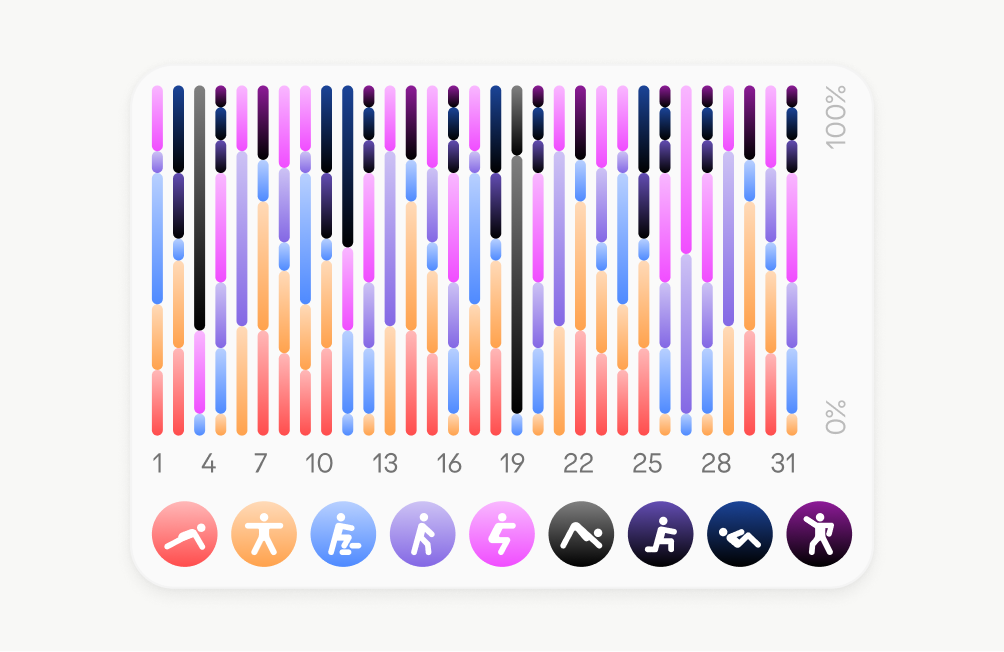
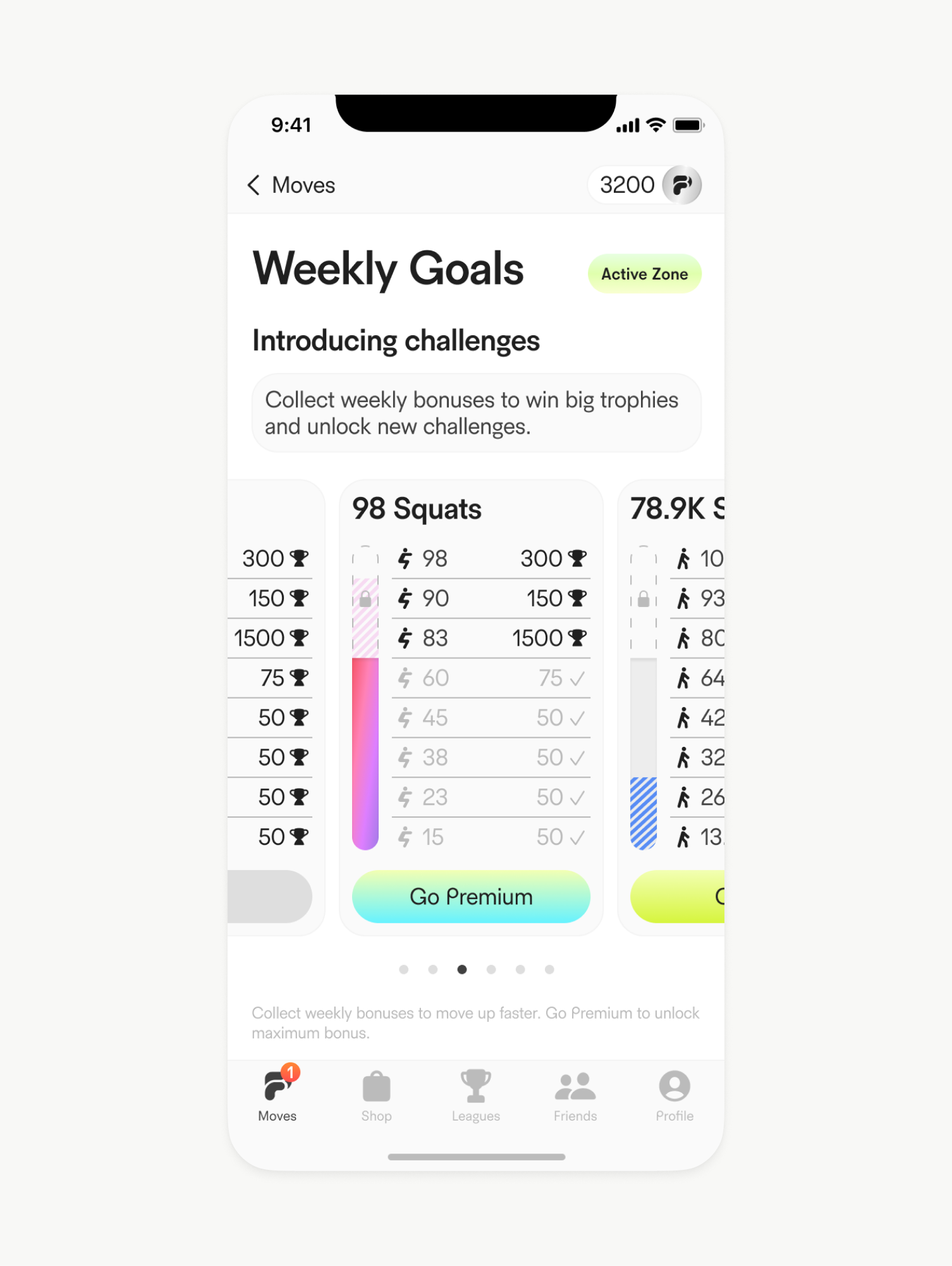
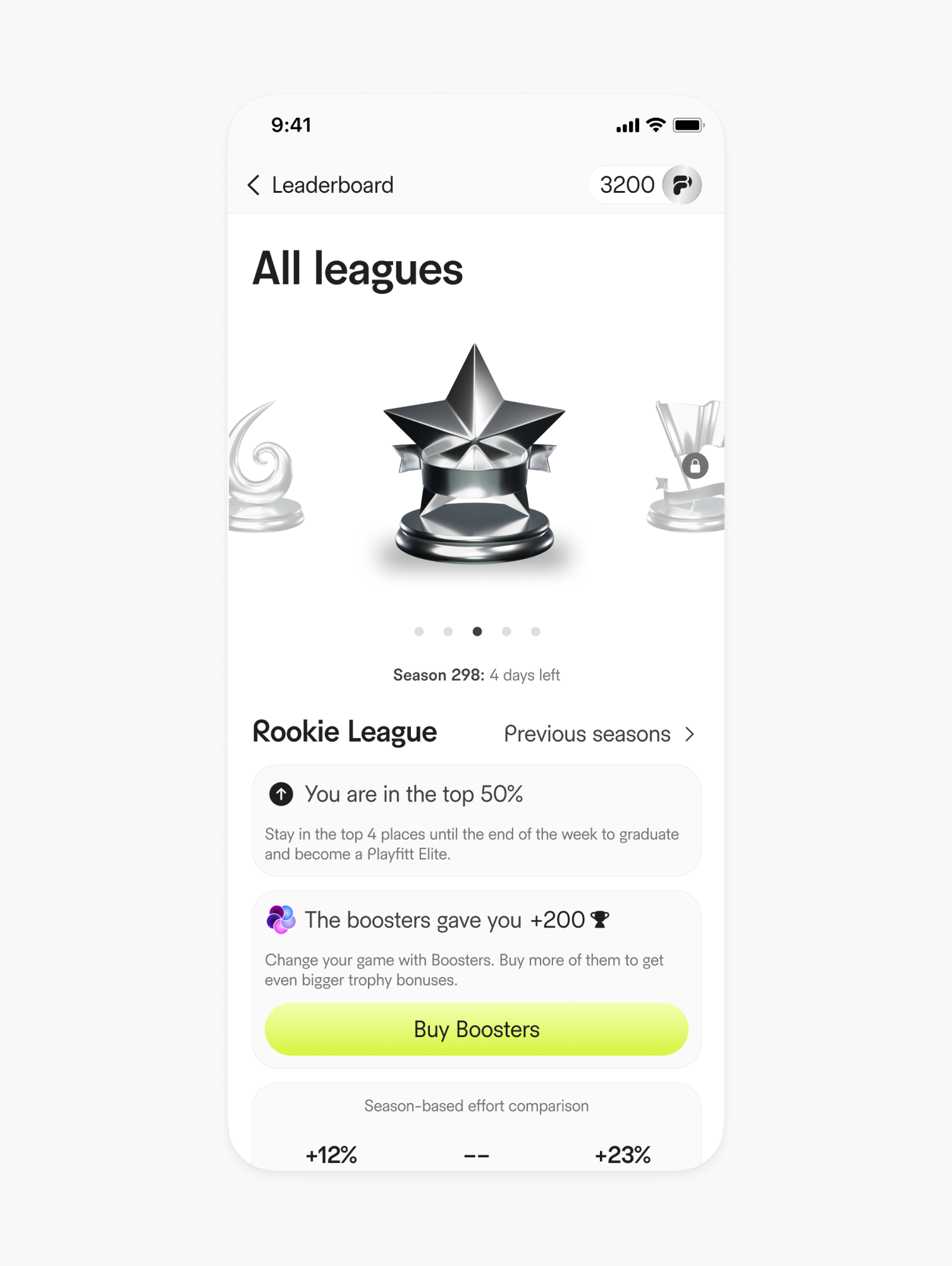
User progress is communicated through multiple layers: stats dashboards, weekly goals, streak indicators, and milestone screens. Each interaction provides immediate feedback — whether through progress bars, celebratory messages, or earned bonuses — reinforcing the sense of momentum. Leagues and leaderboards introduce a light competitive layer without overwhelming the experience. Rankings, badges, and trophies are visually distinct and easy to scan, ensuring that competition feels motivating rather than stressful.
Inventory, Collectibles, and Rewards
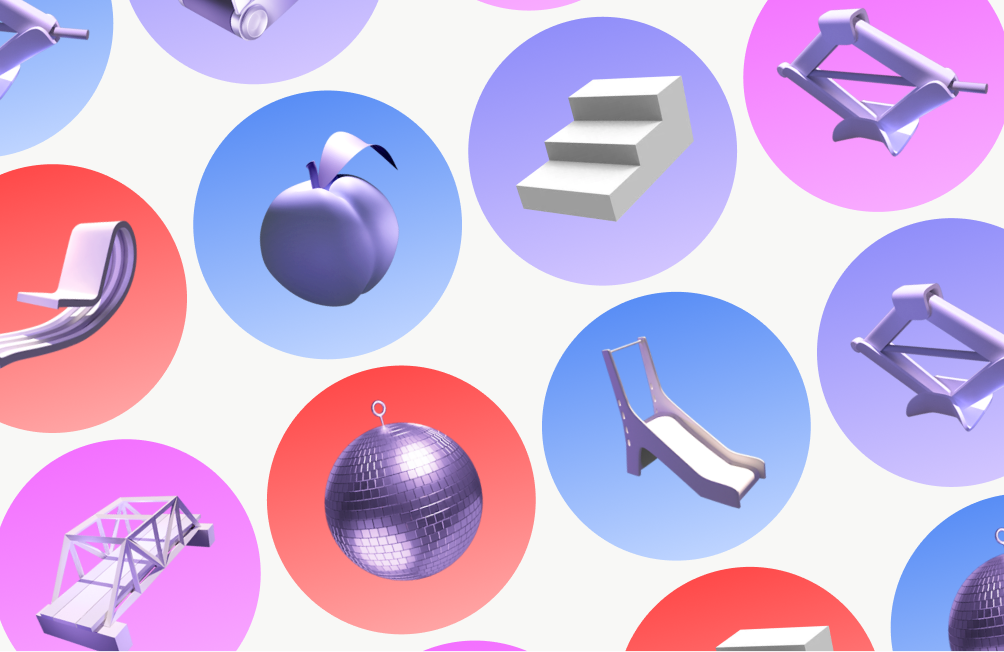
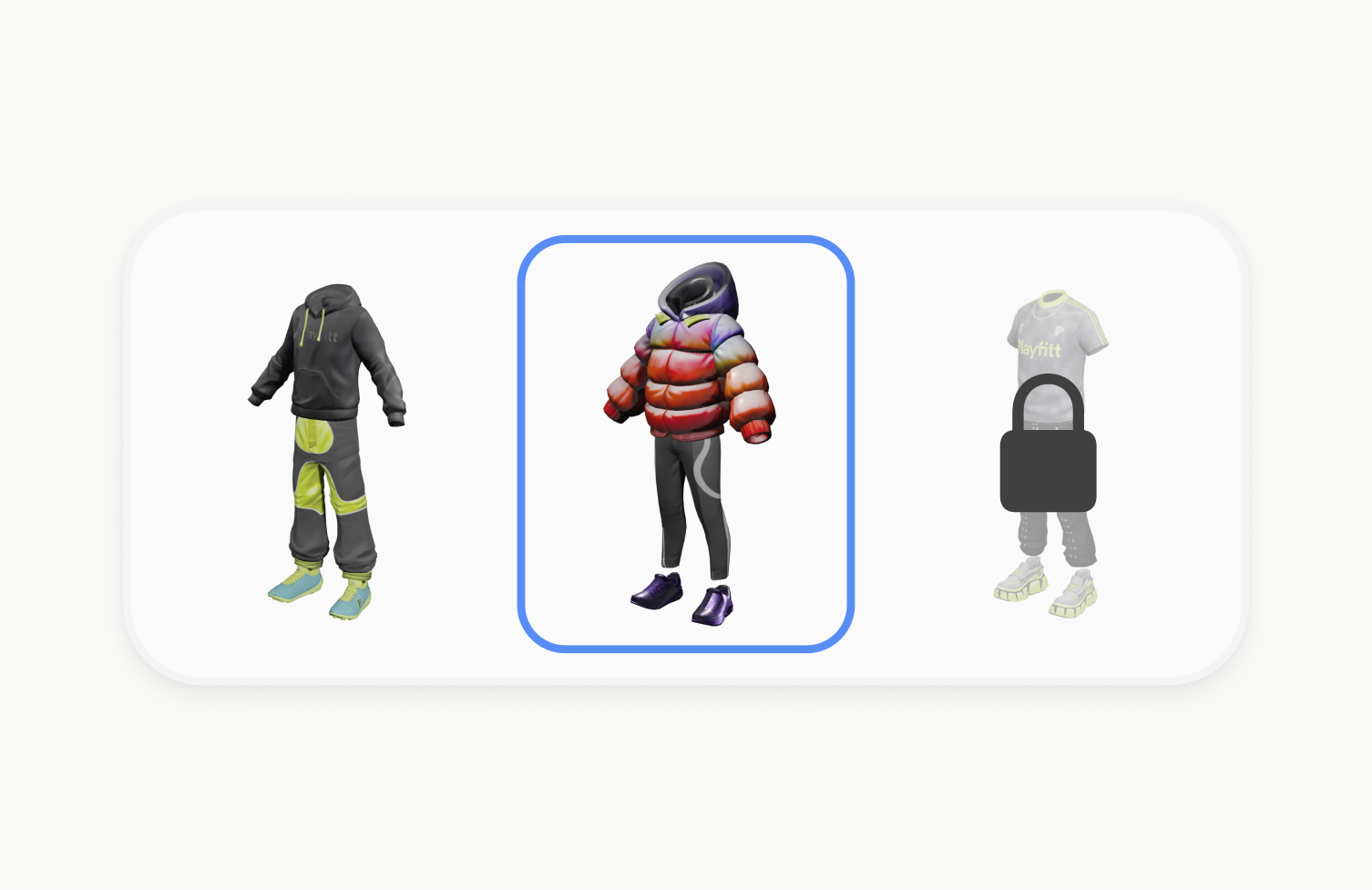
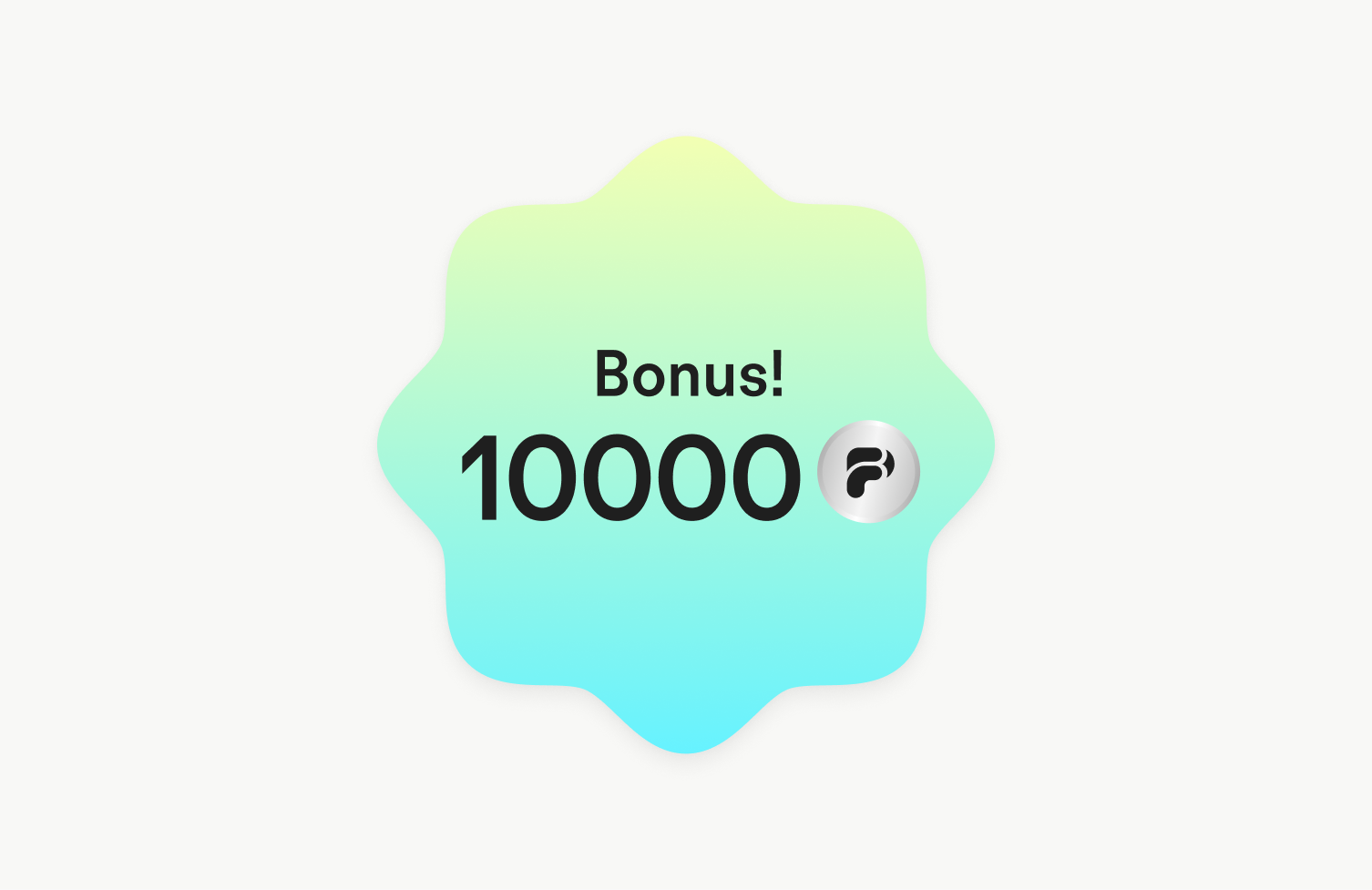
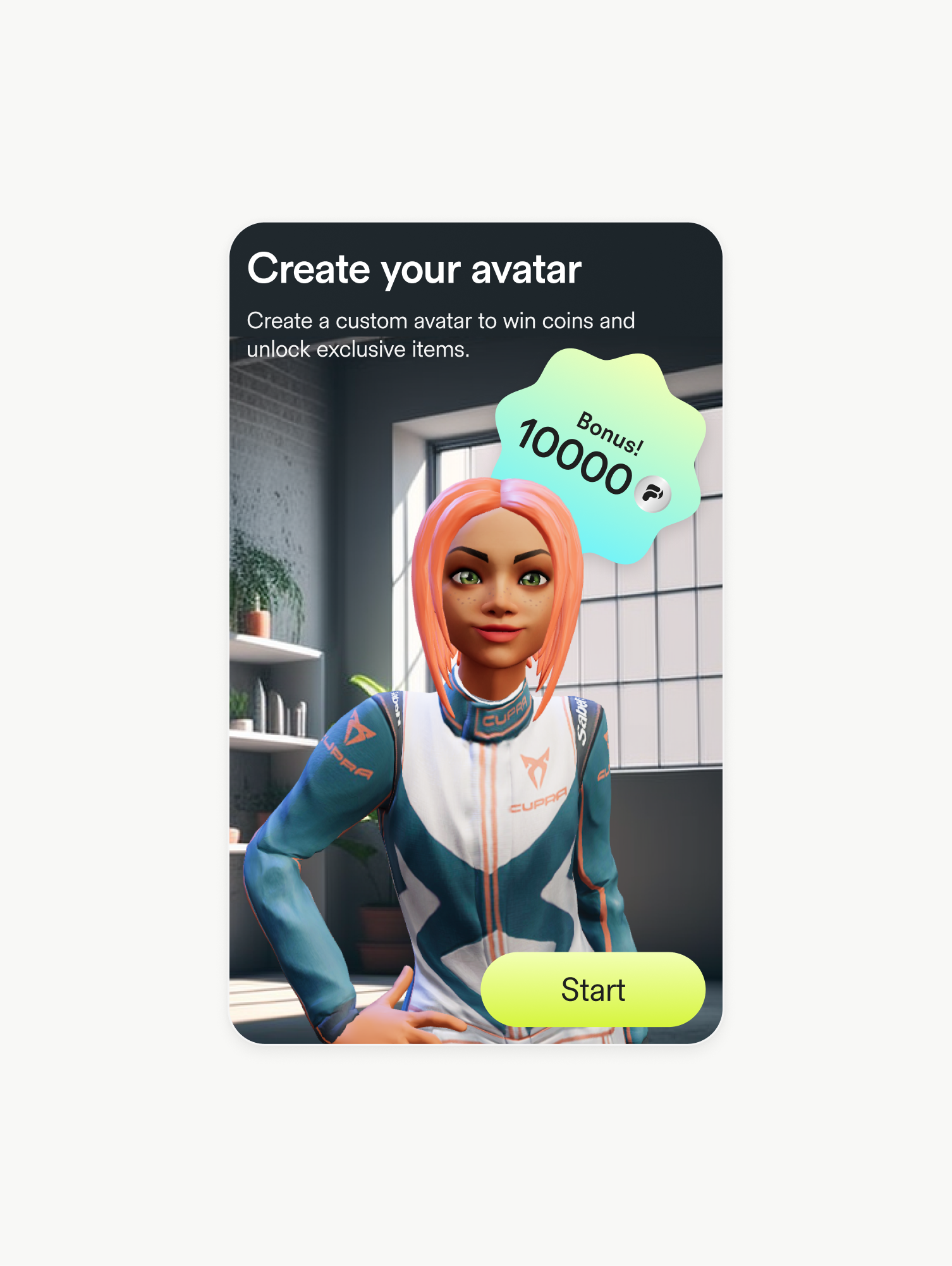
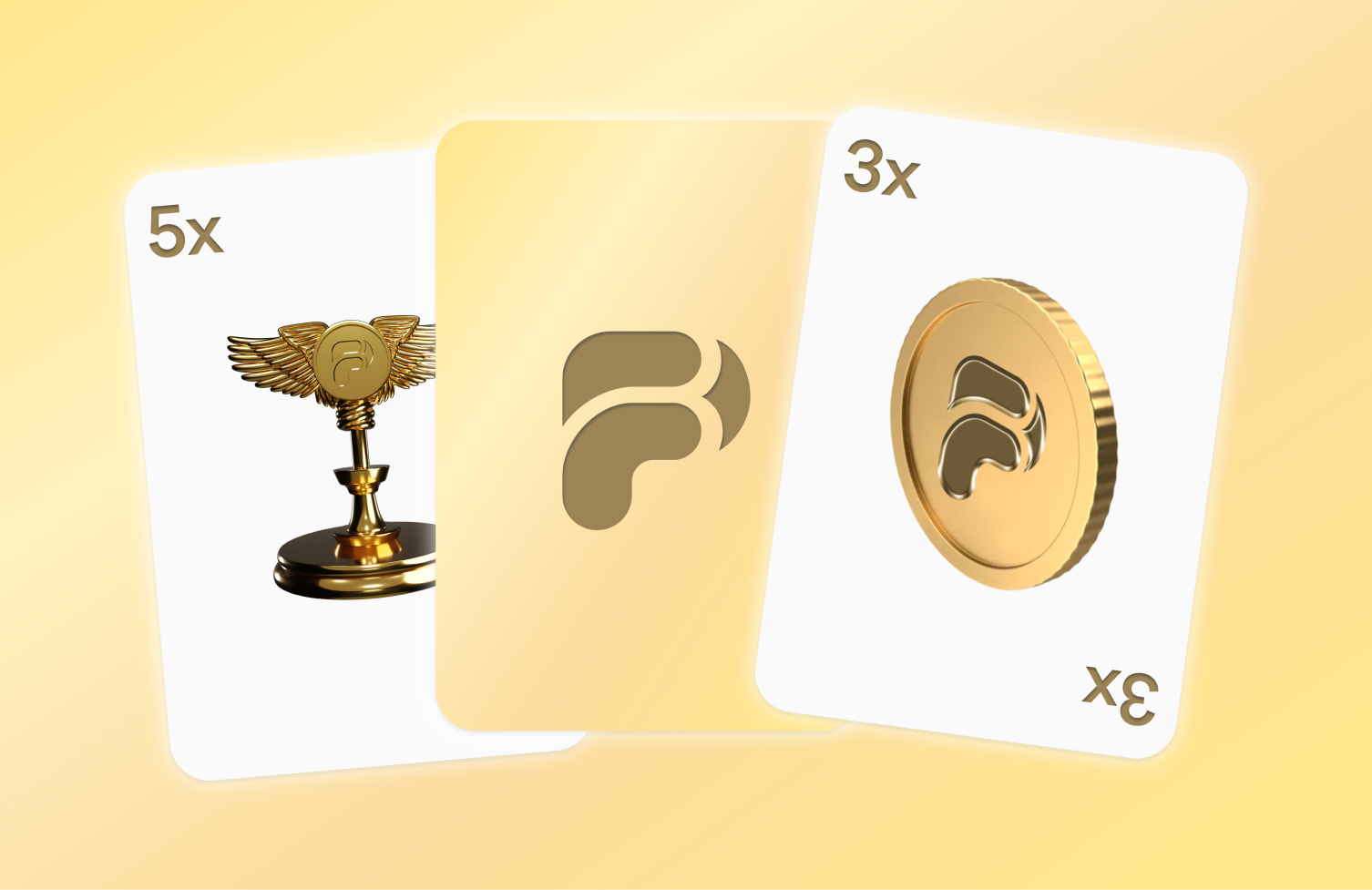
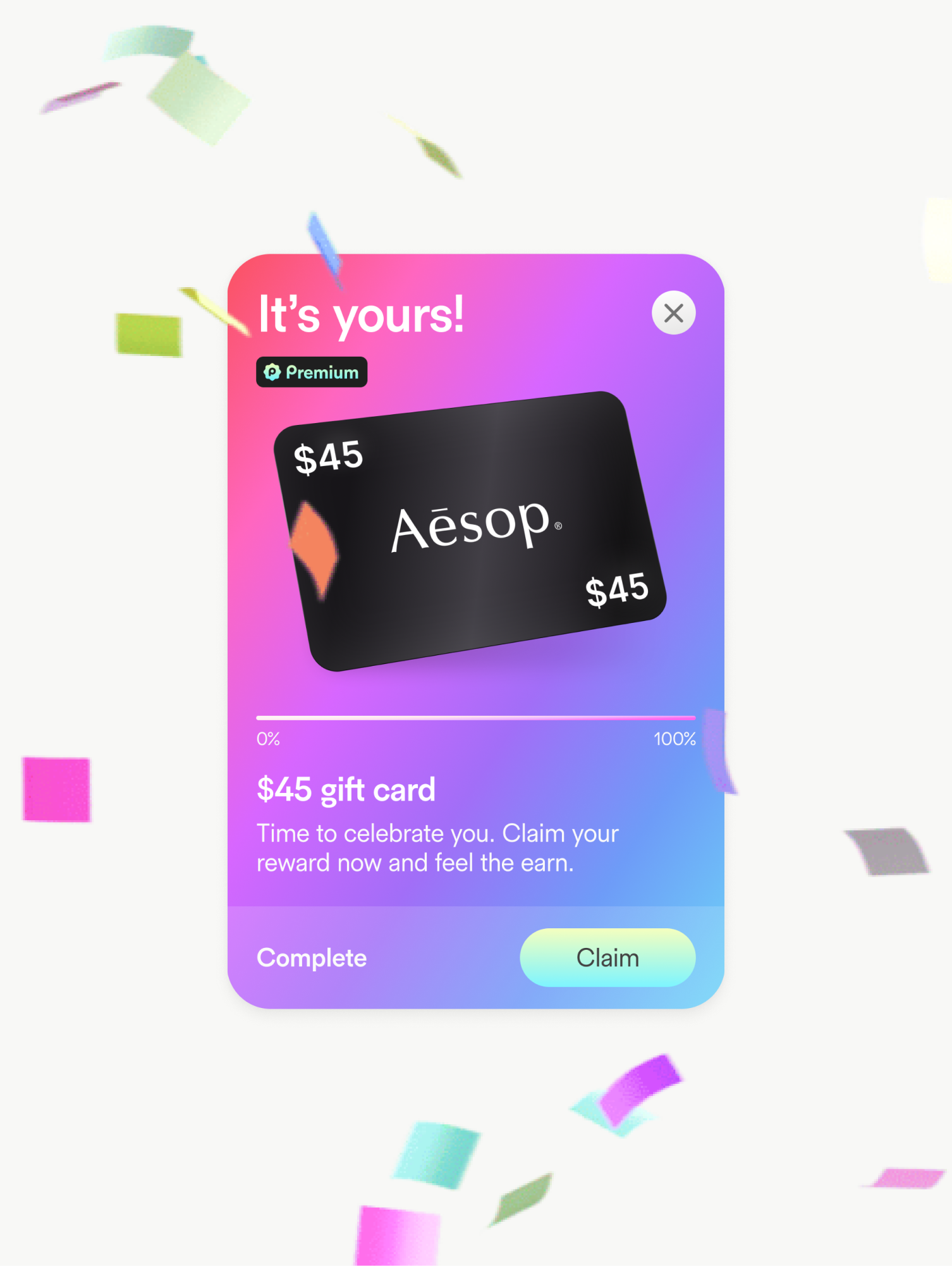
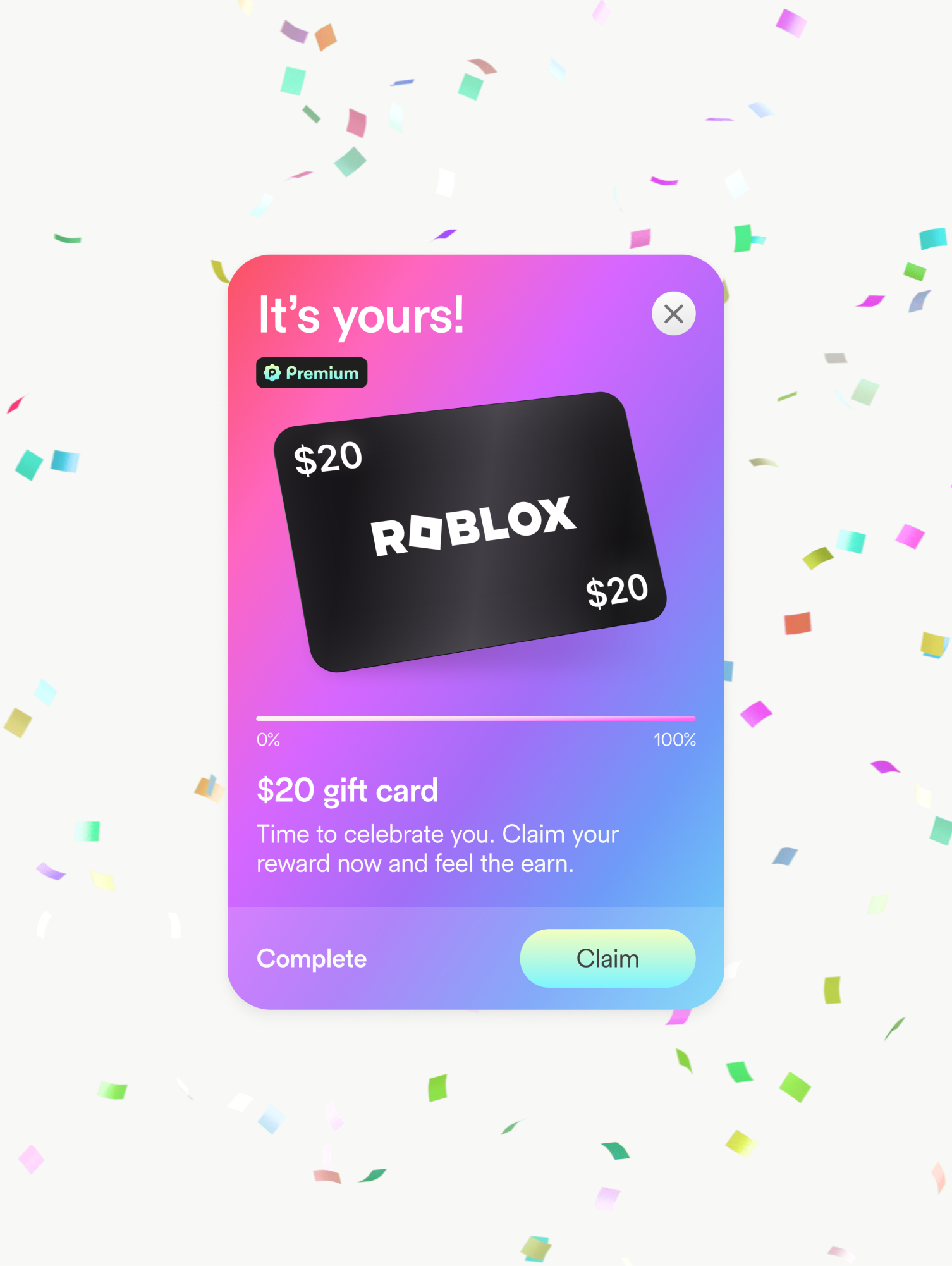
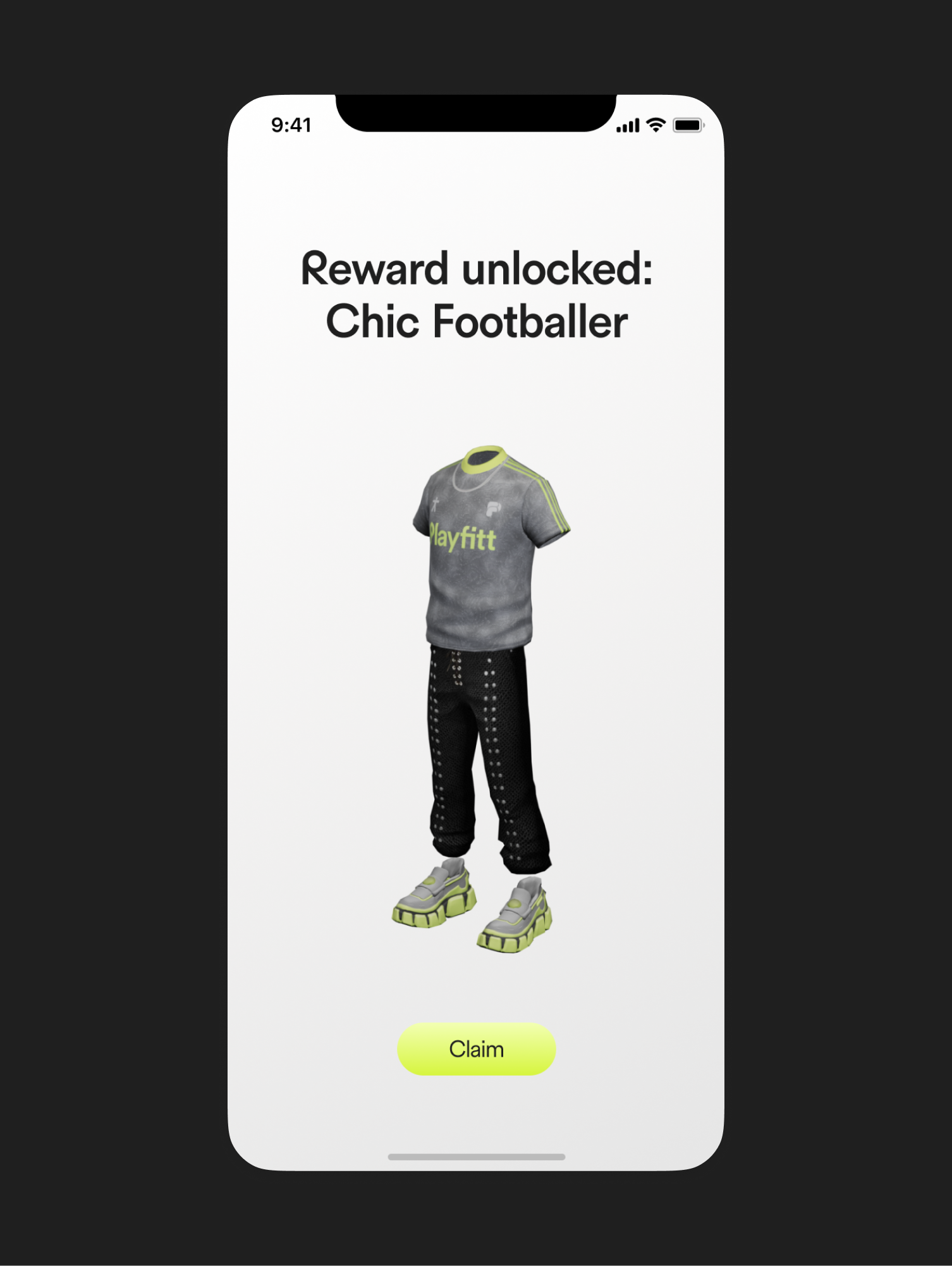
The inventory screens showcase unlocked items, outfits, and collectibles earned through activity. Each item is presented as a tangible reward, reinforcing the connection between real-world effort and in-app progression. Bonus states, reward cards, and milestone screens use distinct shapes, gradients, and motion-ready layouts to clearly differentiate achievements from regular content. These moments are designed to feel celebratory without breaking visual consistency.
Leagues, Competition, and Social Feedback
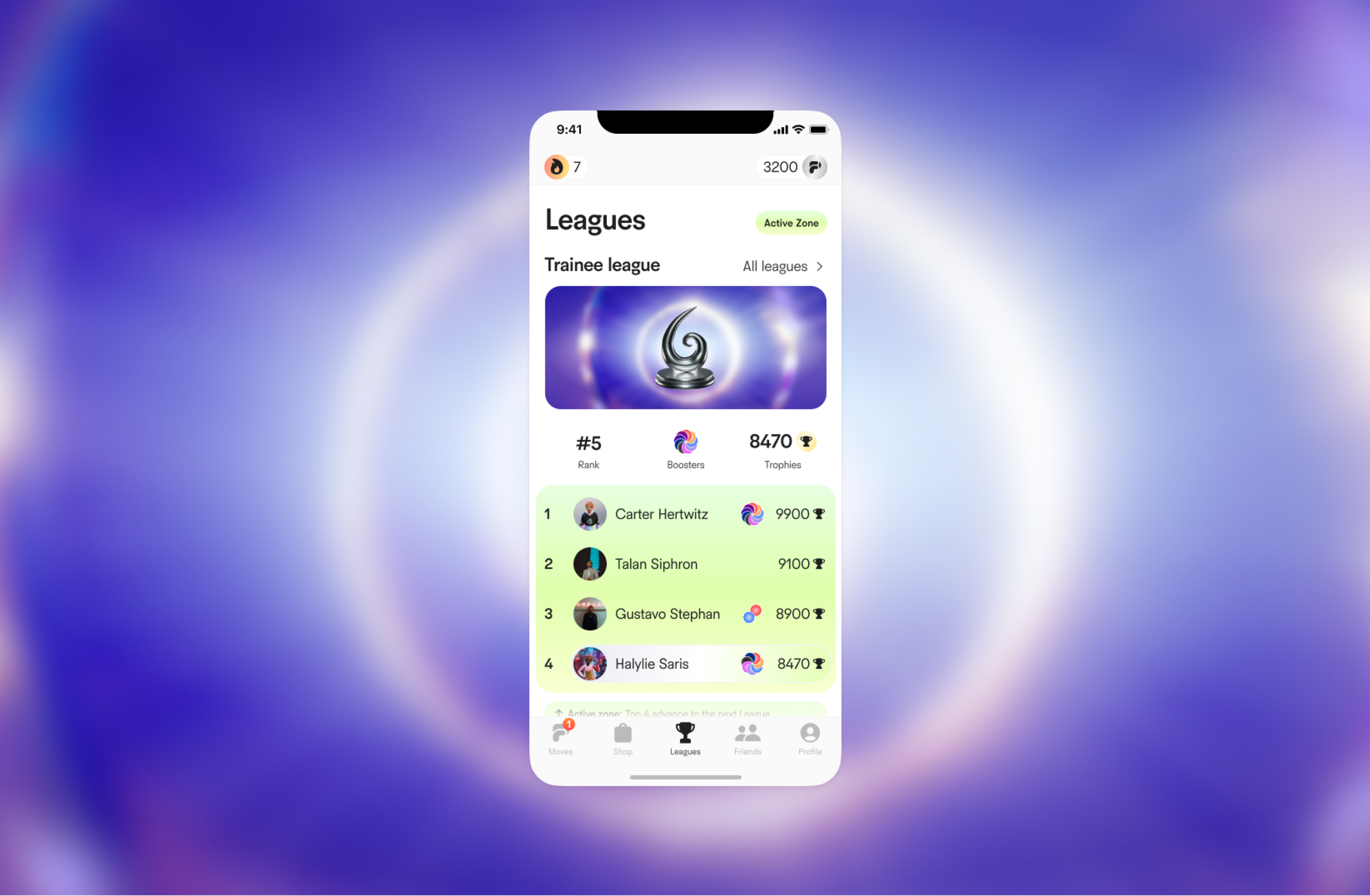
League and leaderboard screens introduce structured competition. Rankings, user positions, and progress toward the next tier are visually emphasized using contrast, spacing, and clear hierarchy. Social screens — including friend lists, messages, and activity feedback — integrate playful visual elements such as reactions, icons, and lightweight animations. These reinforce a sense of shared progress while remaining secondary to core fitness data.

Design
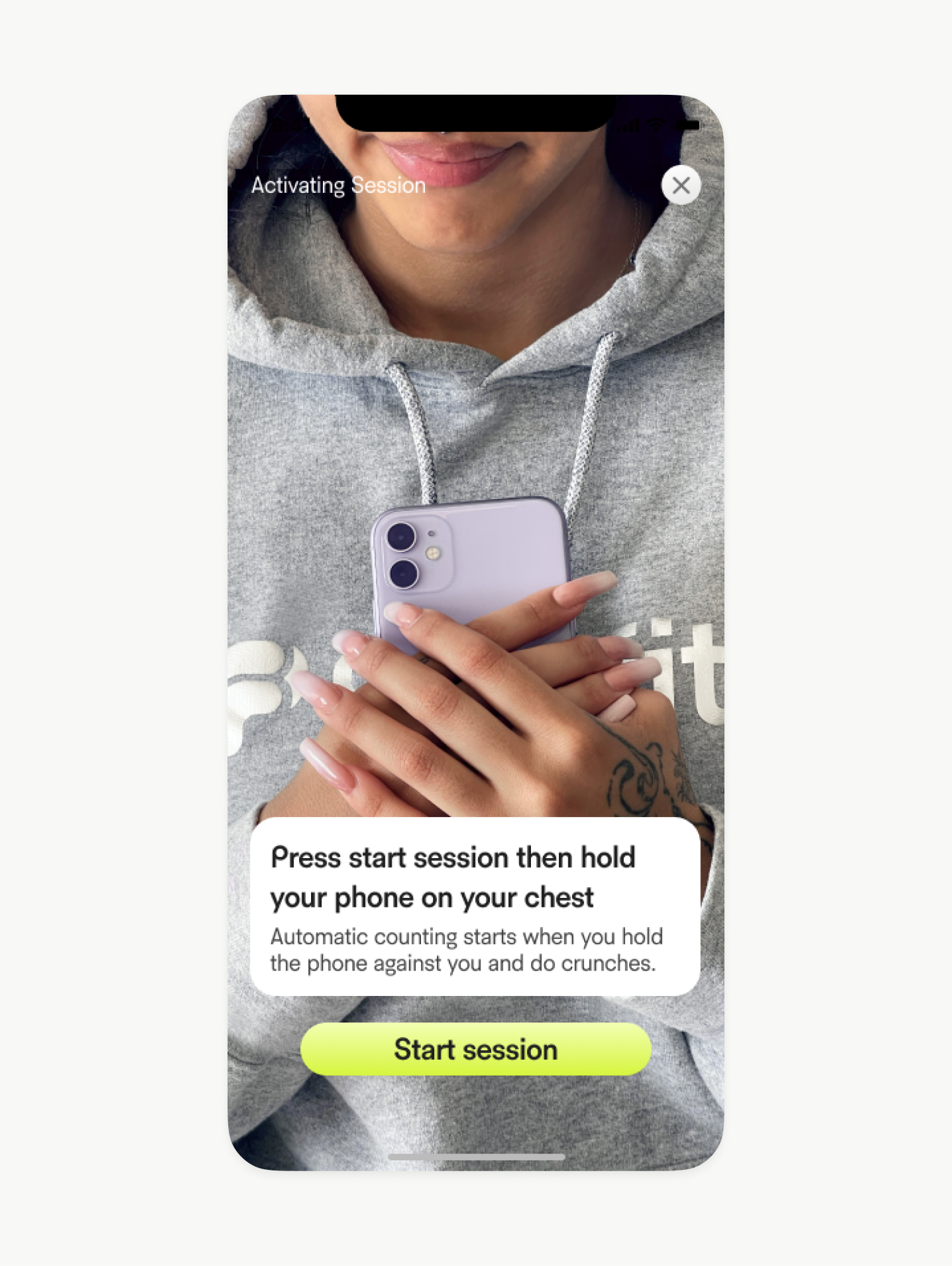
In session
Comprehensive design system
The design system was completely reimagined and developed from the ground up as a modern, modular, and automated collection of components. It helps designers and developers to create interfaces with greater efficiency, consistency, and speed, significantly reducing development time. The system comprises thousands of individual components and detailed guidelines, providing a robust framework that ensures effective collaboration.
Vivid & accessible game UI
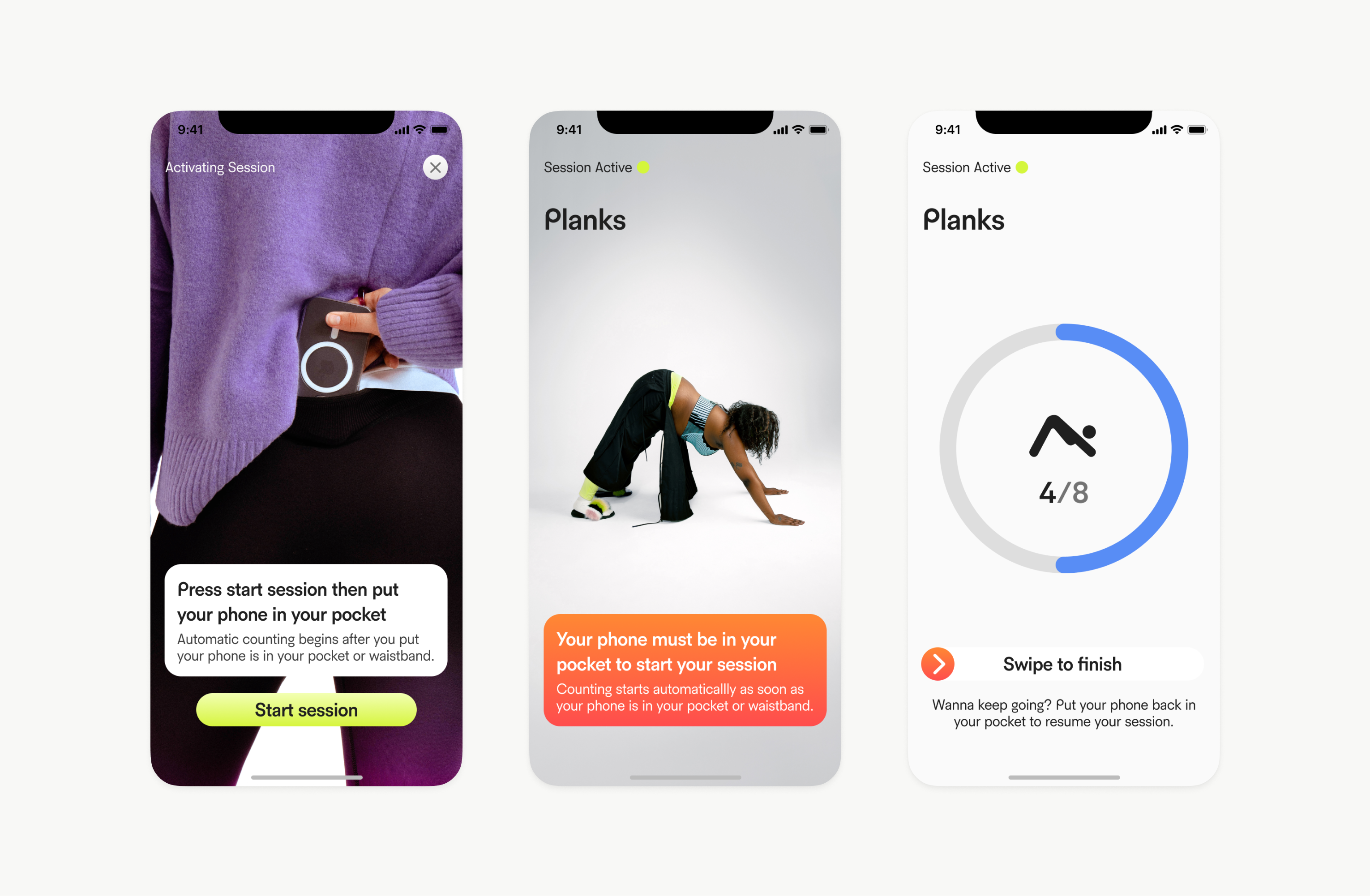
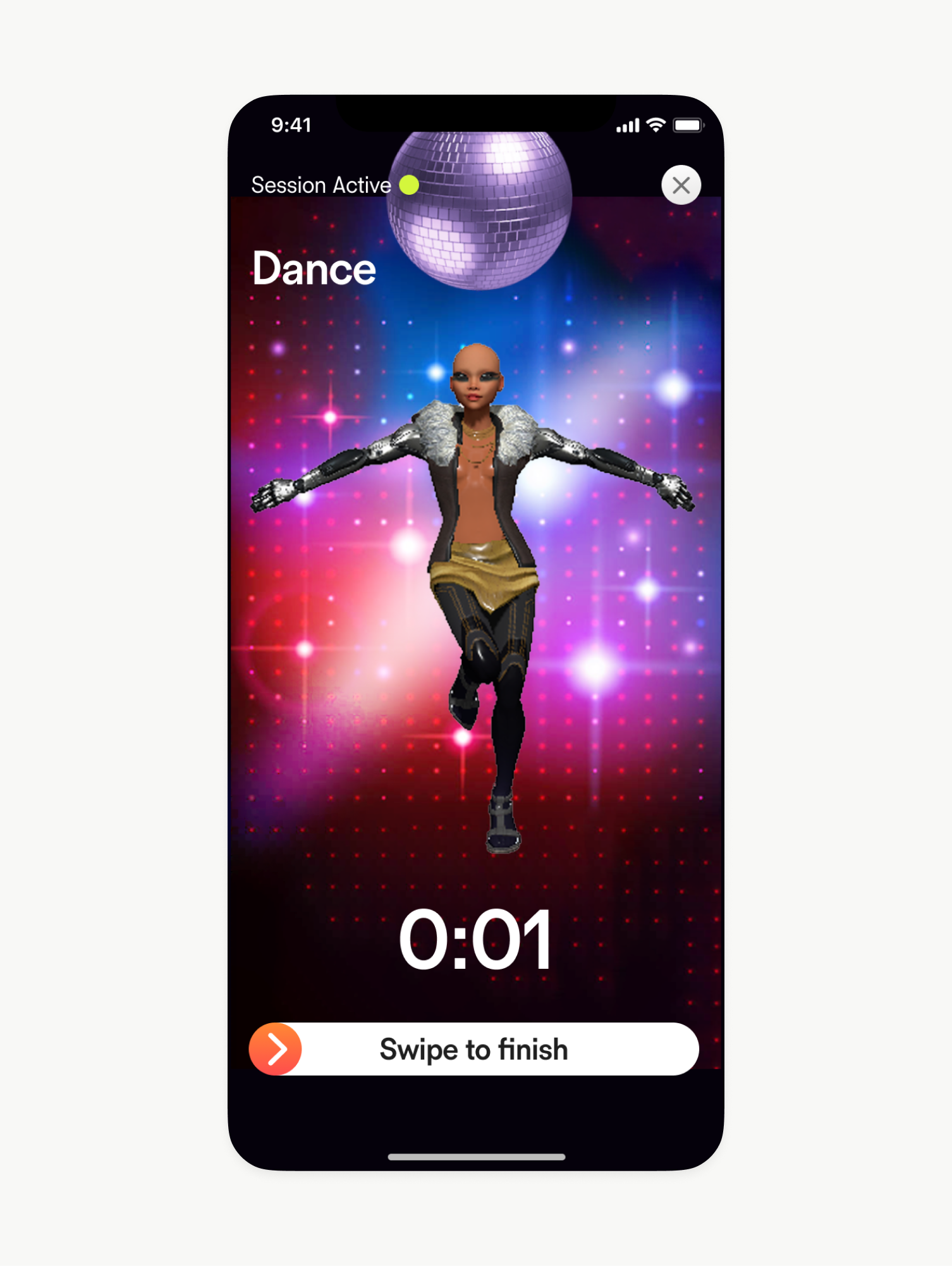
The fitness app's vivid UI brings a dynamic and engaging experience to users by incorporating gamified elements that make tracking workouts and progress fun and motivating. With bold colors, playful animations, and interactive features, the interface feels cool and energetic, inspiring users to stay active. Progress bars, achievements, and rewards enhance the sense of accomplishment, while the intuitive layout supports additional accessibility for all users.

Design
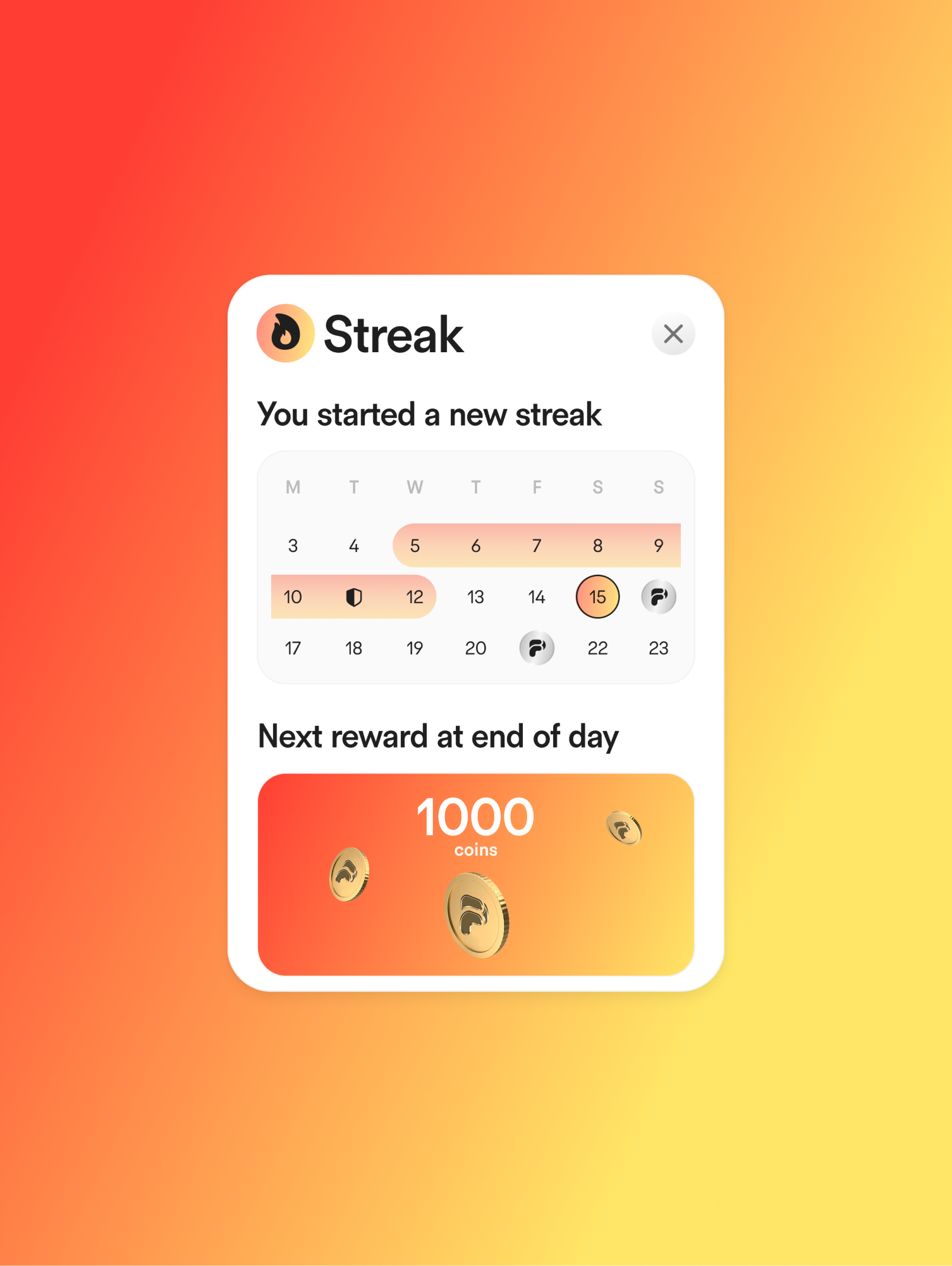
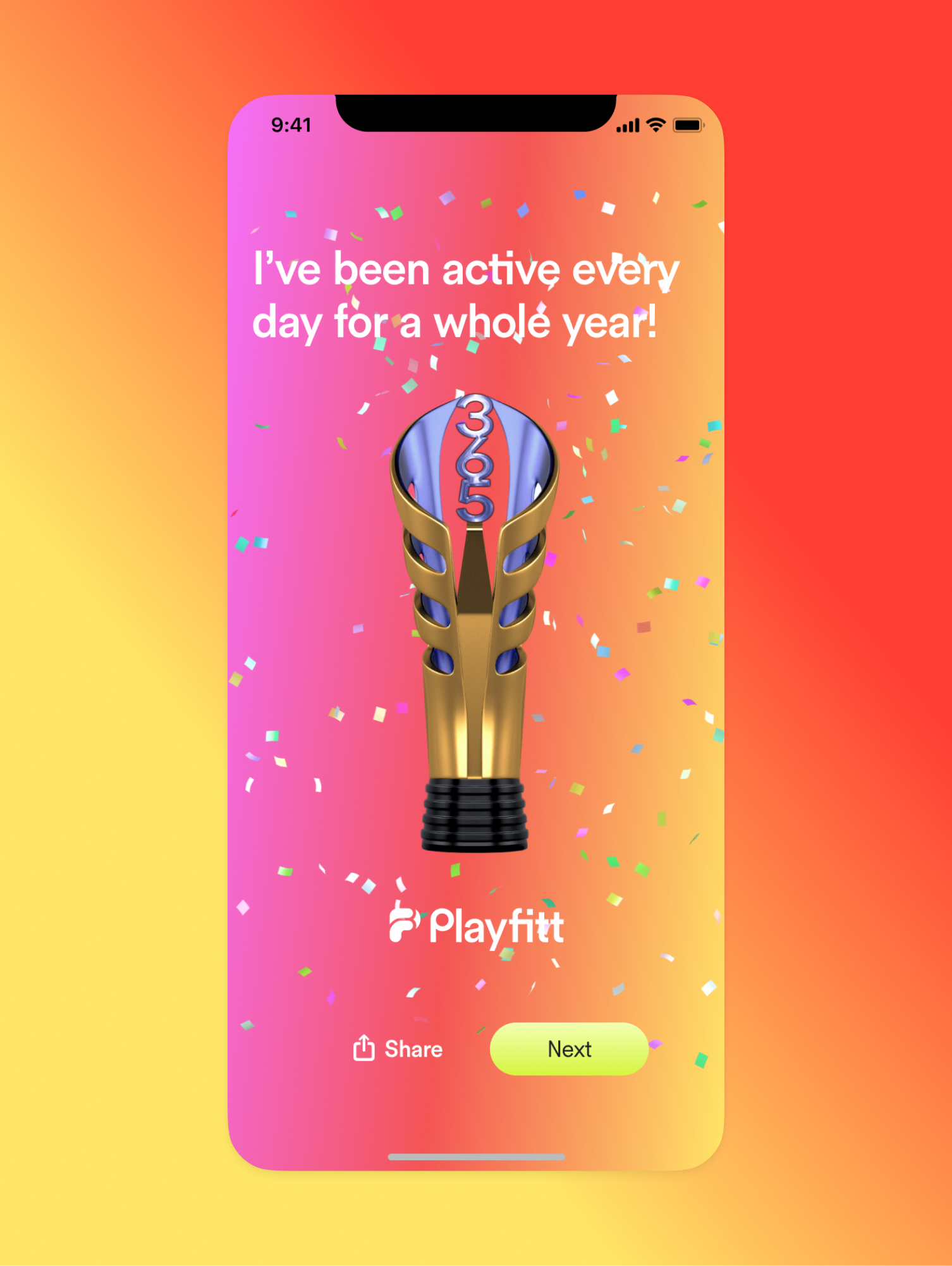
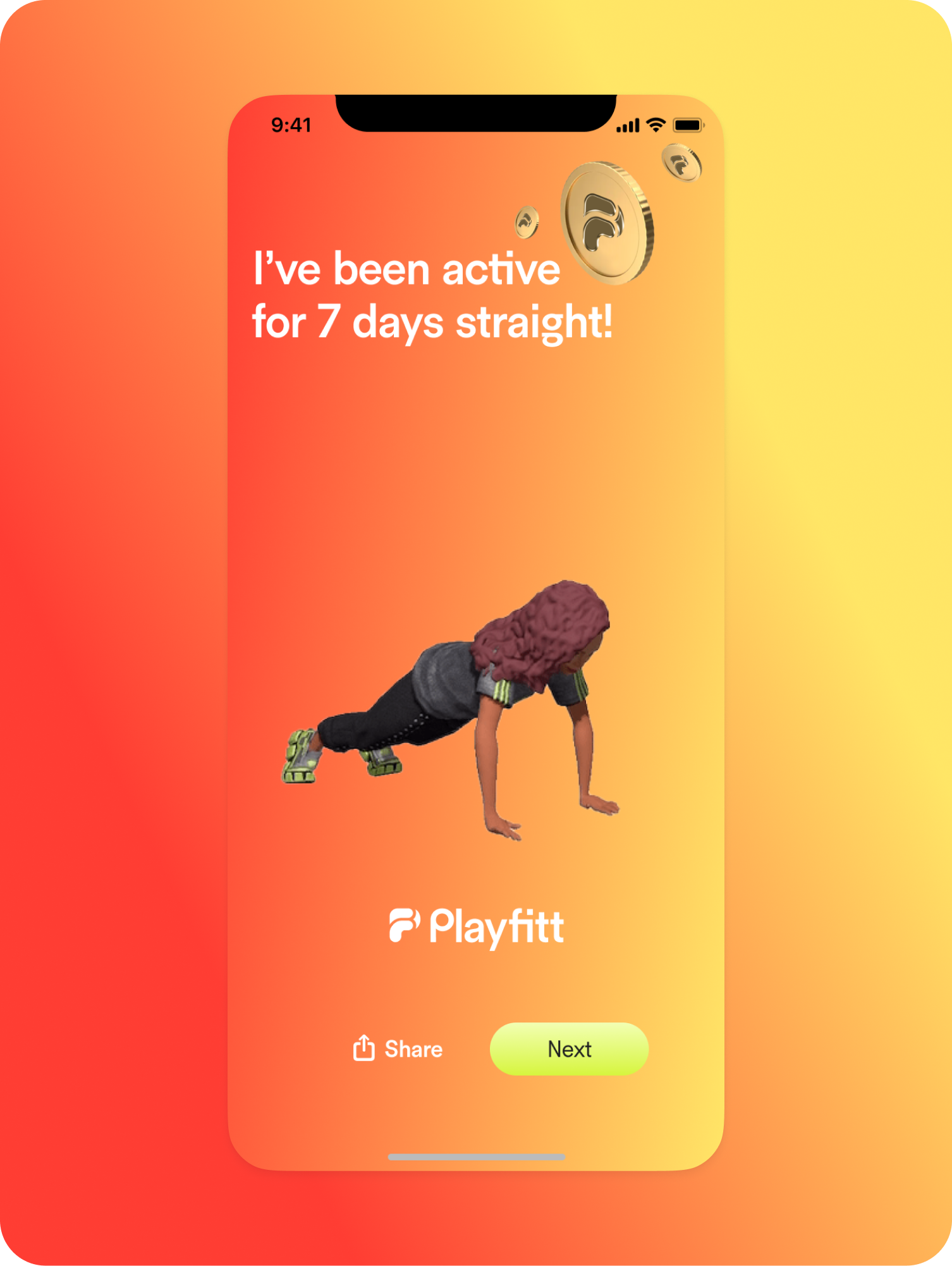
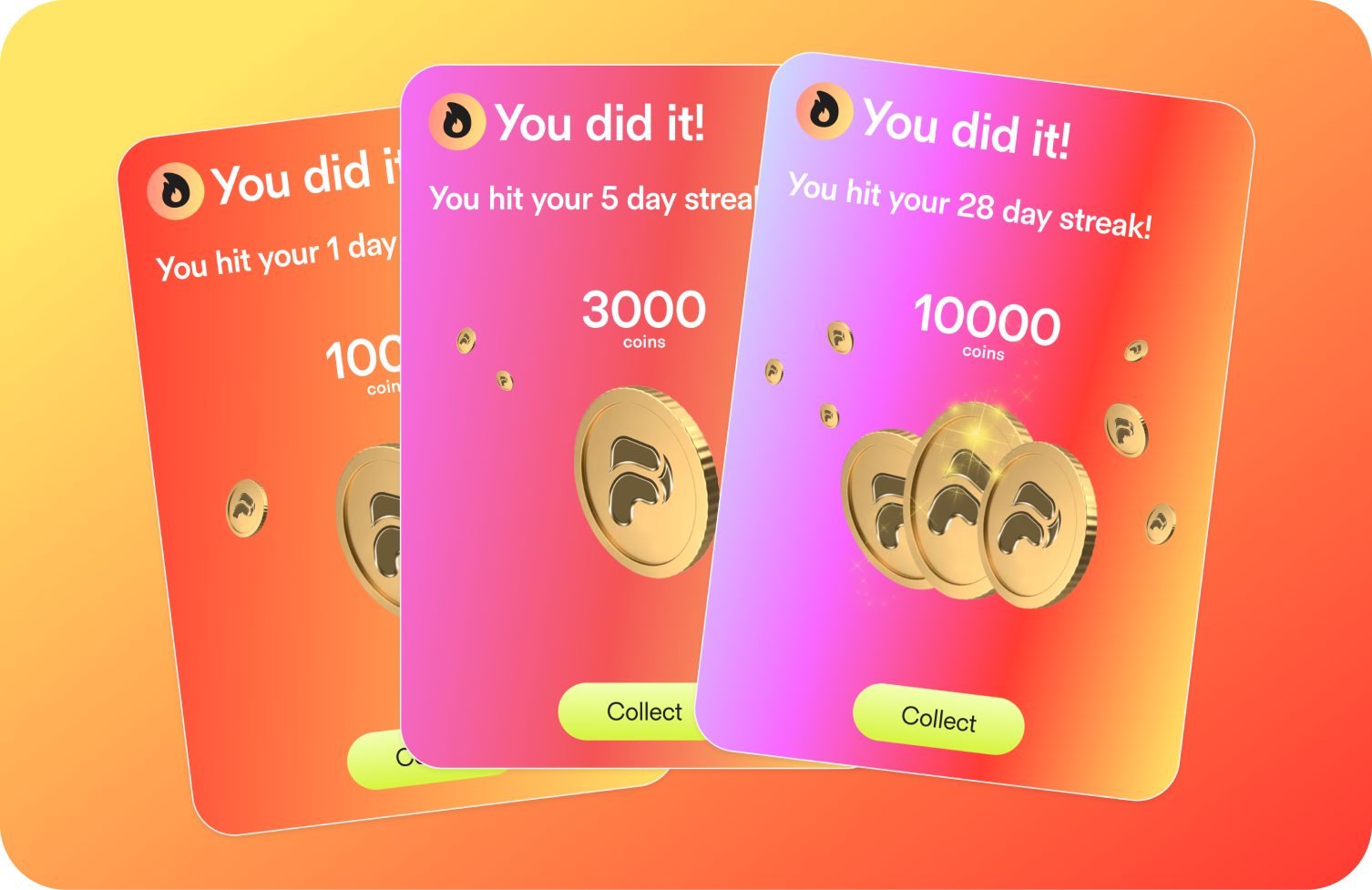
Streak
Title Placeholder
Body Text Placeholder

Design
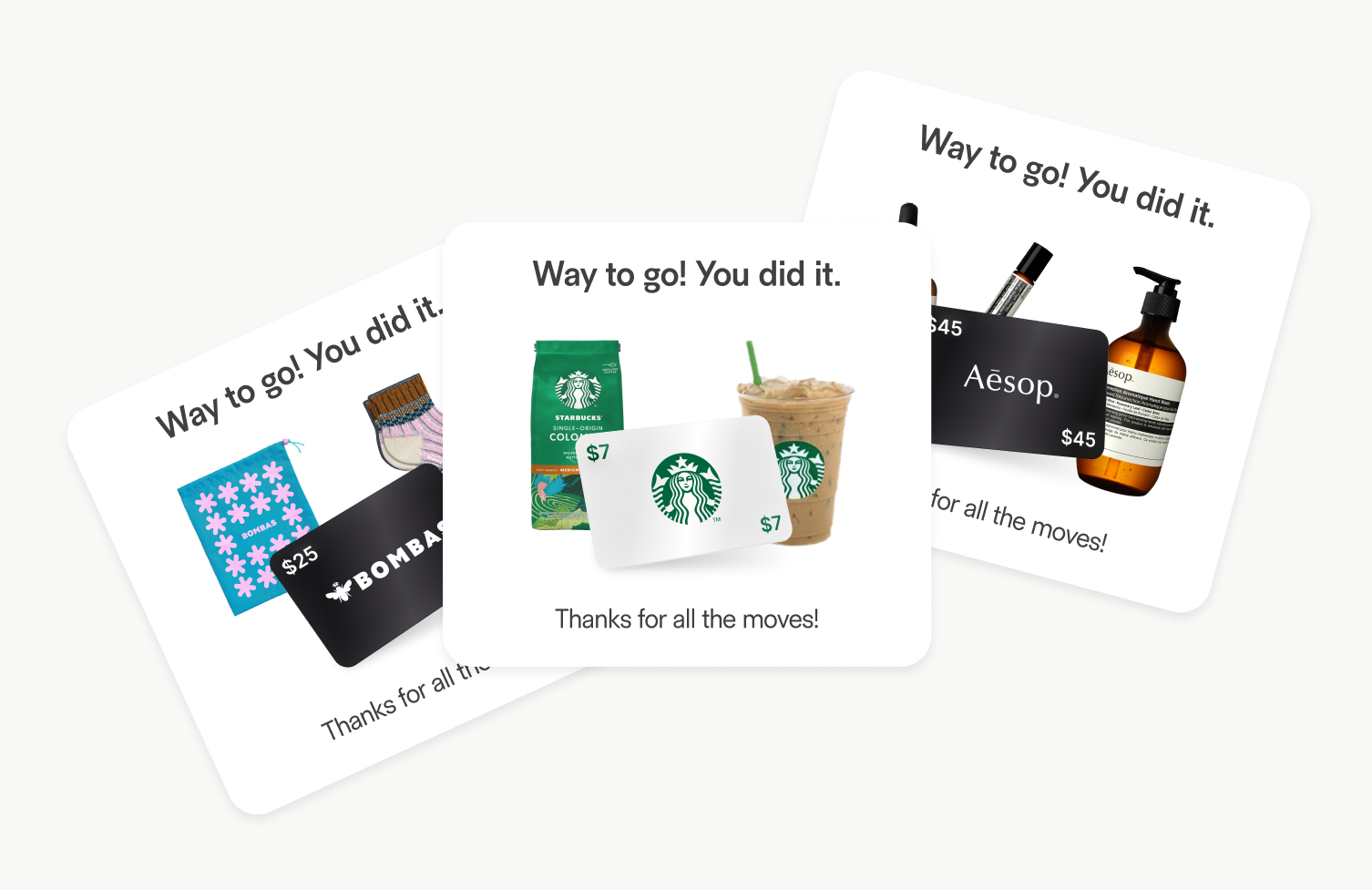
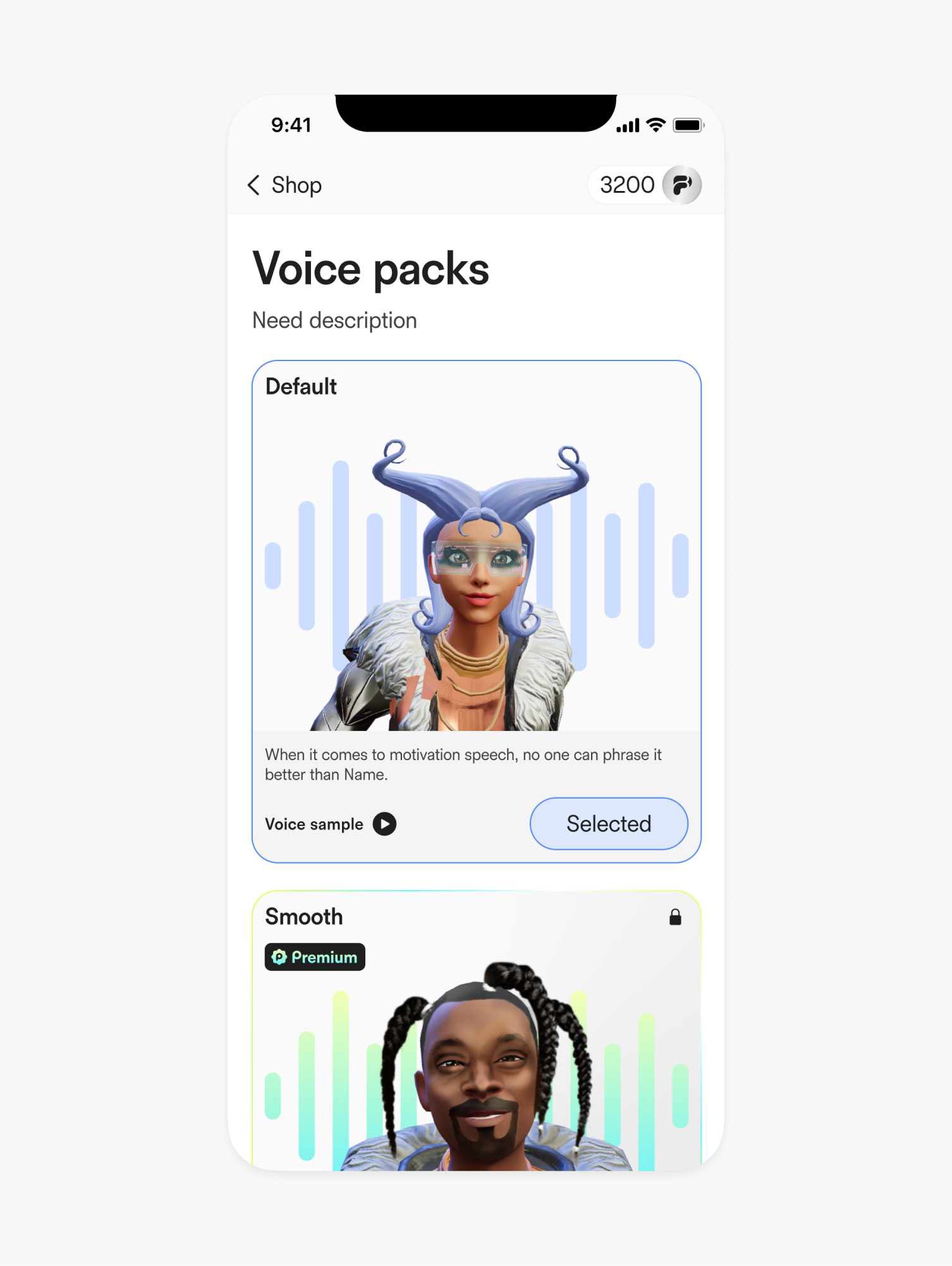
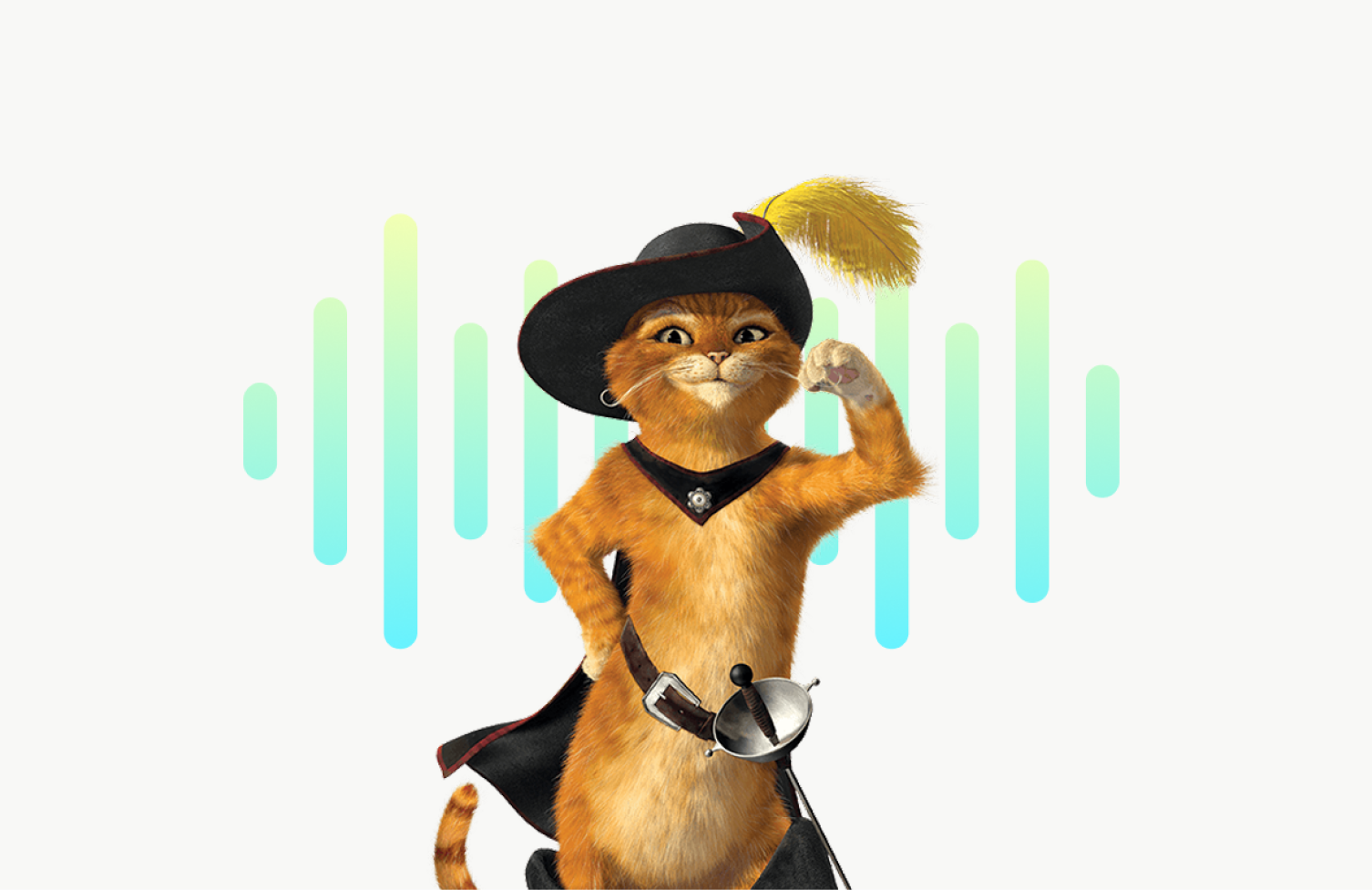
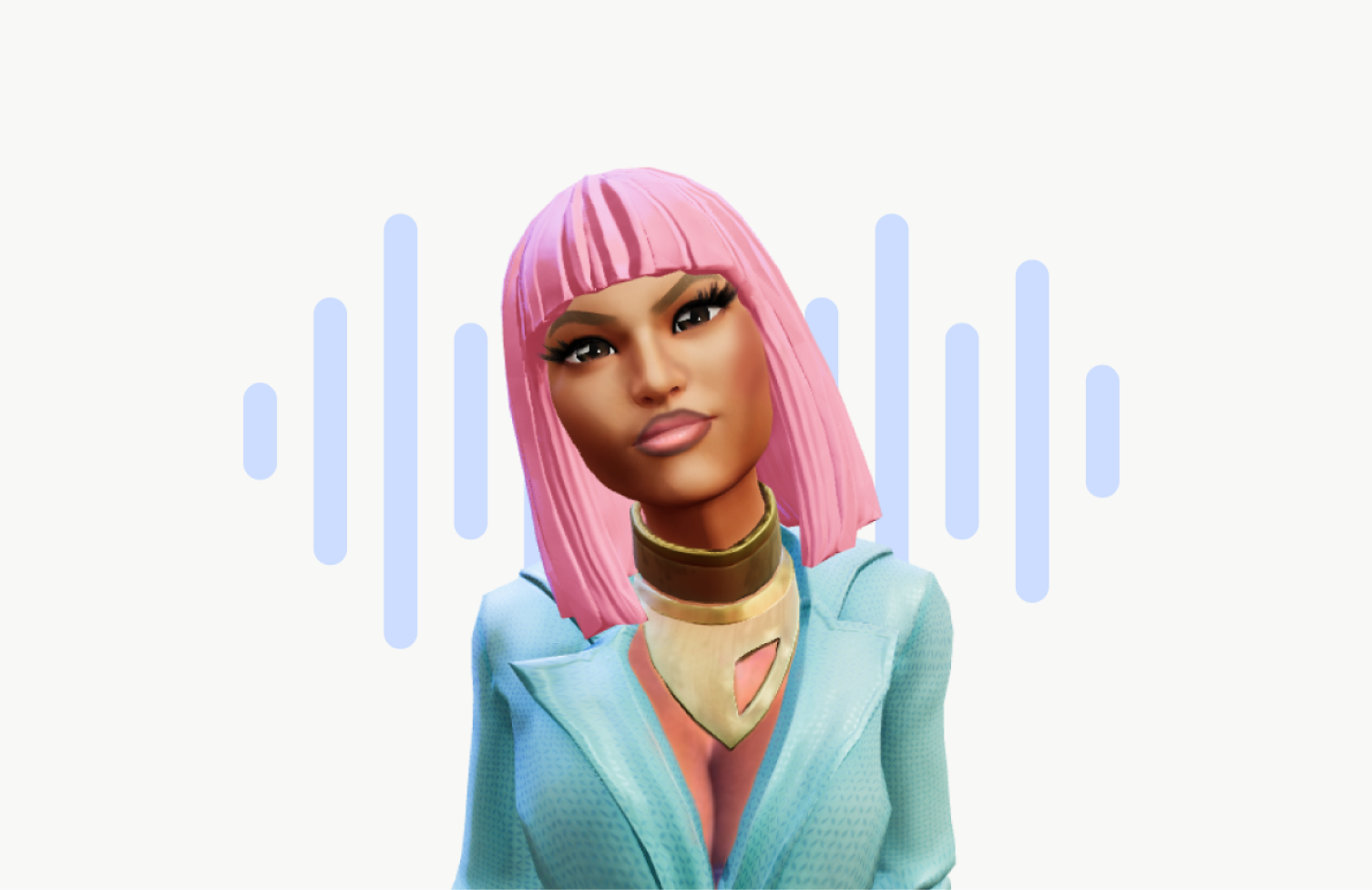
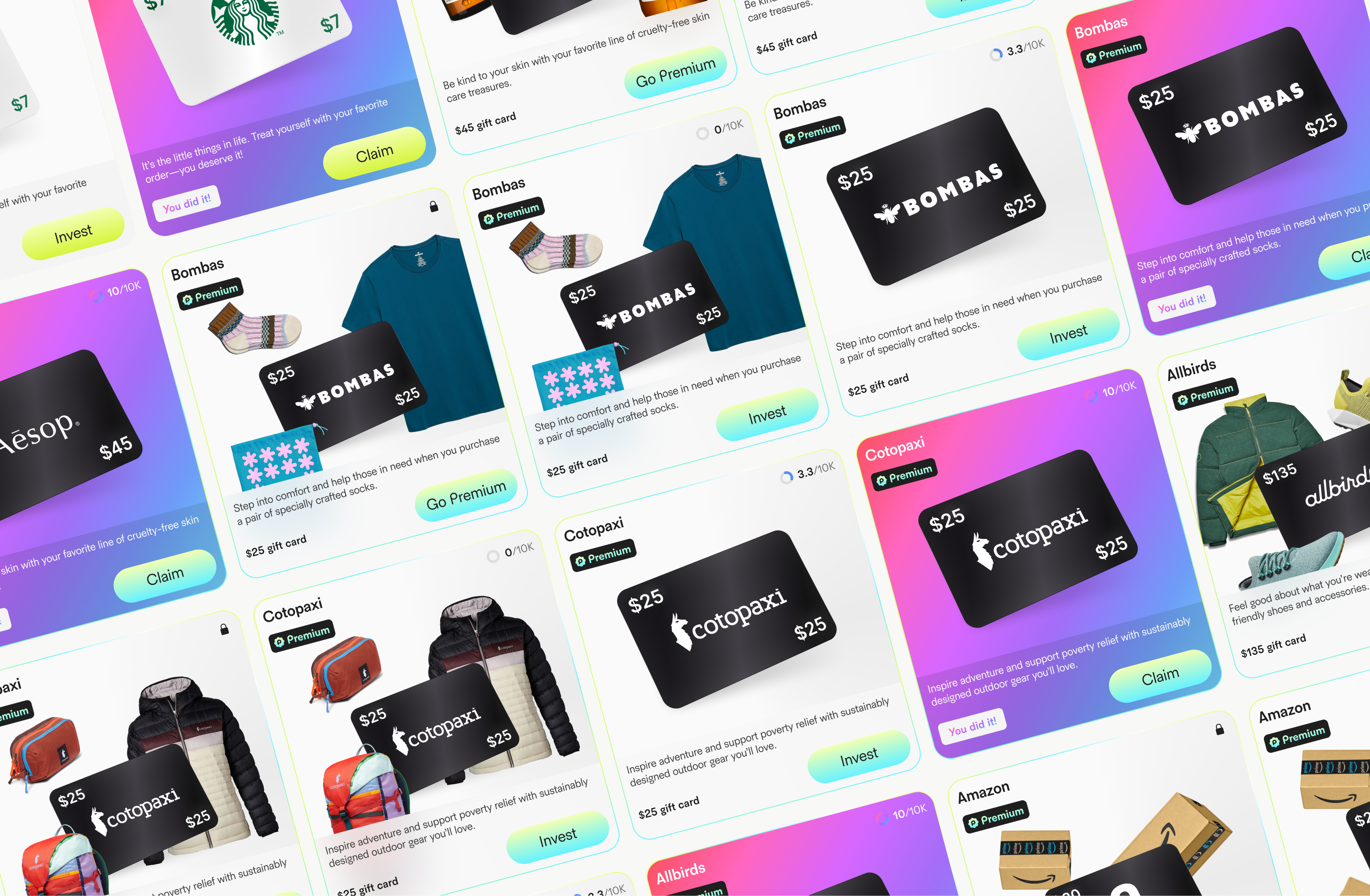
Shop
Title Placeholder
Body Text Placeholder
Design
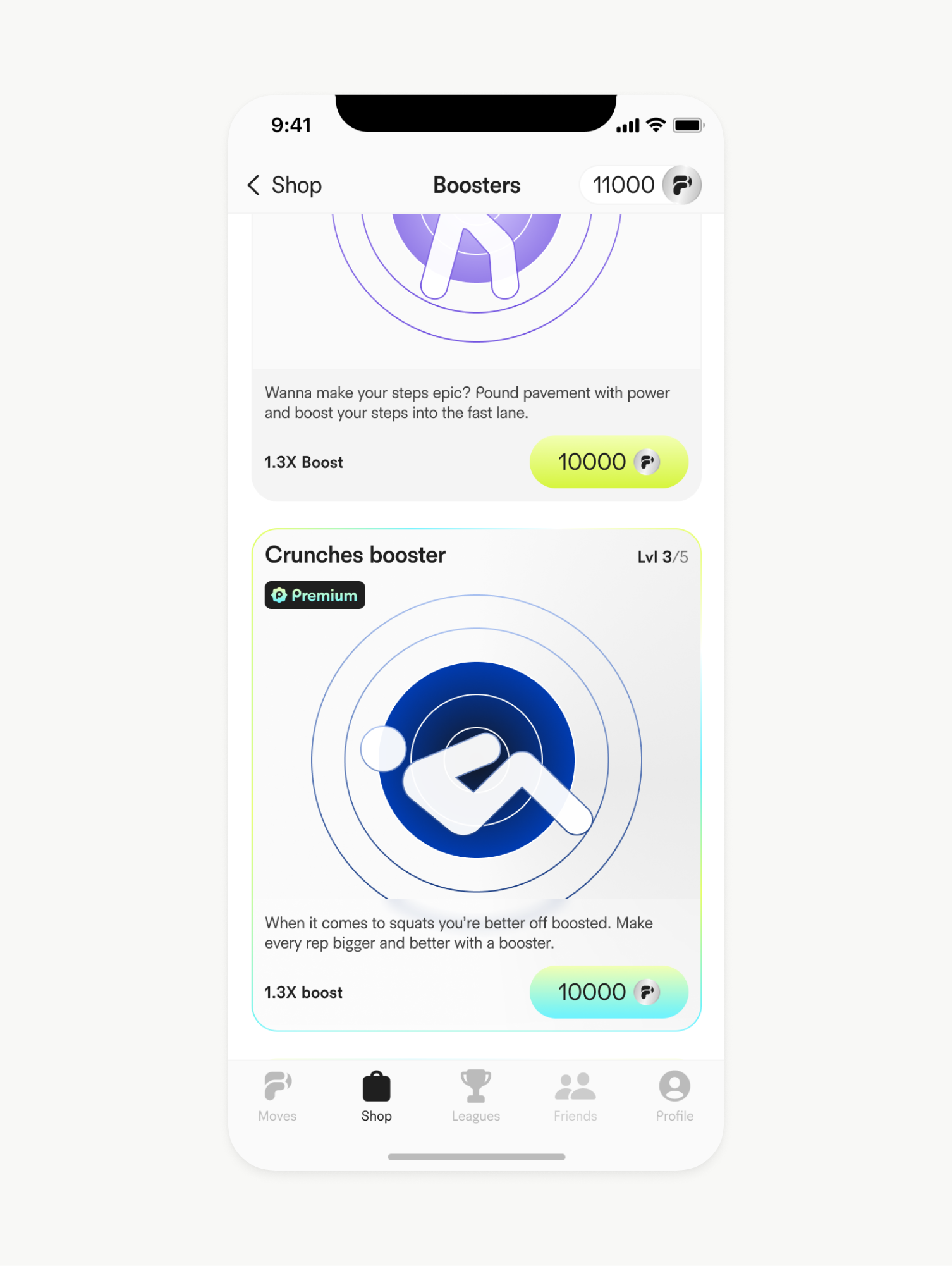
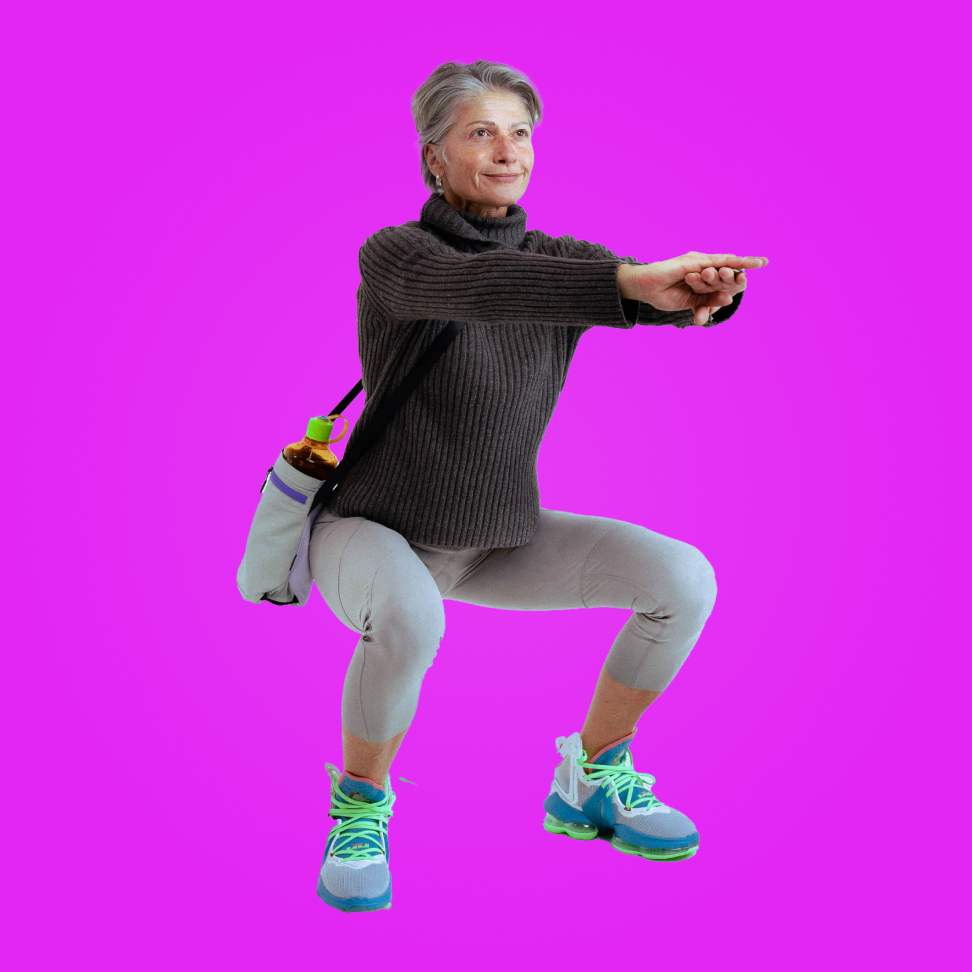
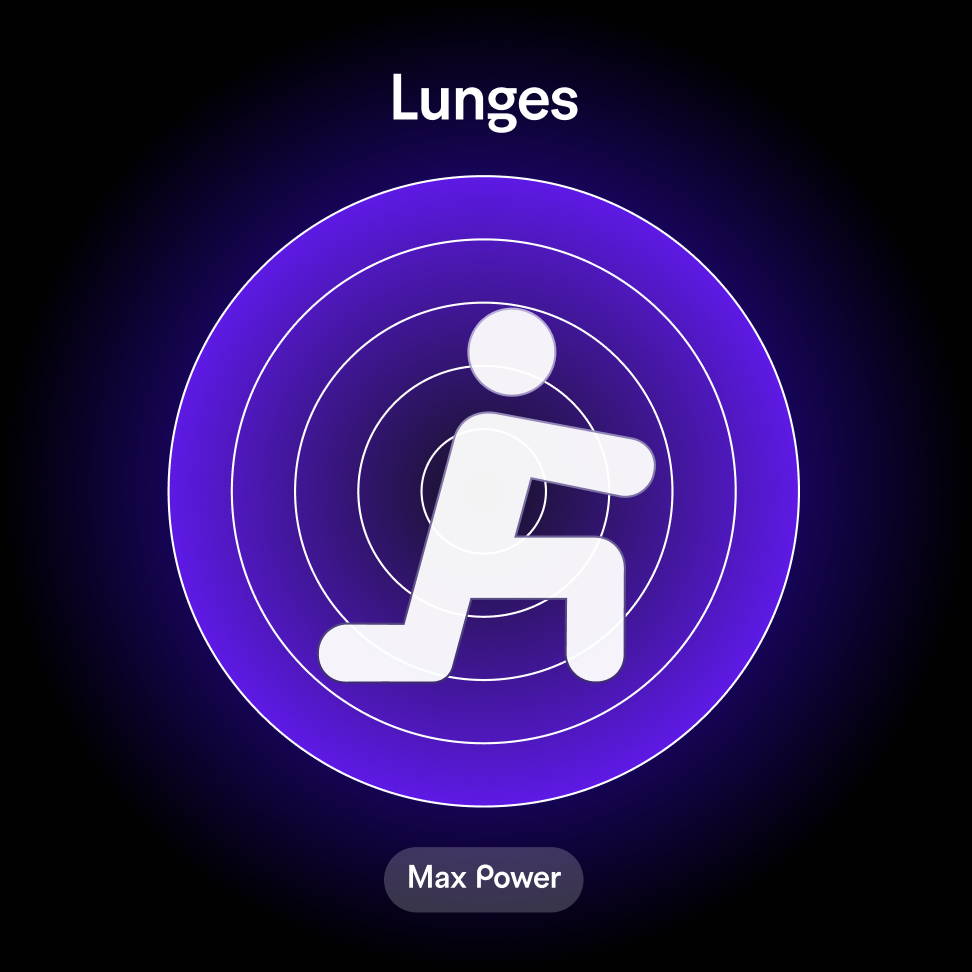
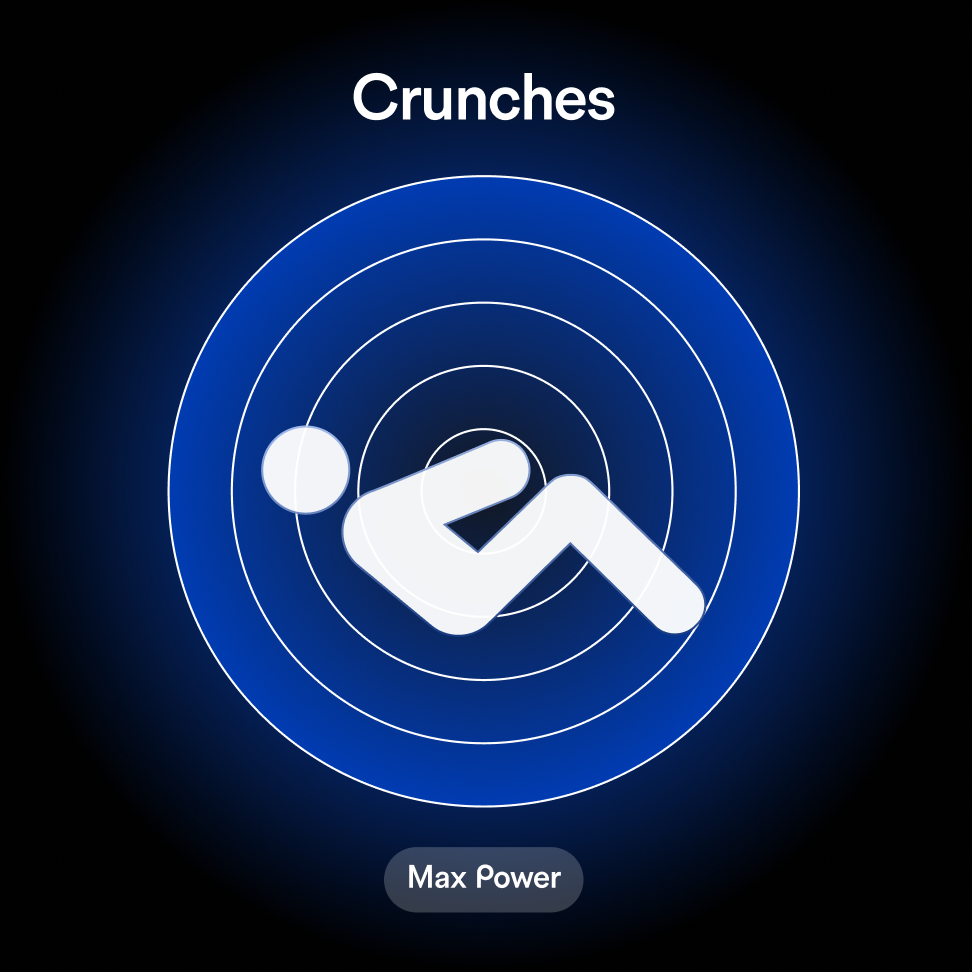
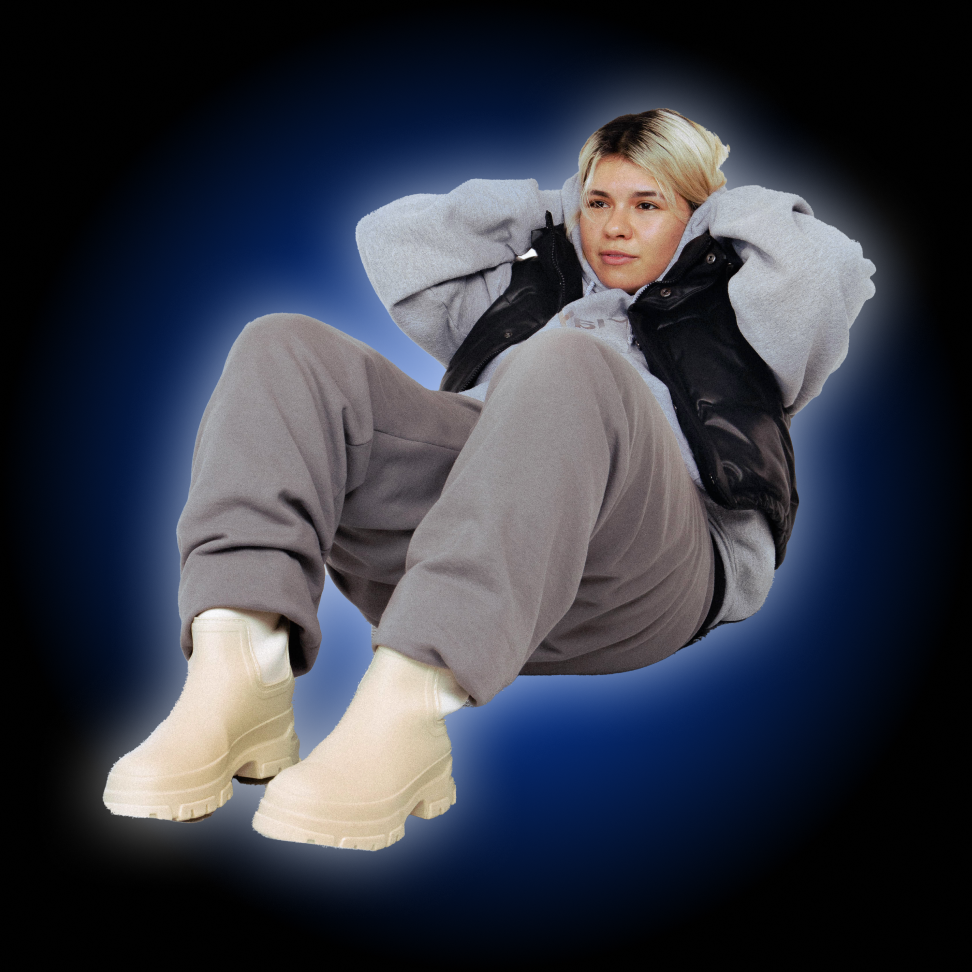
Boosters
Title Placeholder
Body Text Placeholder






Design
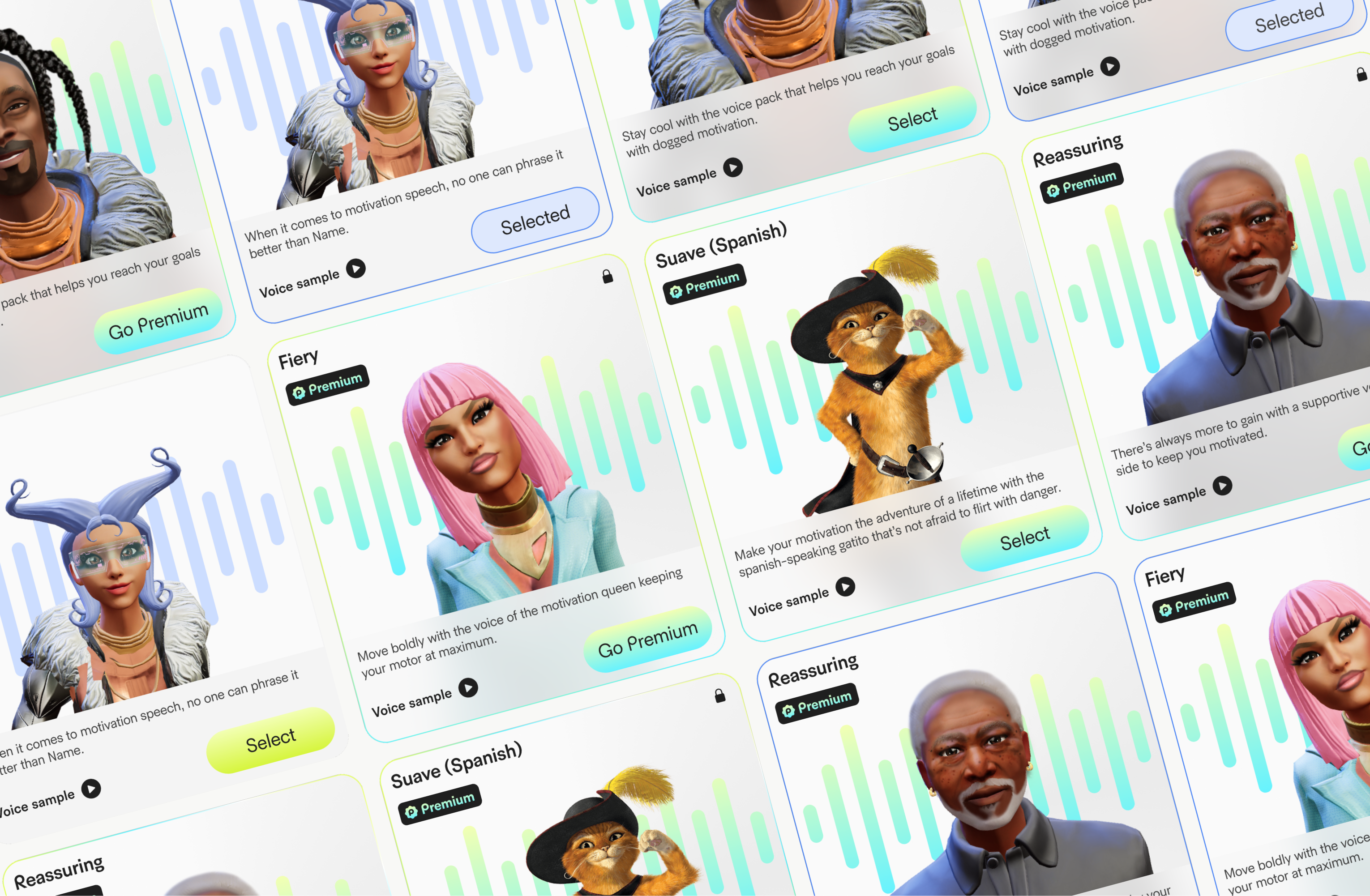
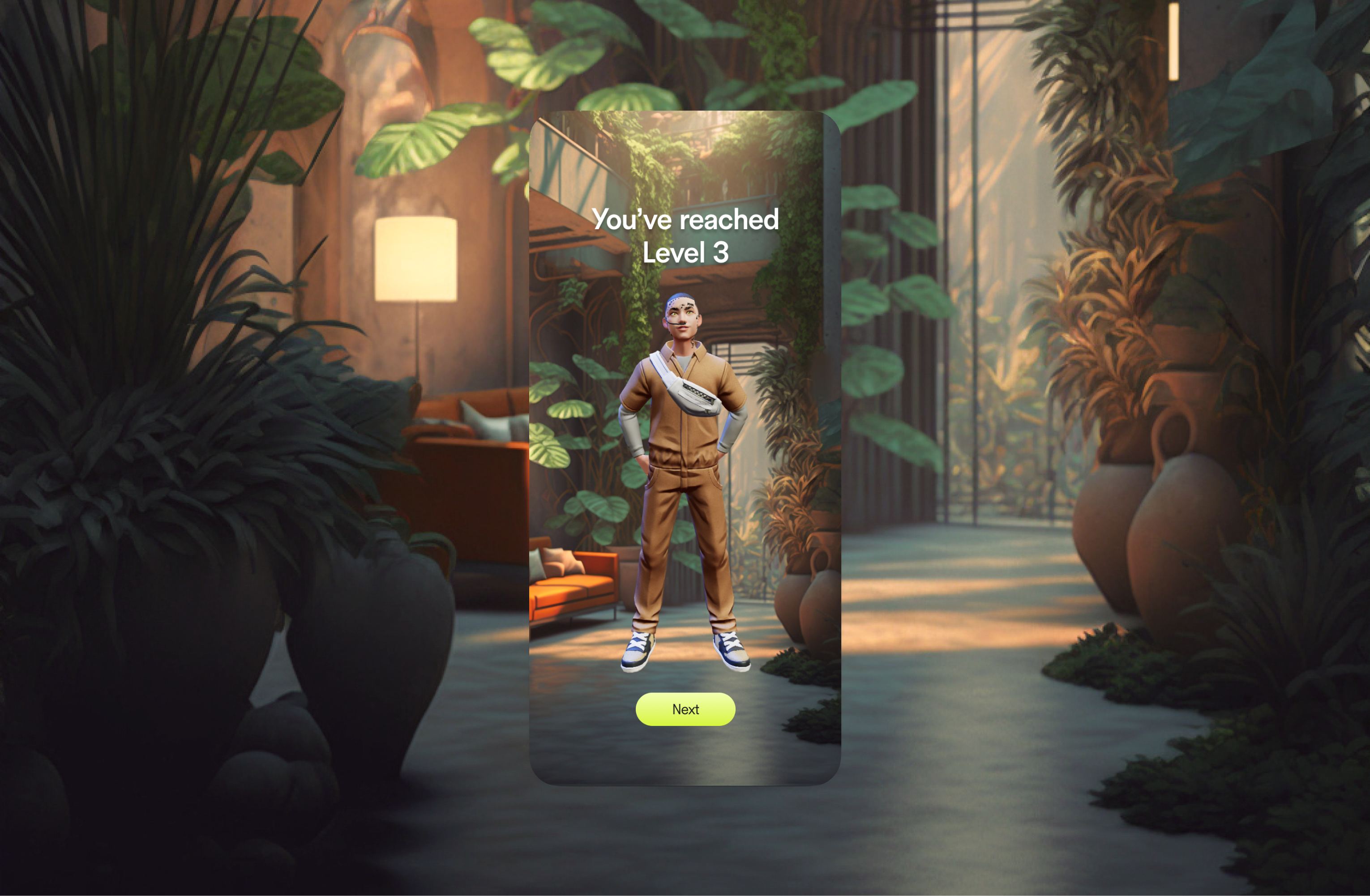
Avatars
Title Placeholder
Body Text Placeholder
Design
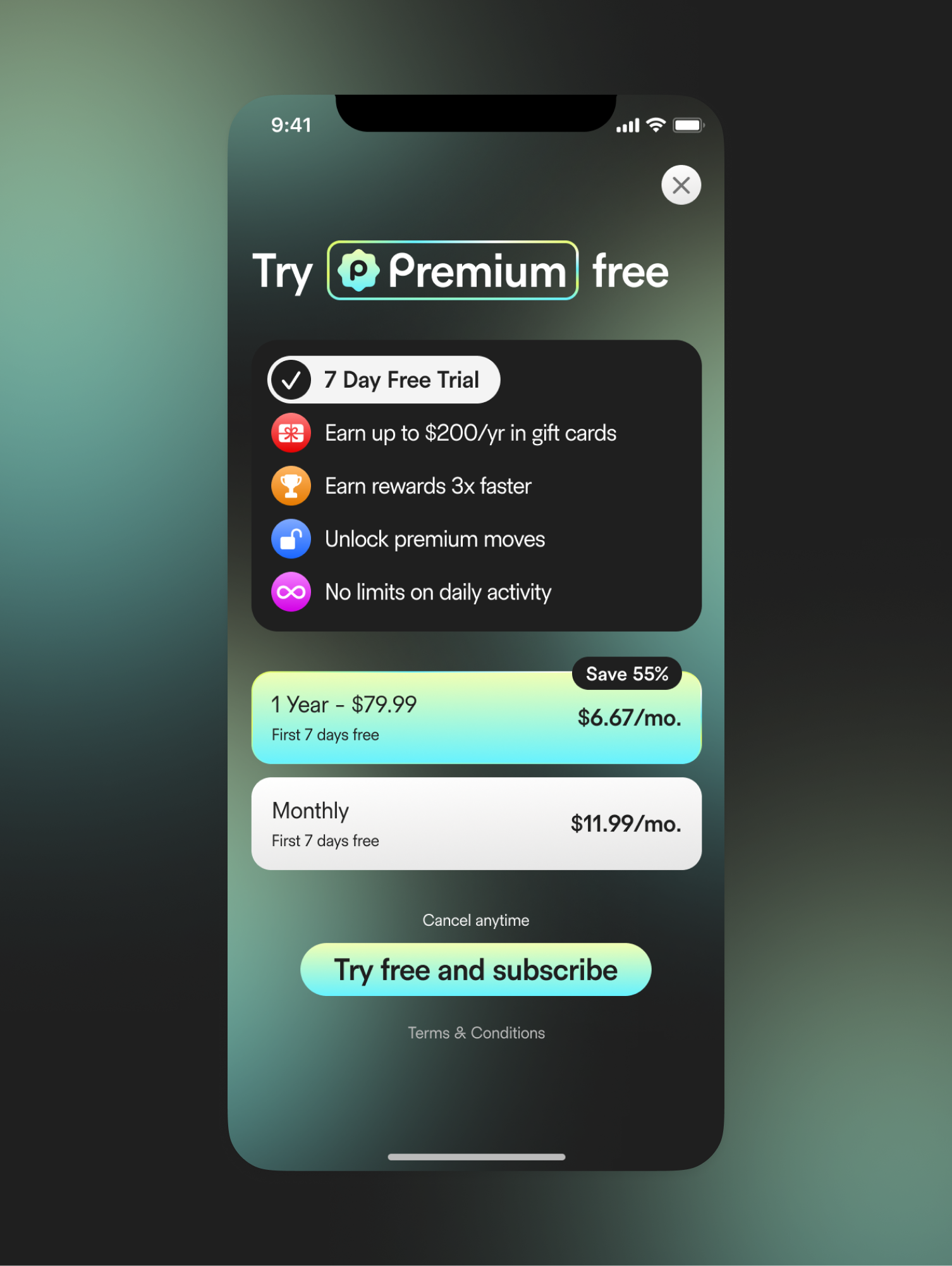
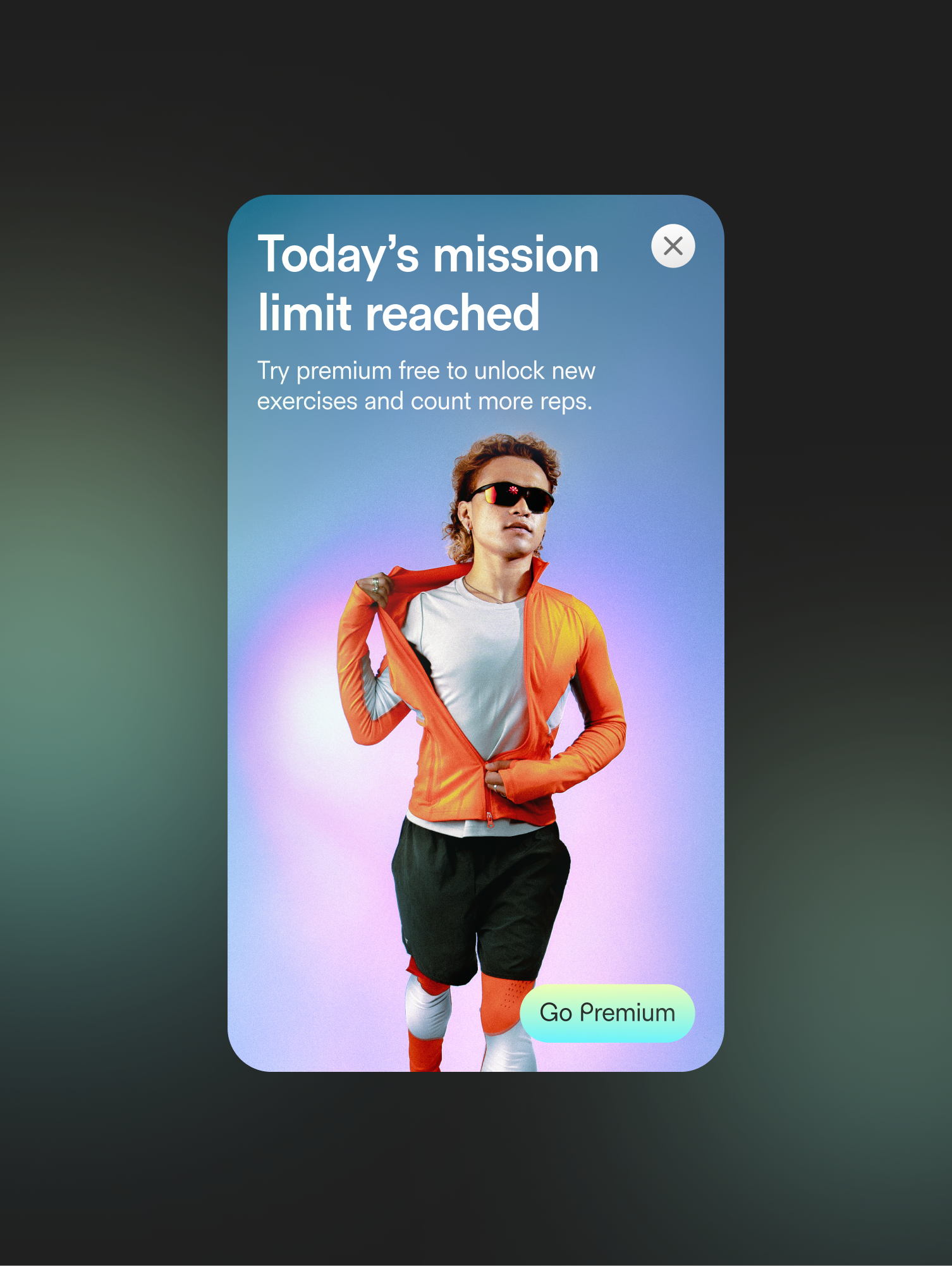
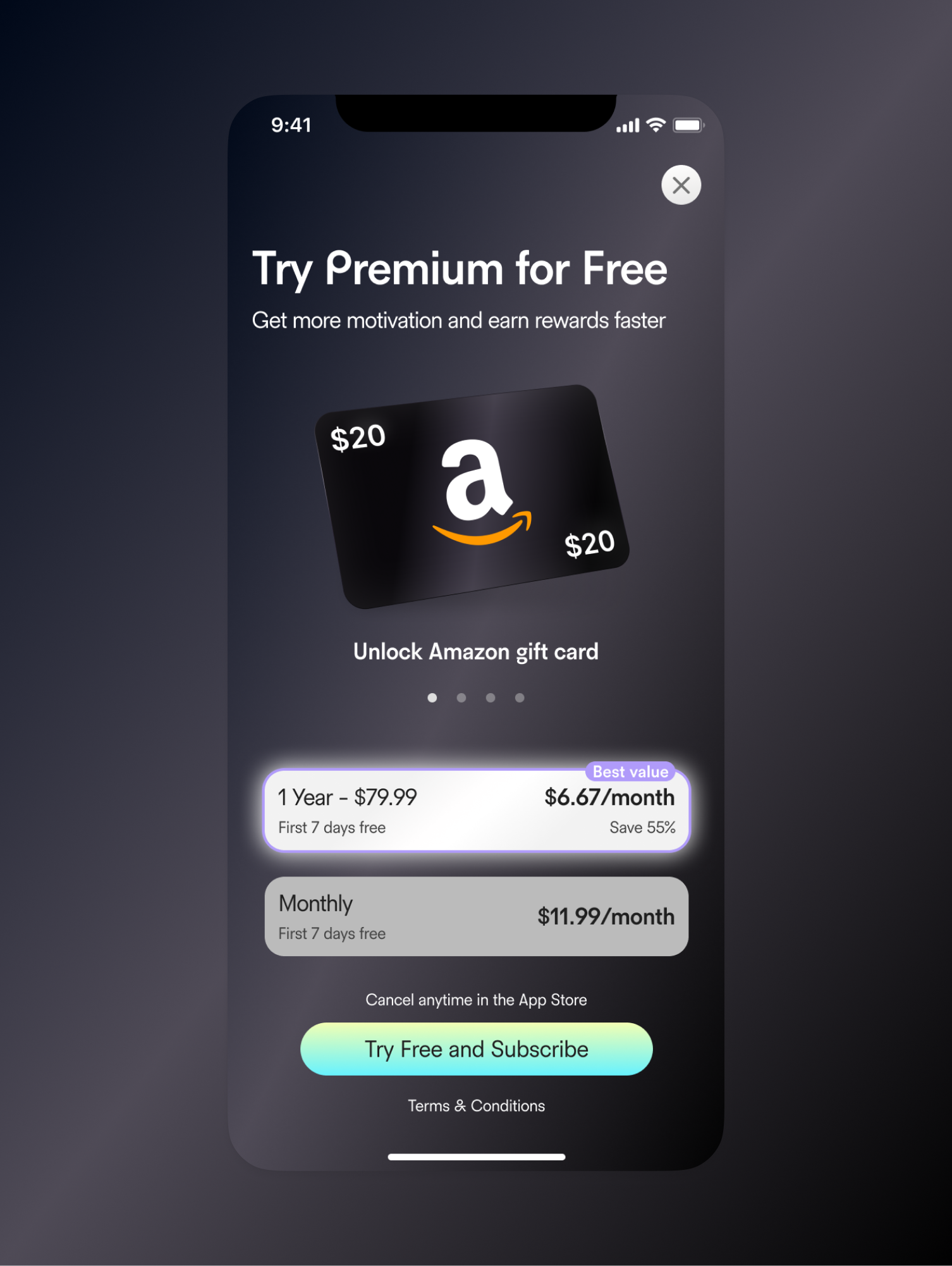
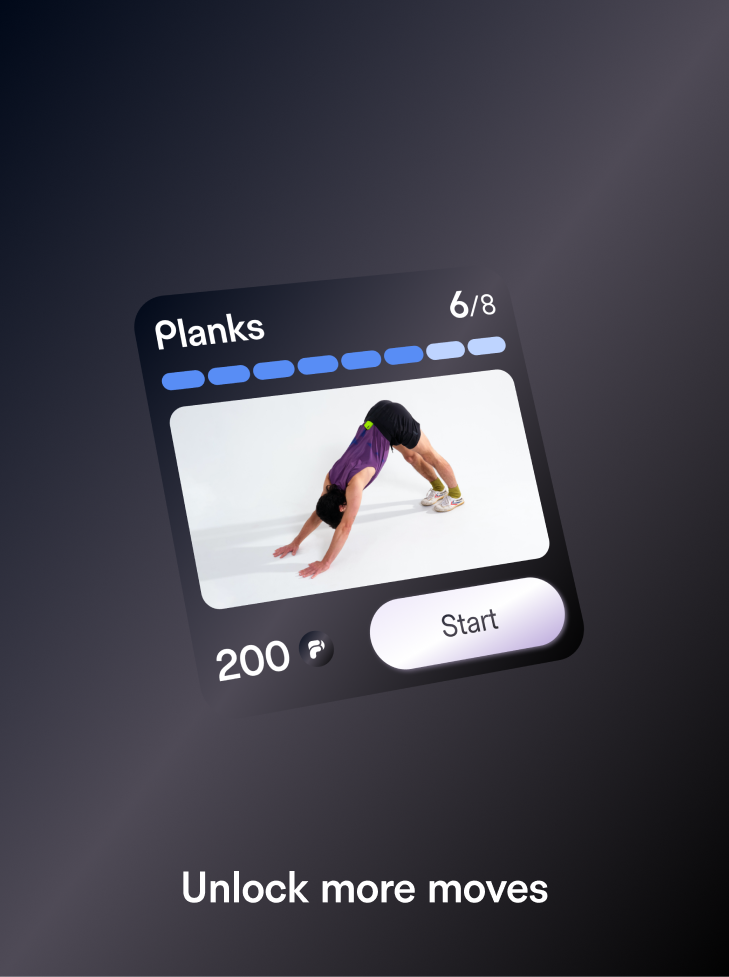
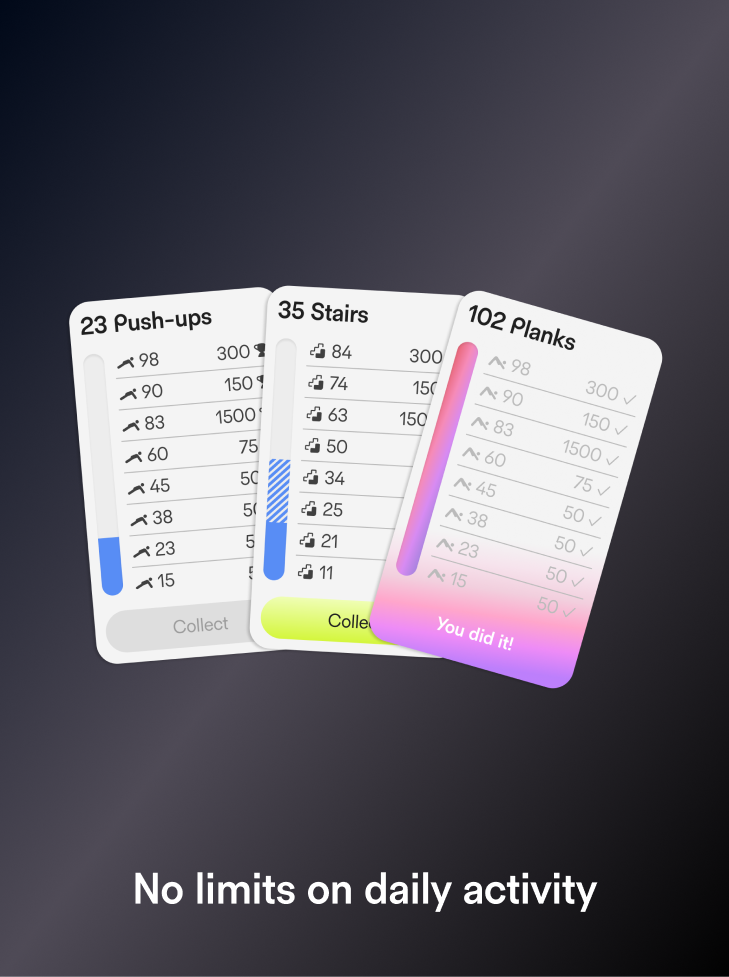
Premium Upsell and A/B Tests
Title Placeholder
Body Text Placeholder


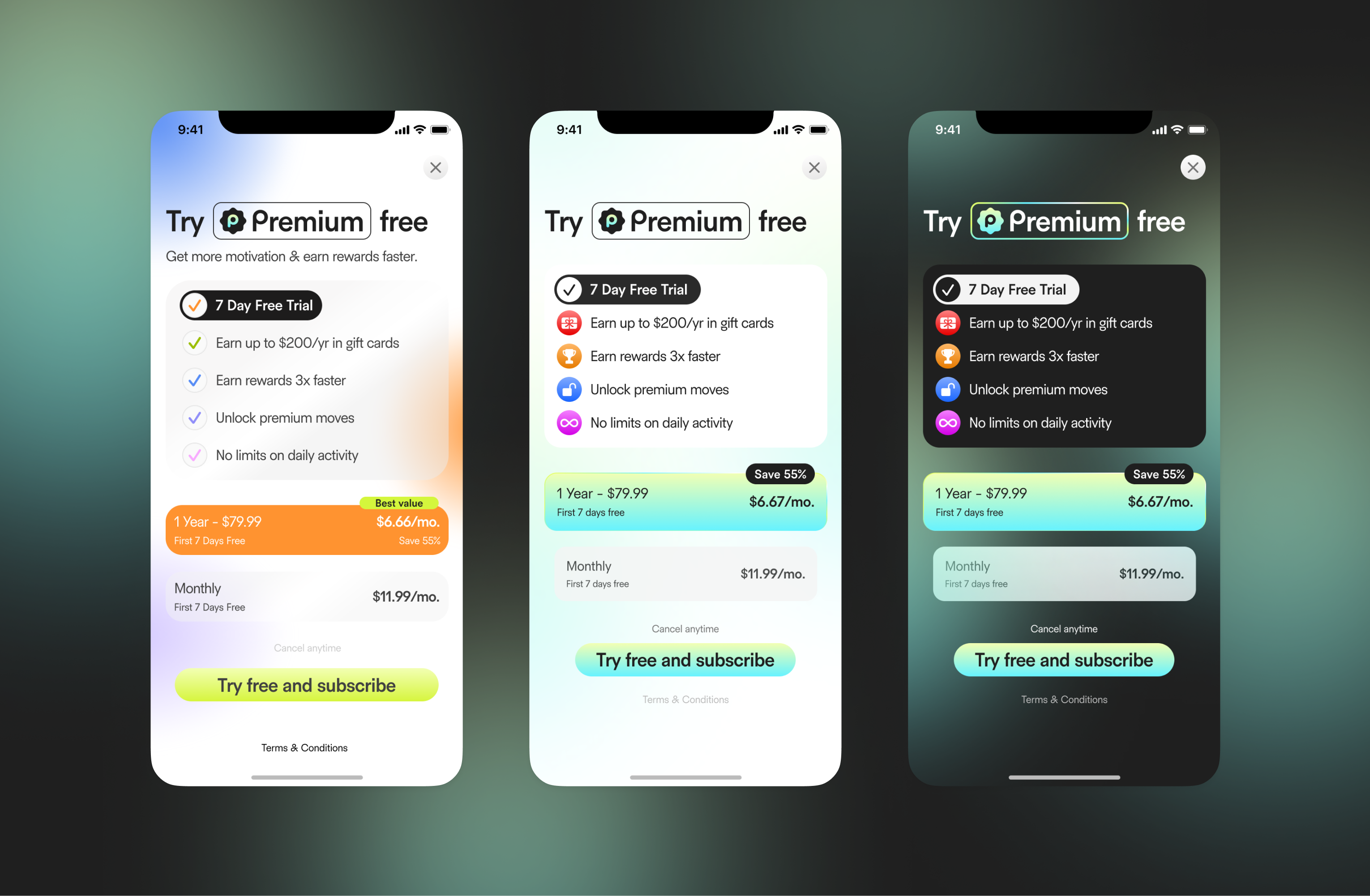
Differents Screens for A/B Tests


Design
How we conducted A/B Tests
Title Placeholder
Body Text Placeholder


Design
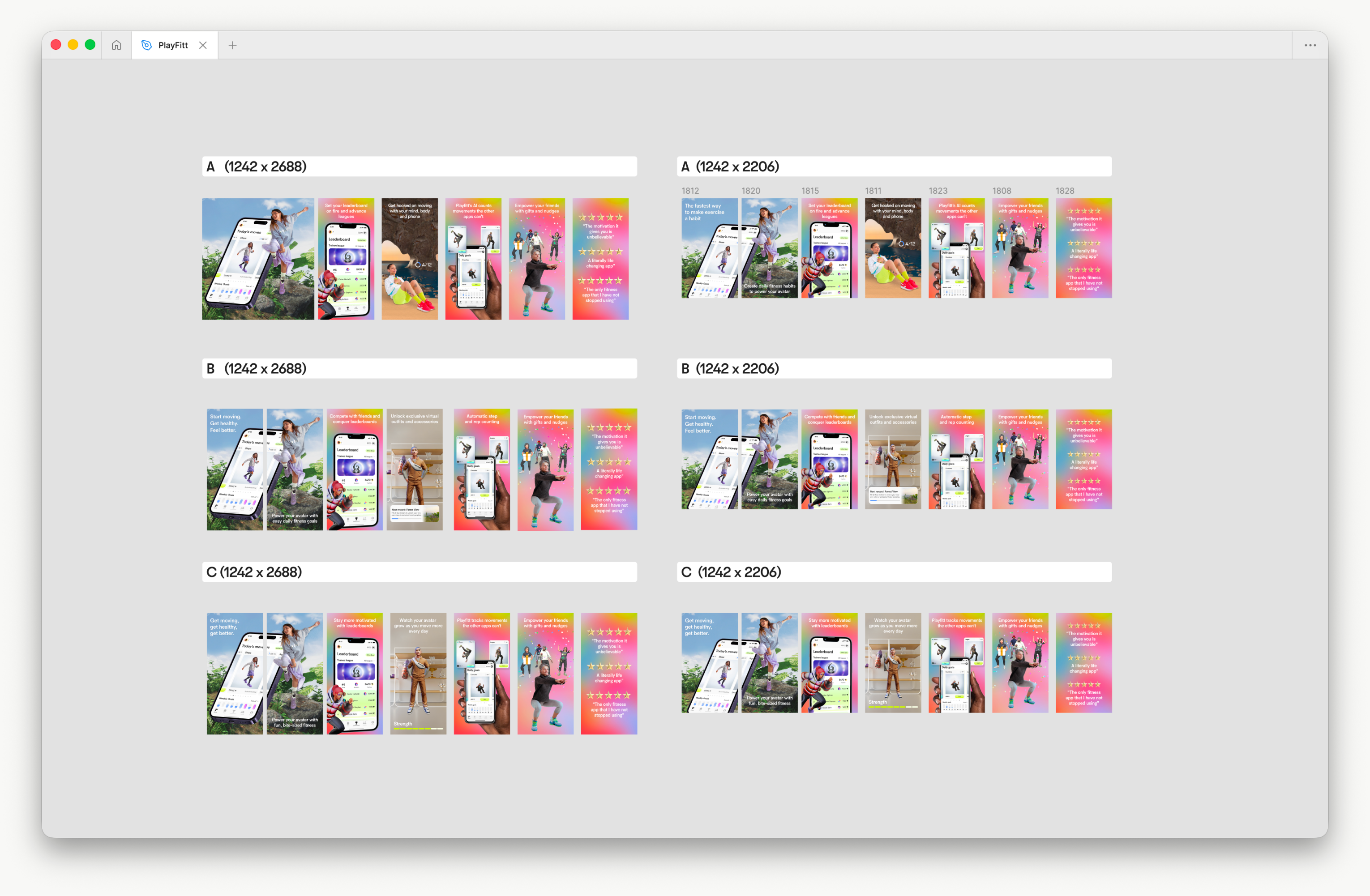
App Store A/B Tests
Title Placeholder
Body Text Placeholder
Partnerships
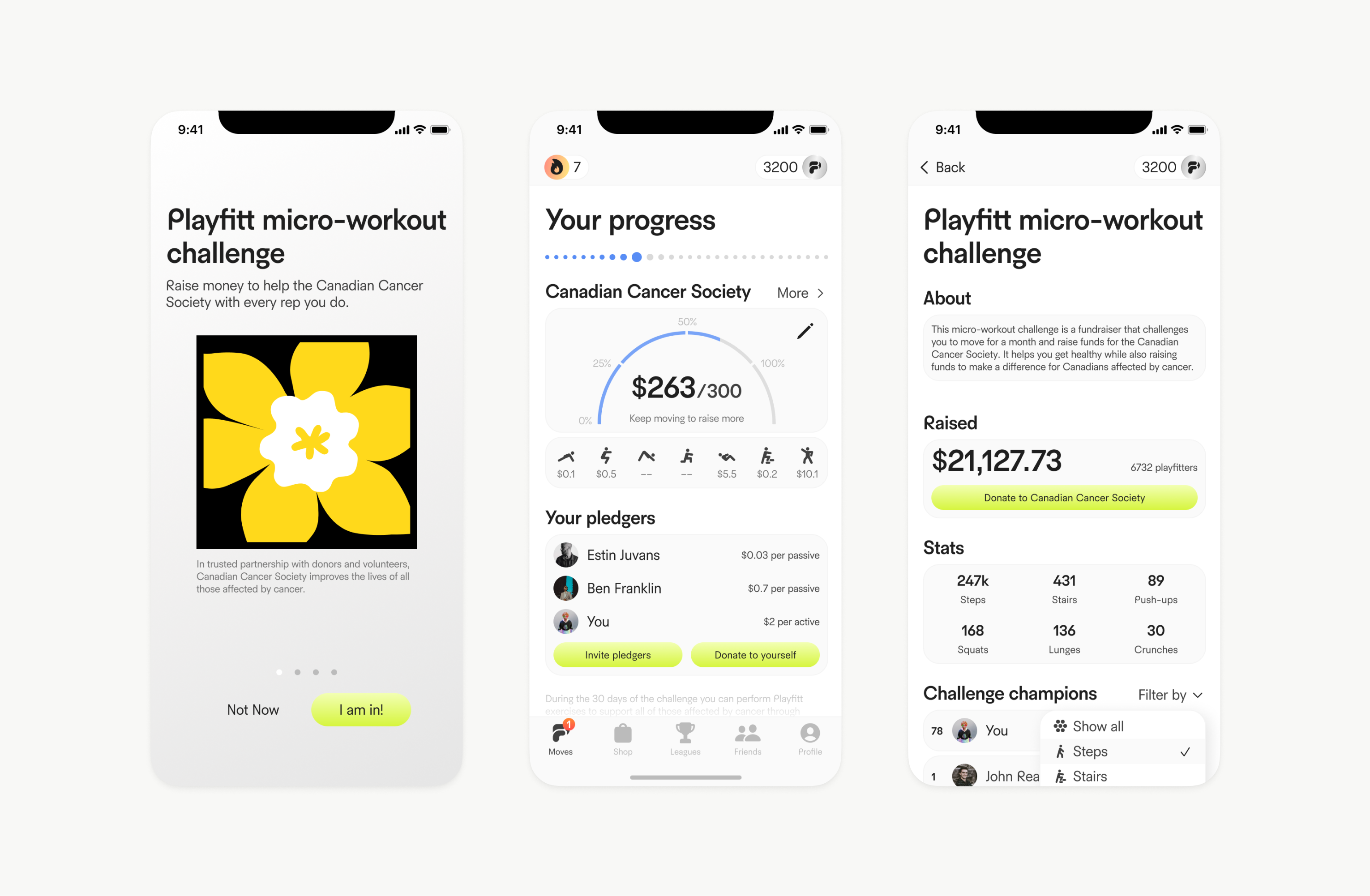
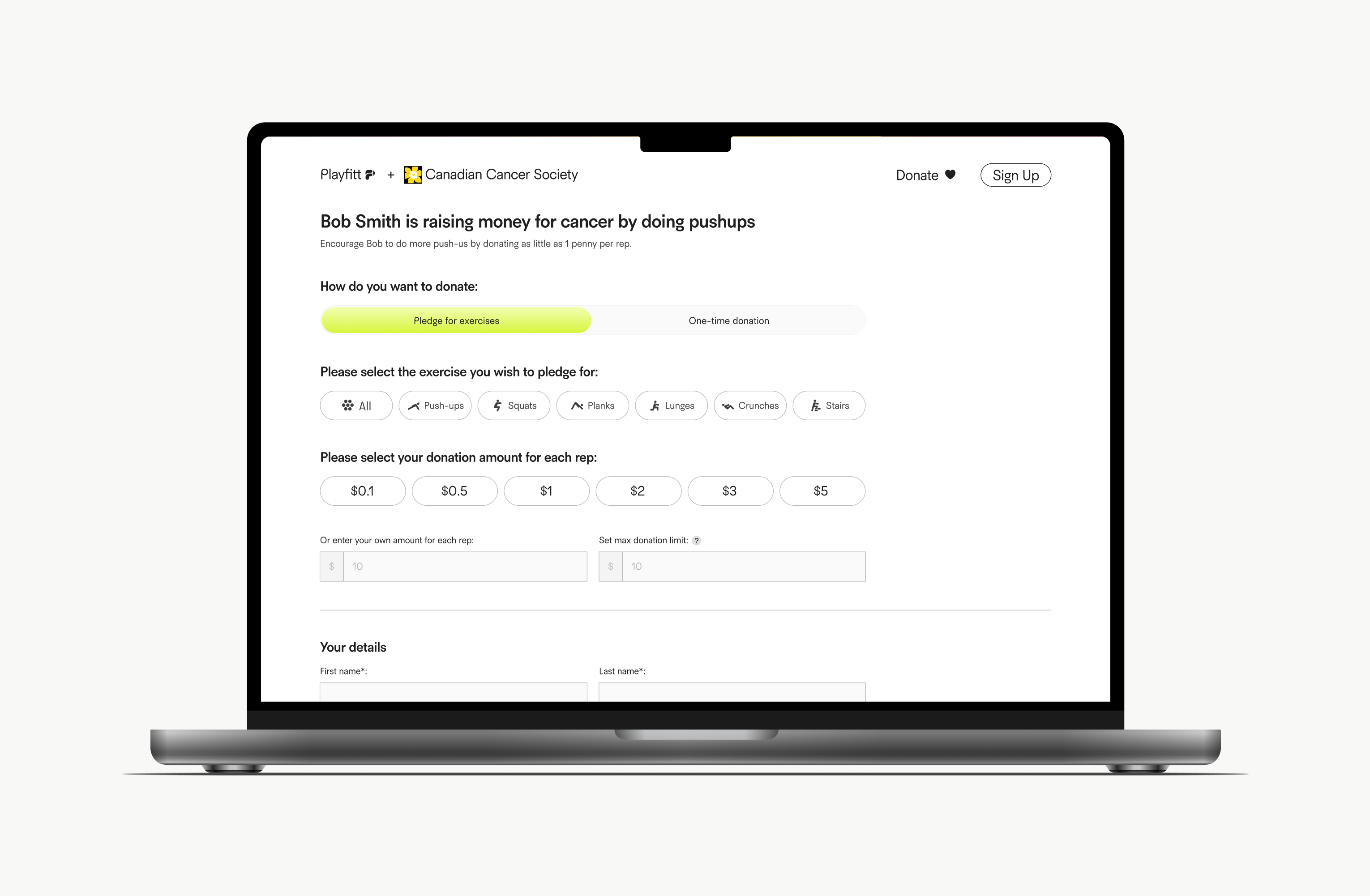
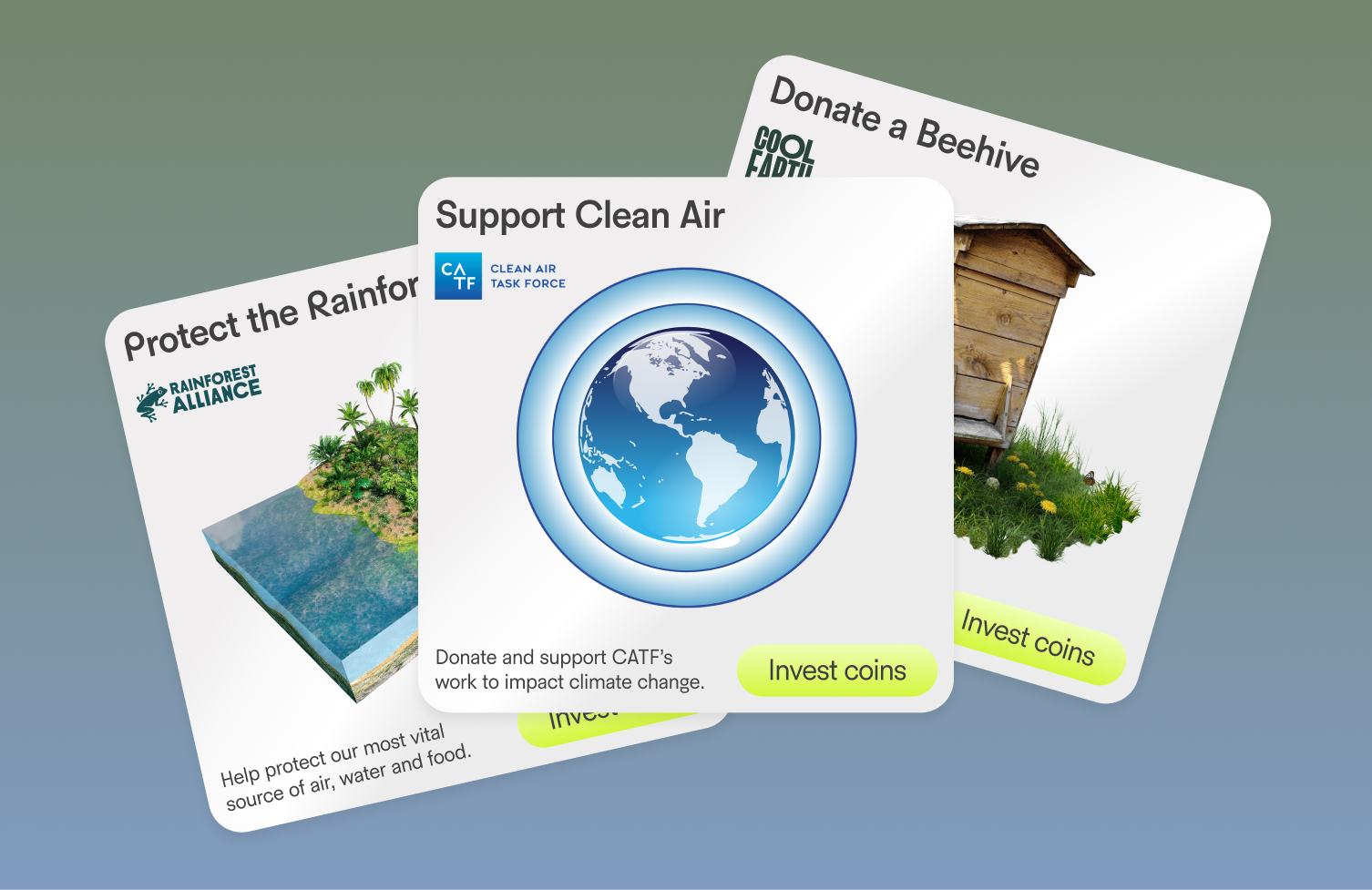
Partnerships: Canadian Cancer & Rainforest Alliance
Title Placeholder
Body Text Placeholder
Partnerships
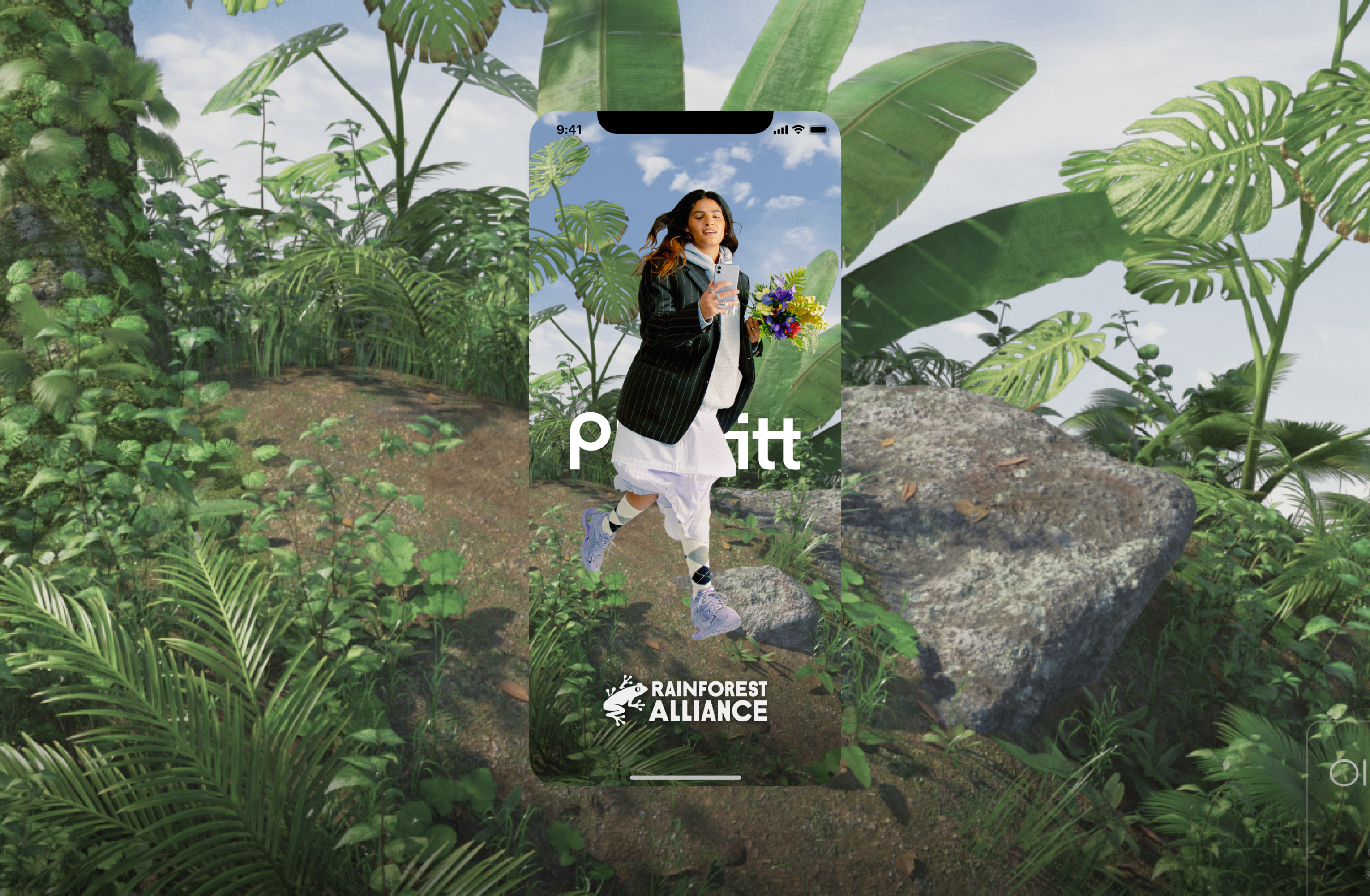
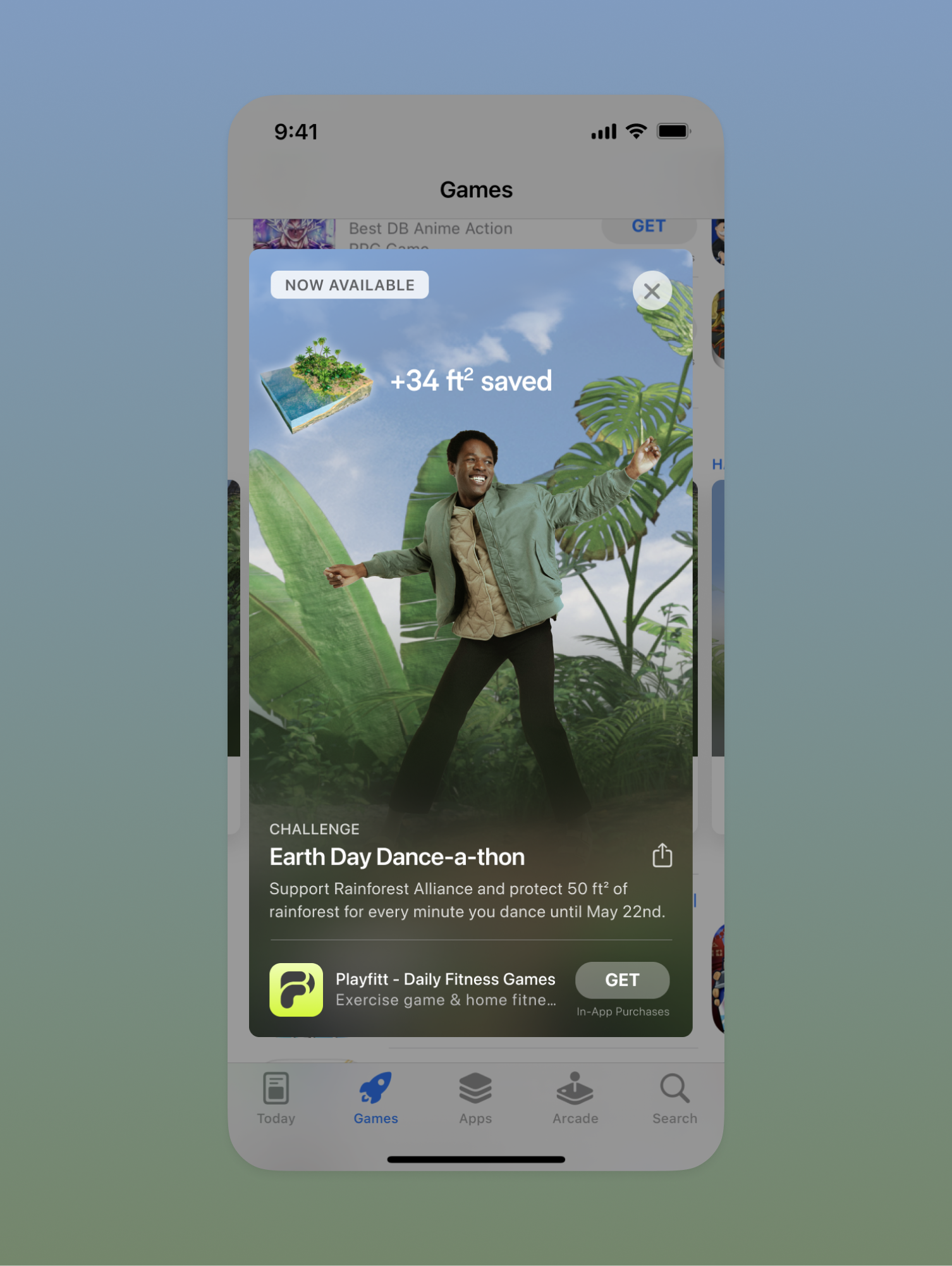
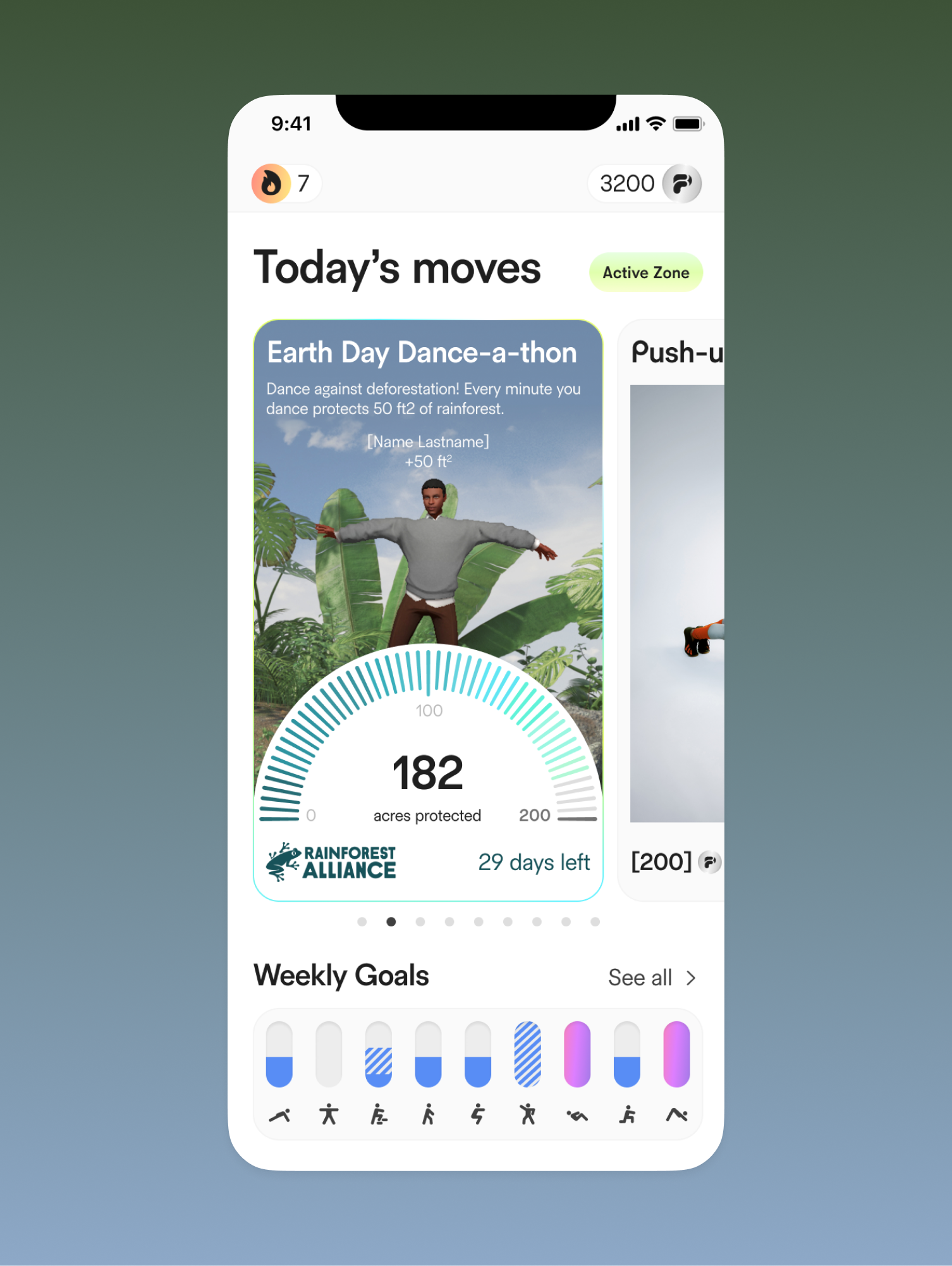
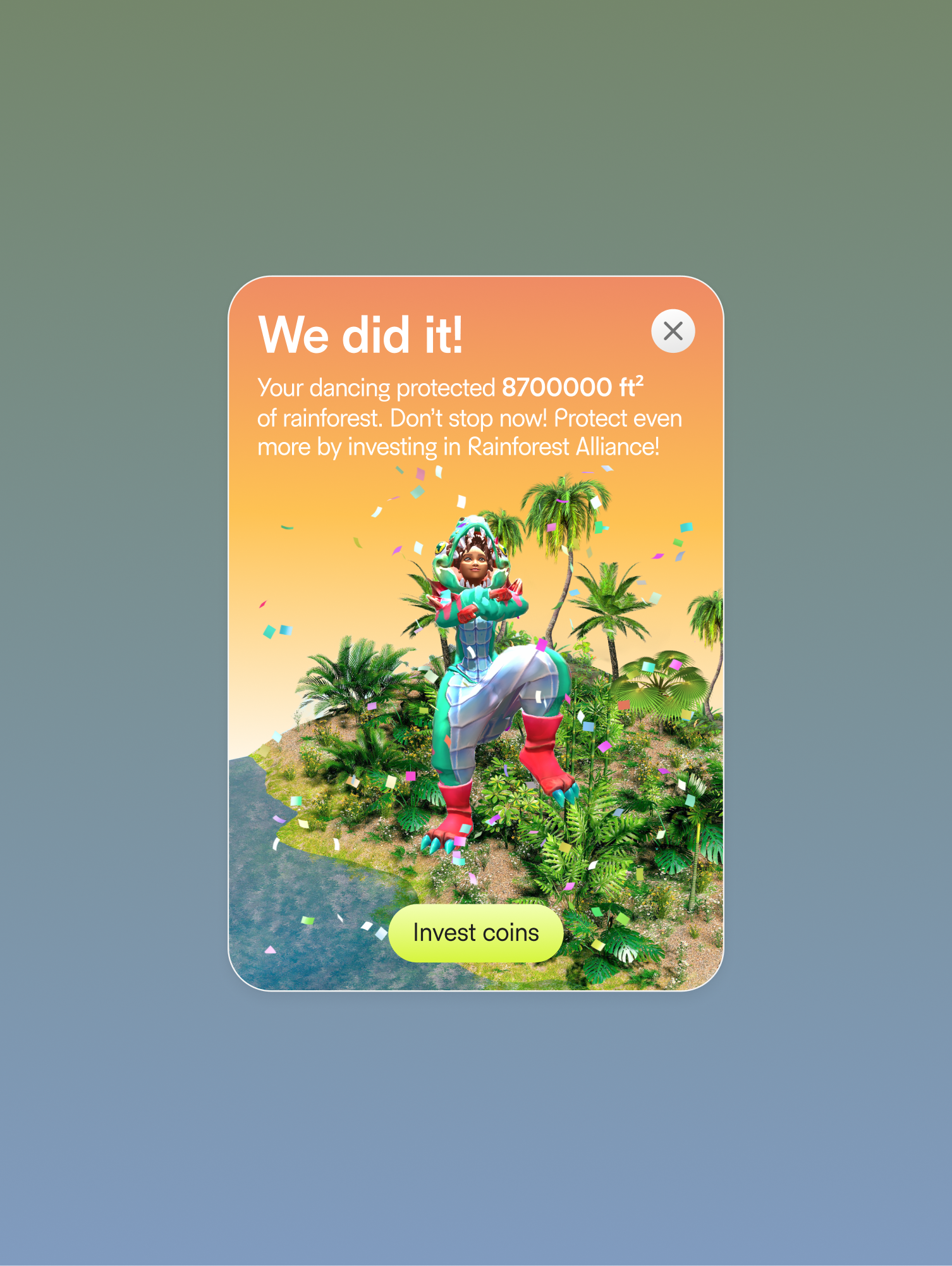
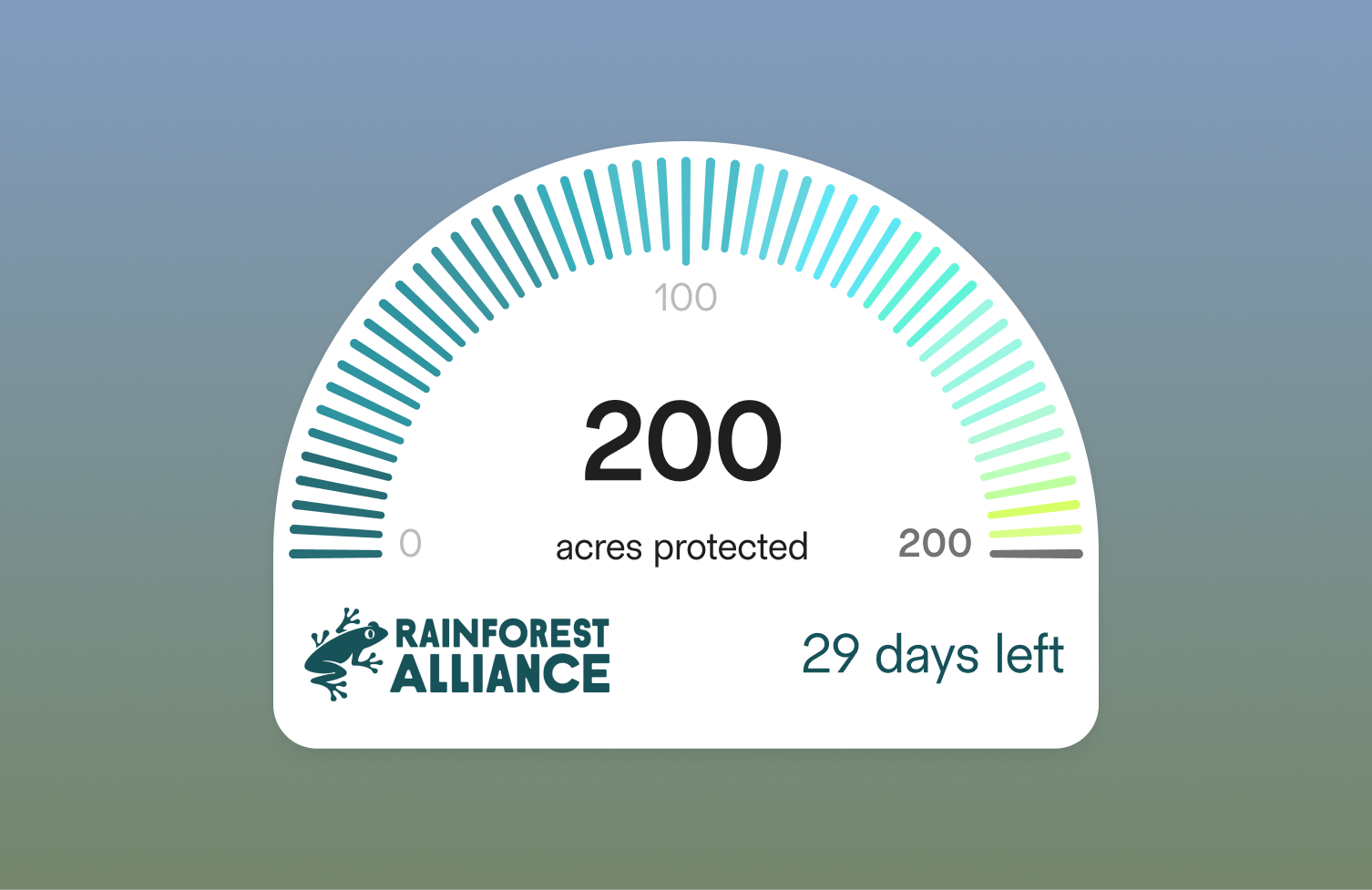
Rainforest
Title Placeholder
Body Text Placeholder
Library
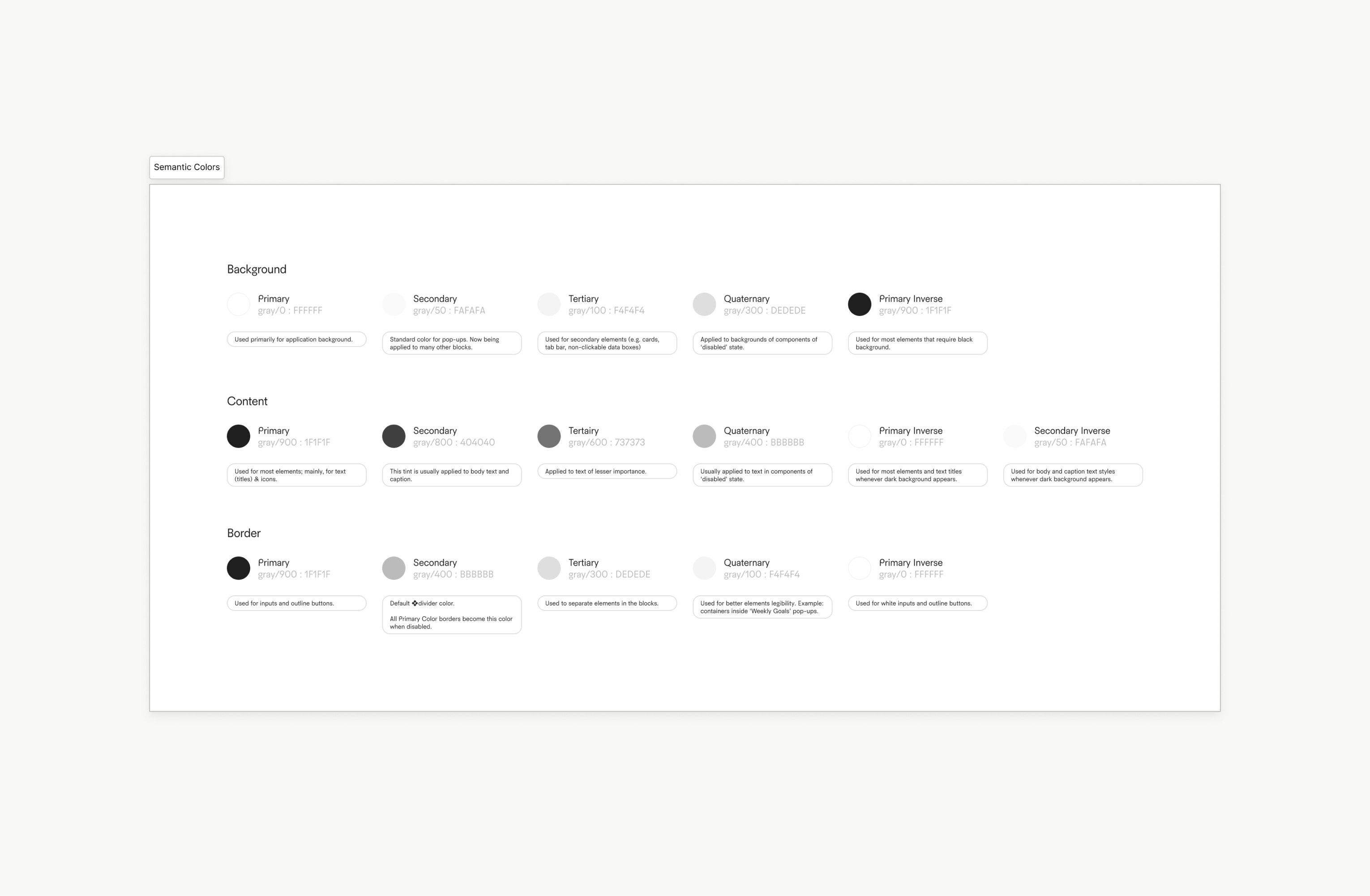
Library, Accessibility and Handoff to Development
Title Placeholder
Body Text Placeholder
Library
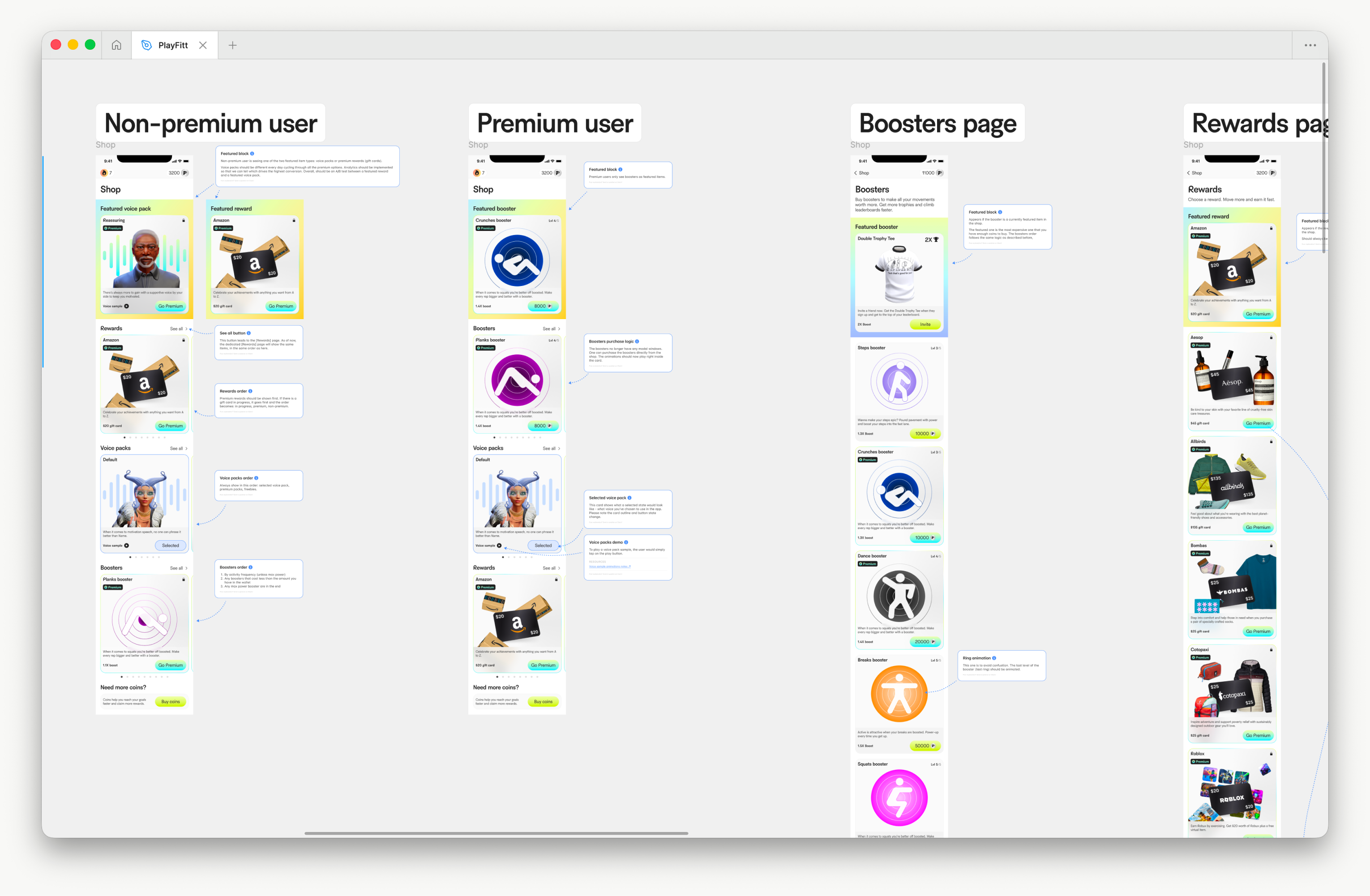
Annotation system
Title Placeholder
Body Text Placeholder
Library
Accessibility and Typography
Accessibility and Dynamic Type
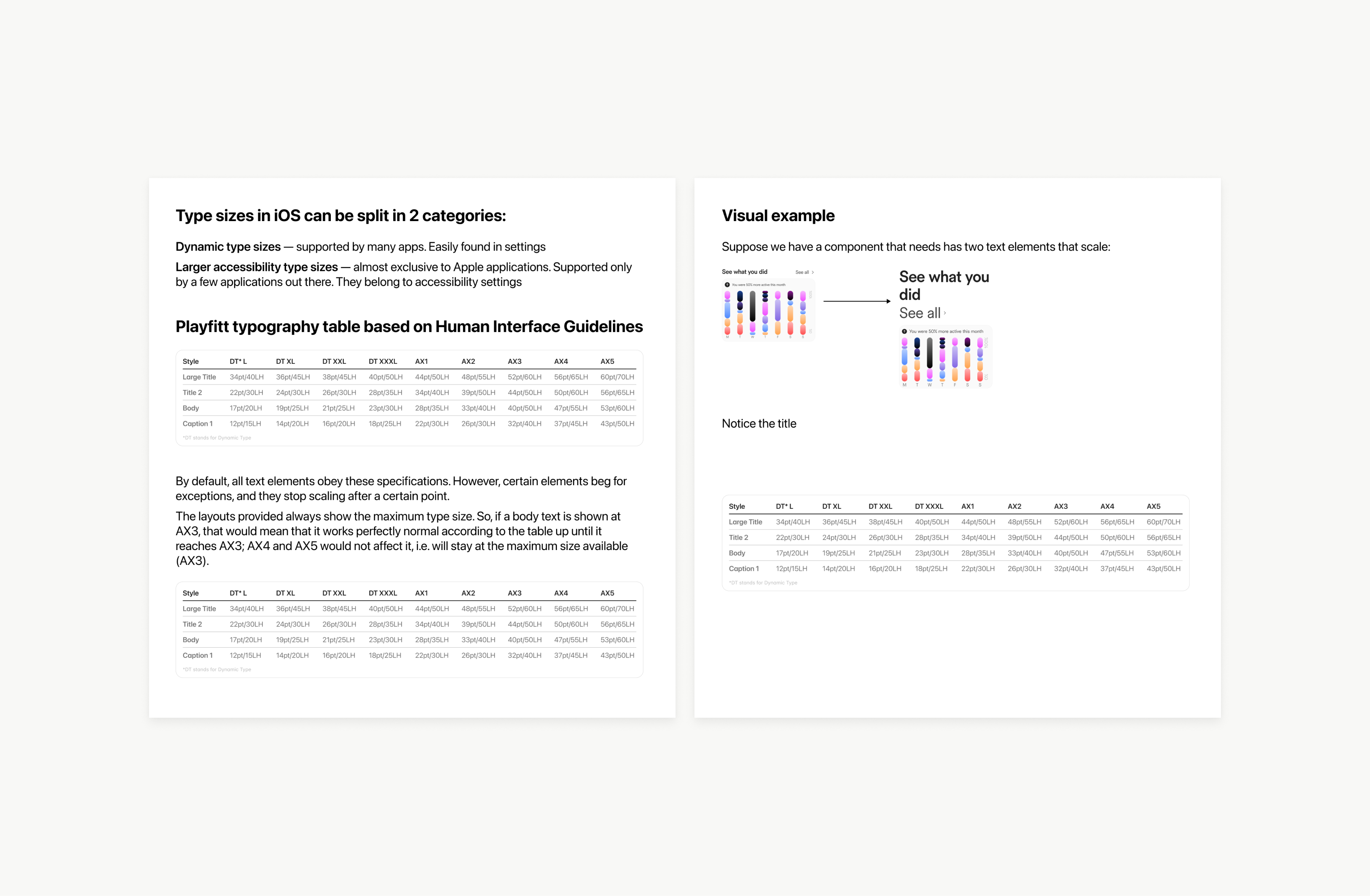
Accessibility was treated as a first-class design constraint, not a secondary enhancement. All typography decisions were built in accordance with Apple Human Interface Guidelines and Dynamic Type best practices, ensuring the interface remains usable and visually consistent across different accessibility settings. iOS typography operates across two distinct categories: system-supported dynamic type sizes and extended accessibility sizes available through system settings. We designed with a clear understanding of how and where text is expected to scale, and where controlled limits are necessary to preserve layout integrity.
Typography Scaling Strategy
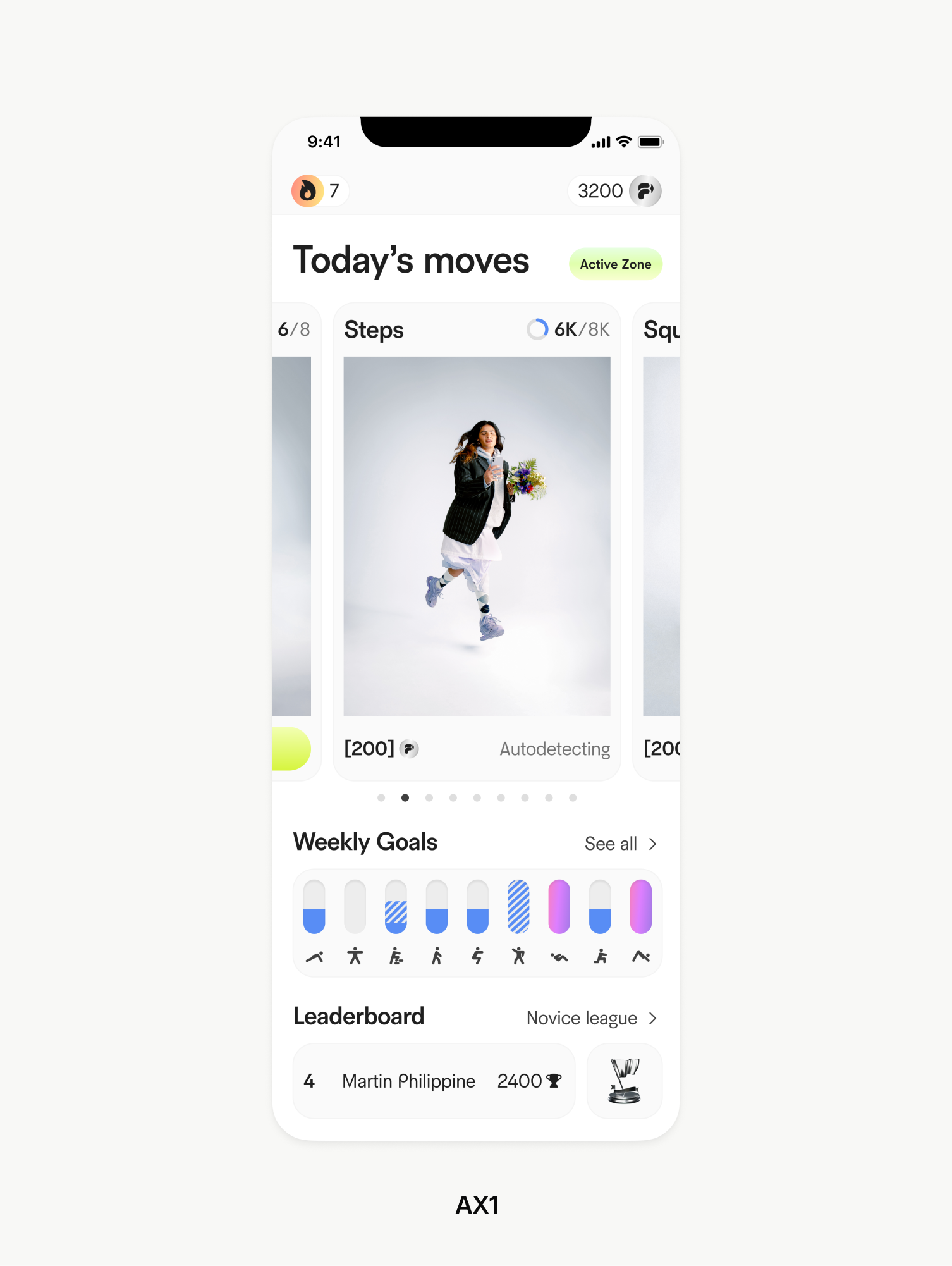
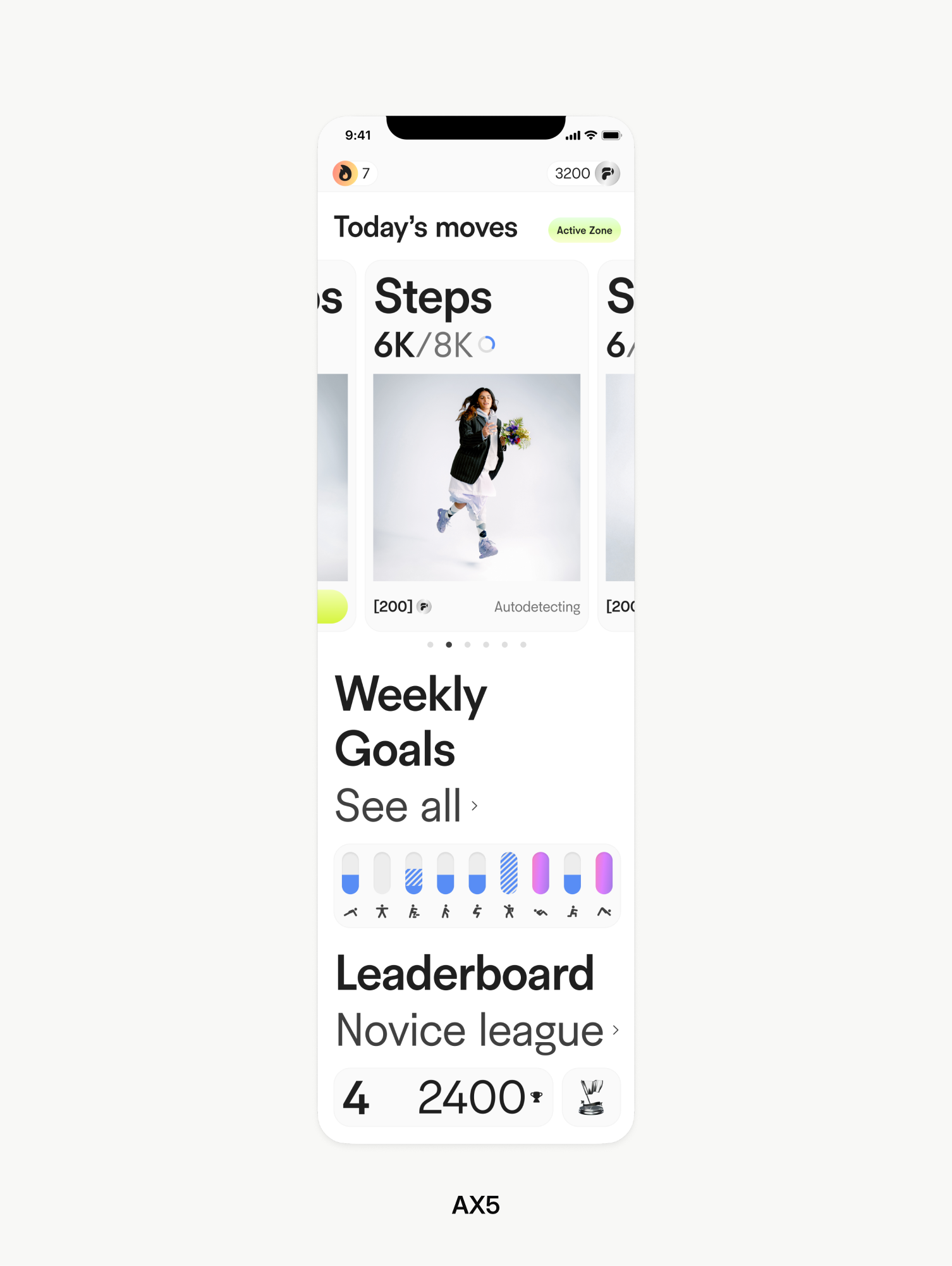
All text elements were mapped to a custom typography table derived from Apple’s Human Interface Guidelines. This allowed us to define explicit scaling behavior for each text style while maintaining predictable visual hierarchy across breakpoints. While most elements scale linearly with Dynamic Type, certain components require constraints to avoid breaking layout logic. For example, body text was allowed to scale naturally up to a defined accessibility size threshold, after which further scaling was intentionally capped. This ensured readability without compromising spacing, alignment, or component balance.
Results
Results
Title Placeholder
Body Text Placeholder

The Results are Password-Protected
Access is restricted due to confidentiality. Please enter the password or contact me.
Client Feedback
"Denys and Alex did an amazing job on the design side of our mobile consumer app. They brought their A game and made an immense difference on the quality of the product. I would definitely work with them again and cannot say enough good things about them. If you're looking for dedicated hard working people who have a keen eye for design patterns, visual hierarchy, clarity and concision, look no further. Thanks Denys!"
Jonathan Guillemette